What’s on it
The card is drawn from your page, so there is nothing to fill in twice: your photo, your name, your handle and address, the icons of the accounts you are on, and the colours of your page. Add a job title, a company or a location under Card details if you want them on it, and an email address or phone number if you want people to be able to reach you.
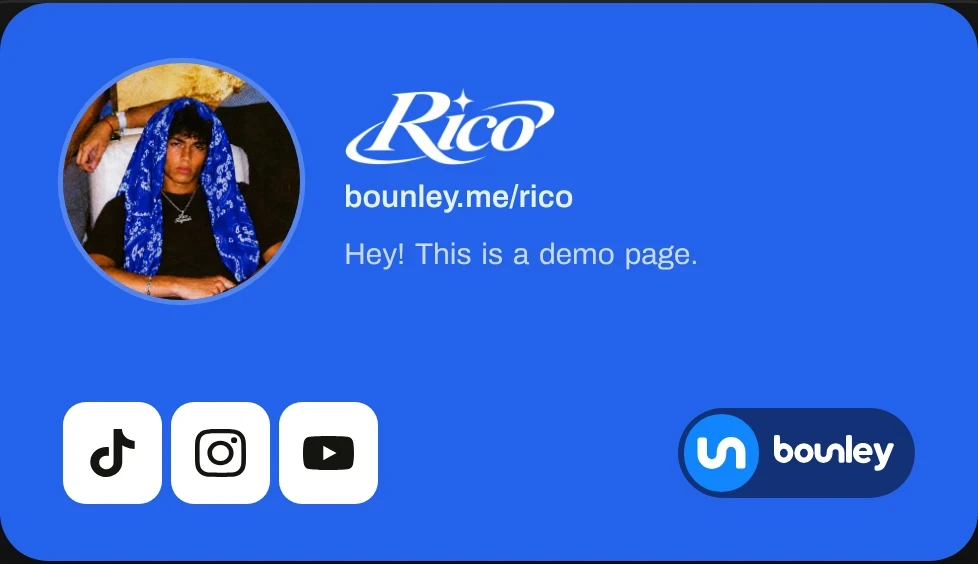
Ways to hand it out
- Save it as an image and text it, DM it or post it.
- A QR code that opens your page, for posters, stickers, merch and the end of a video.
- Under every email, as your email signature.
- On your own website, with one line of embed code.
- In chats. When your link is shared in iMessage, WhatsApp, Discord or Slack, the preview shows your photo and name.
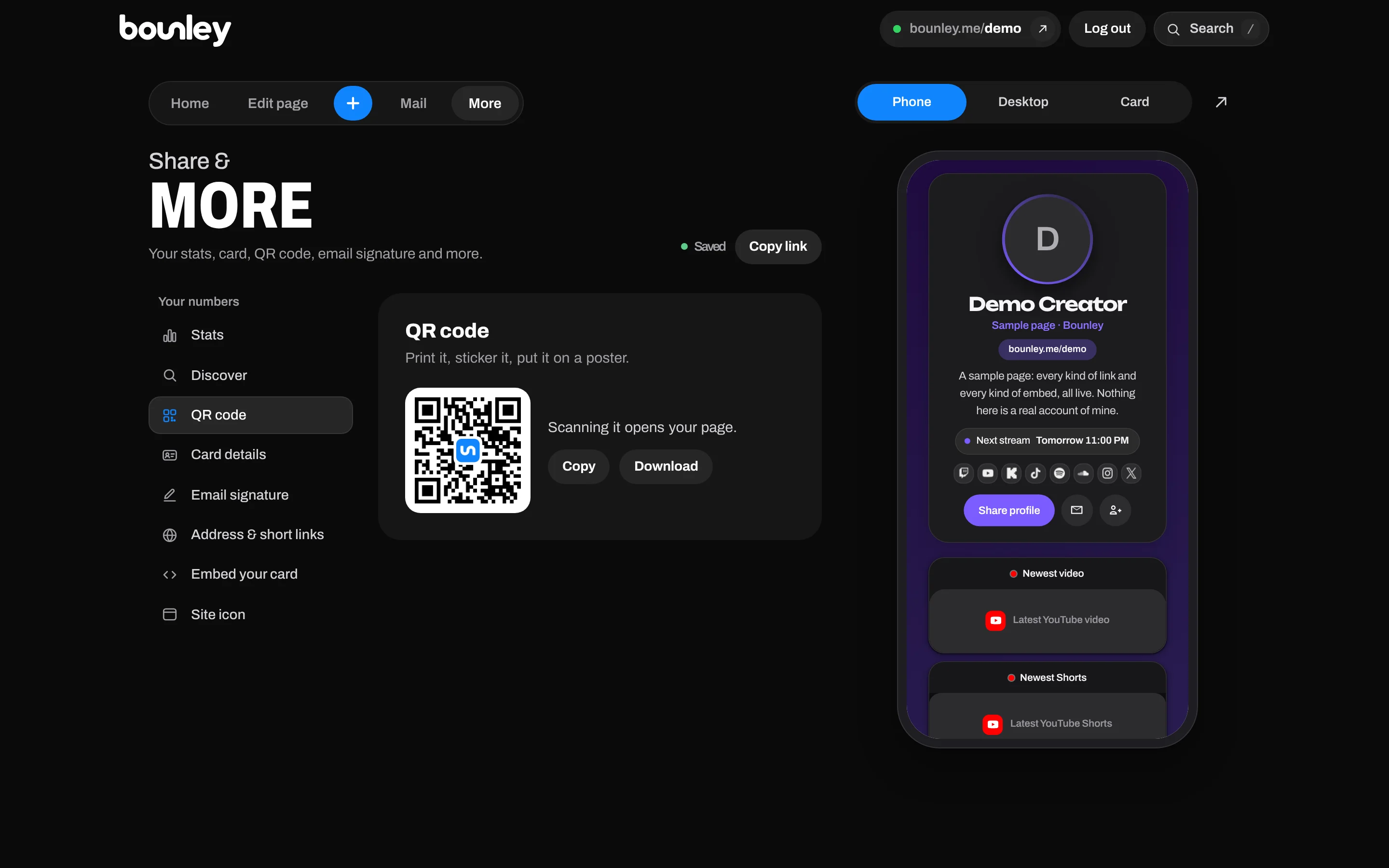
Save to contacts
If your card has an email address or phone number, your page gets a Save contact button. One tap and you are in the visitor’s phone, with your name, details and page.
Always up to date
Paper cards go stale the day you change anything. This one is made from your page, so when you change your photo, your name or your accounts, your card, your QR code’s page and your signature follow.
Get yours
Claim your name, add your accounts, and your card is ready under More in your dashboard. Free while Bounley is in beta.
More for your personal brand
A card works best next to a professional email address and a website on your own domain. The personal brand checklist has the rest.