Adding the link
- Open X and go to your profile.
- Tap Edit profile.
- Paste your link into Website, for example bounley.me/yourname.
- Tap Save.
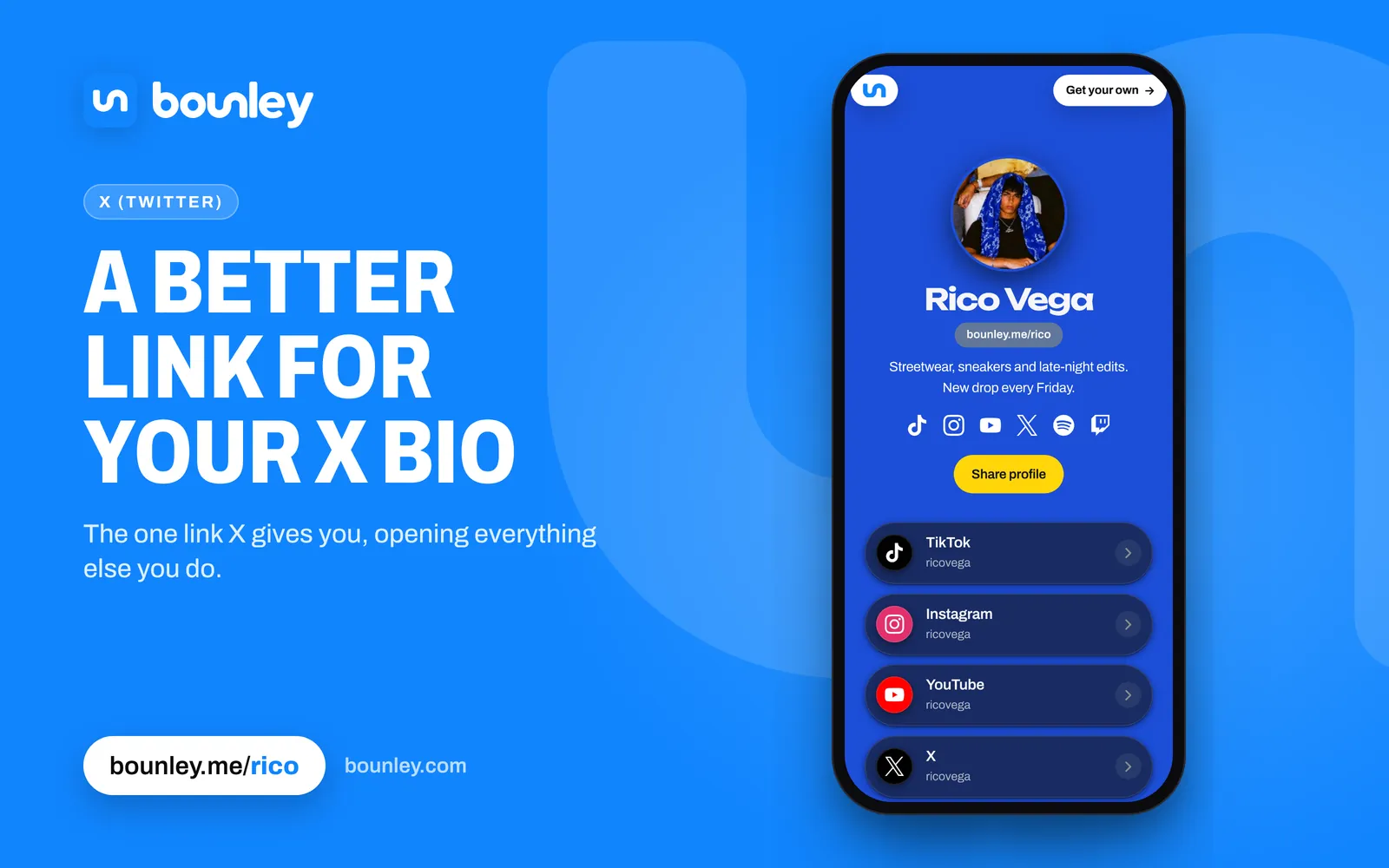
The link shows under your bio with a link icon, and anyone who taps it opens your page.
Links in the bio itself
X usually turns an address typed into your bio into a tappable link, and @names into links to those accounts. That gives you room for a second link, but bio space is short, so keep the Website field for the one that leads to everything.
Use a pinned post
Links in posts are clickable on X. Pin a post that says what you do and links your page, and everyone who visits your profile sees it first. Change the pinned post when you have something new to point at.
Make the link count
Someone arriving from X has just read something you wrote. A page that holds your other accounts, your latest video and a way to contact you turns that one visit into a follow somewhere else. With Bounley you can also show your latest X post right on the page.
Next steps
Point your Website field at a site on your own domain: how to get a website for your personal brand and how to choose a domain name.