Adding a link
- Open Instagram and go to your profile.
- Tap Edit profile.
- Tap Links, then Add external link.
- Paste your link, for example bounley.me/yourname, give it a title if you like, and tap Done.
Instagram has allowed up to five links on a profile since 2023. They appear in the order you add them, and your profile shows the first one with a note that there are more.
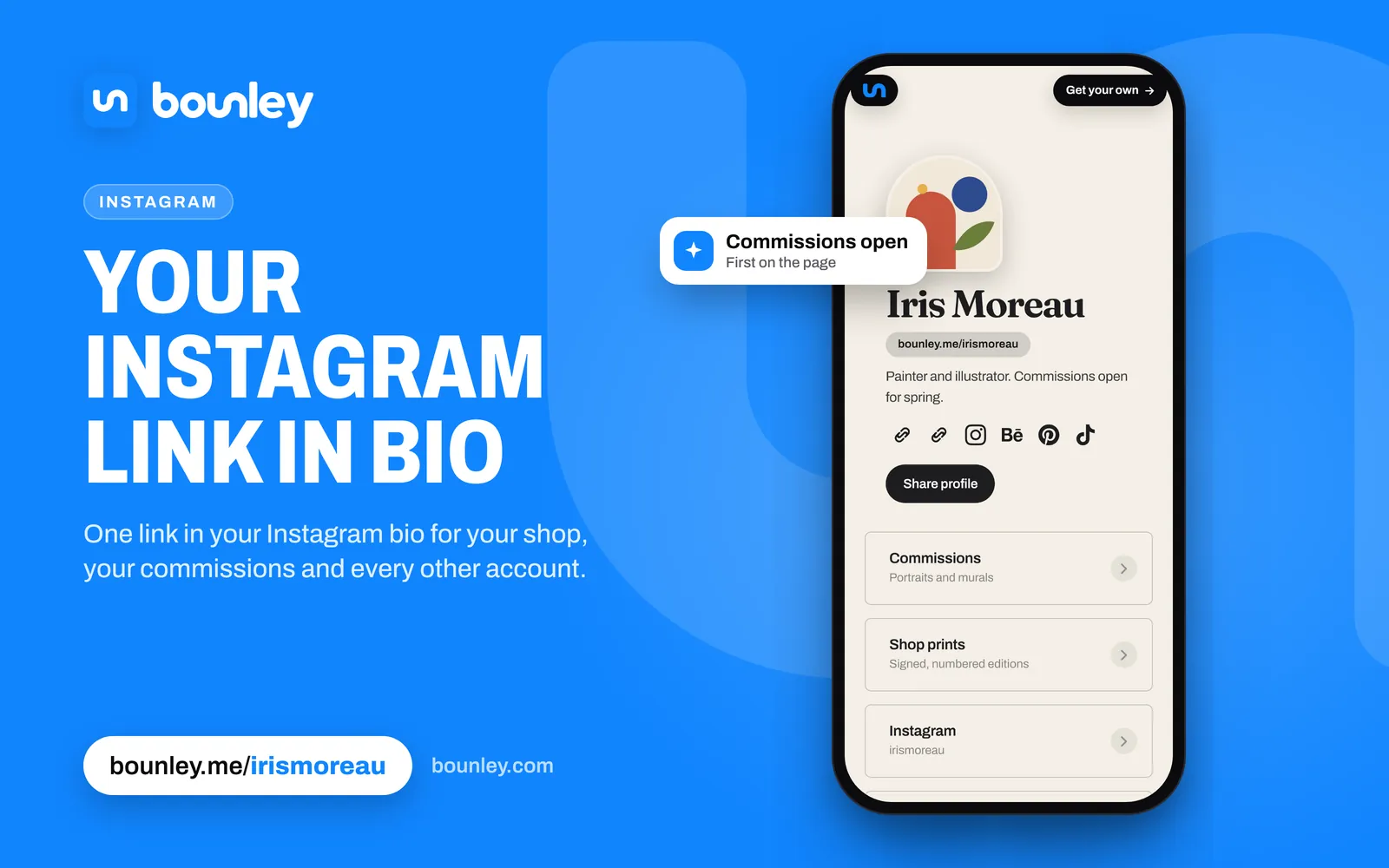
How to make a link in bio for Instagram
A “link in bio” is just a page that holds everything, with its address in your Instagram links. To make one:
- Make the page. With Bounley you claim bounley.me/yourname and type one username; it finds your other accounts and builds the page in about two minutes.
- Put your newest thing first: the video, drop or sign-up your latest post talks about.
- Copy the page’s address and add it in Instagram under Edit profile → Links → Add external link.
- When you’re ready, put the page on your own domain (yourname.com), so the link in your bio is your name rather than a tool’s.
Which link should go first
Most people never tap “and more”. Put the link that leads to everything first: a link-in-bio page with all your accounts, your latest video and your shop. The rest can be extras.
The best link to put there: your own domain
yourname.com in your bio reads as a brand; a tool’s address, even bounley.me/yourname, reads as a tool. Your own domain is also the one link that never has to change: if you ever switch services, you point the domain somewhere new and every bio, card and old video still works. With Bounley Premium your site runs on your own domain, with an email address at it to match. See how to use your own domain as your link in bio.
Where to find the link in someone’s Instagram bio
Open their profile: the link sits under their name and bio, above the Follow button. If they have more than one, tap it to see the full list. Instagram opens links in its own browser; the menu in its corner usually lets you open the page in your phone’s browser instead.
Links in captions and comments
Links in Instagram captions and comments aren’t clickable, which is why “link in bio” exists. Point people to your profile instead.
Stories and other places links work
- Stories: add the Link sticker to a story and anyone watching can tap through. Save it to a Highlight so it stays on your profile.
- Direct messages: links in DMs are clickable.
- Threads: your Threads profile can carry a link too.
Keep it fresh
When you post something you want people to open, make it the top link on your page rather than changing your Instagram link. Your bio link stays the same, and everyone who taps it lands on what’s new.
Bounley shows you which links get tapped, so you can see what your Instagram audience actually opens.
Next steps
Brands that find you on Instagram will look for a way to reach you. Add a business email at your own domain (how) and see how to make your personal brand more professional.