Why a personal brand needs a website
- It’s yours. Platforms change their rules and their reach, and accounts get suspended. A site on your own domain stays put, and so does everyone who bookmarked it.
- One link for everything. Every app gives you room for one link, maybe a few. Your website is the link that leads to all the rest.
- People look you up. Before a brand sponsors you, a client hires you or a venue books you, they search your name. A website is what you want them to find first.
- It makes you look established. A site at yourname.com, with an email address at the same domain, is the clearest sign that you take what you do seriously.
What to put on it
A personal brand website doesn’t need ten pages. Most of the people who visit are on a phone, often inside the app they came from, and decide in seconds. Put these on it, in roughly this order:
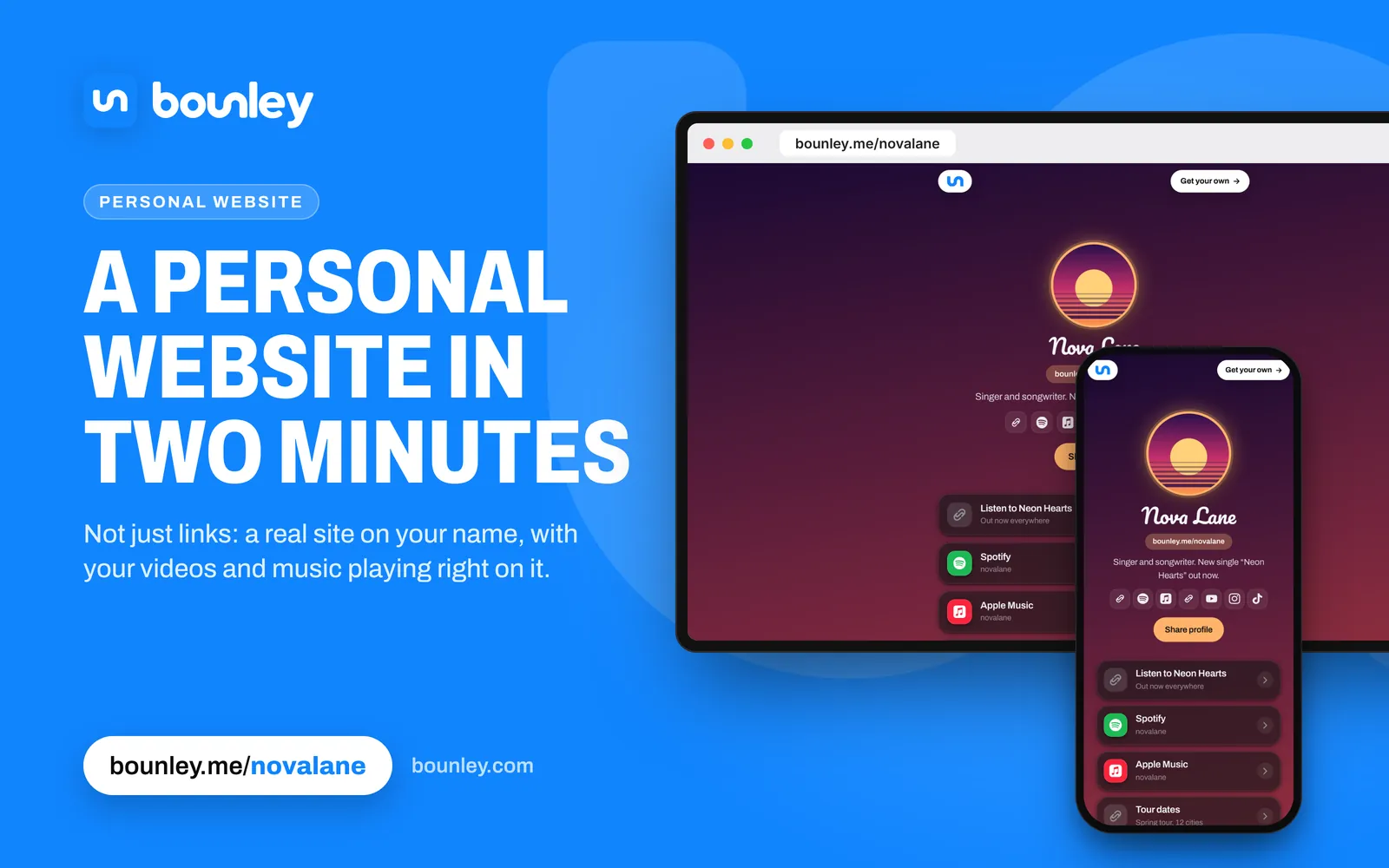
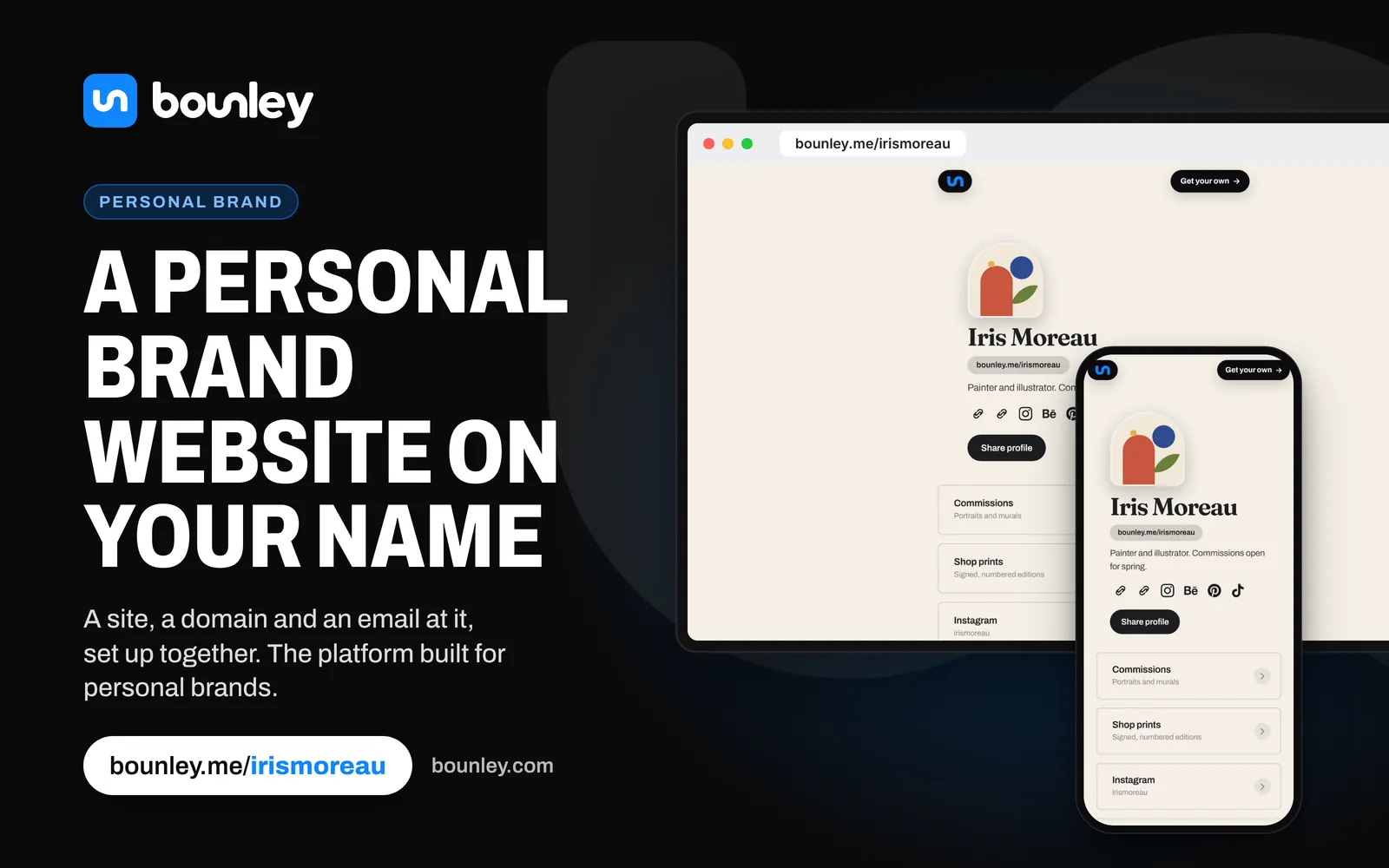
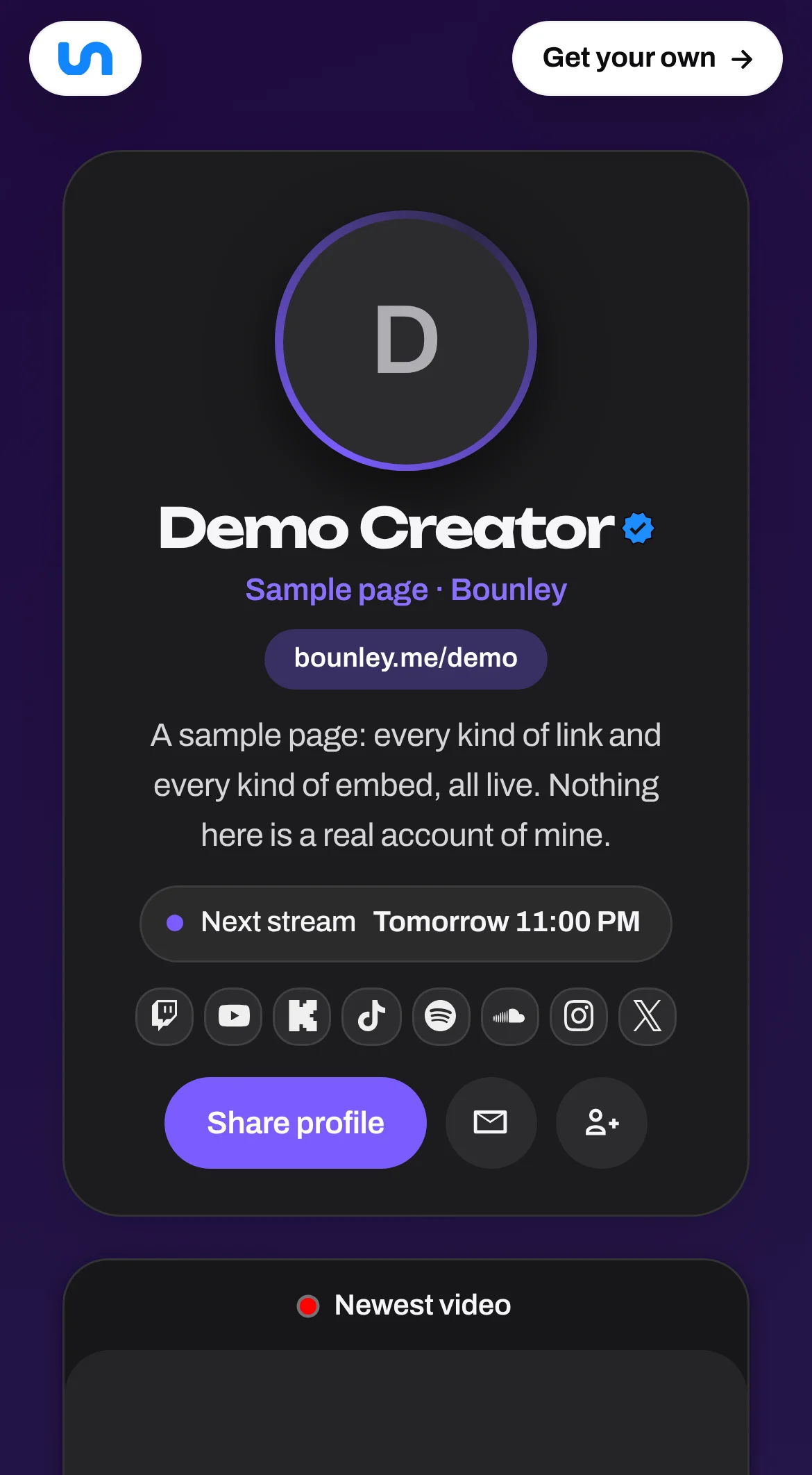
- Your photo, your name and one line about what you do and who it’s for.
- The thing you most want people to do right now: your new video, release, product, booking link or sign-up.
- Your best or latest work, playing or showing right on the page where possible, not just linked.
- Every account you’re on, so new visitors can follow you where they already spend time.
- How to work with you: a professional email address, a contact or booking form, and a media kit if you do brand deals.
- Ways to support you, if you have them: a shop, merch, Patreon, a tip link.
Your three options
| Website builder | Link-in-bio page | Bounley | |
|---|---|---|---|
| Time to set up | Hours to days of design | Minutes | About two minutes: it finds your accounts for you |
| Where it lives | Your own domain, on a paid plan | Usually the tool’s own domain (tool.com/yourname) | bounley.me/yourname free; your own domain with Premium |
| Email at your domain | Usually a separate service, such as Google Workspace | No | Built in with Premium |
| Videos and music on the page | Depends on the template | Some | More than a hundred kinds, playing on the page |
| Business card, QR code, signature | No | Some offer a QR code | Made from your site, always matching it |
| Keeping it current | You edit every page | You edit the list | Can show your newest video or stream on its own |
A website builder is the right choice if you want to design every detail and have the time. A link-in-bio page is fine for a quick list of links, but it lives on someone else’s domain and doesn’t give you an email address. Bounley sits in between: a real site, made for you in minutes, that can live on your own domain with your own email. Best website builders for personal brands compares them in more detail.
How to make one with Bounley
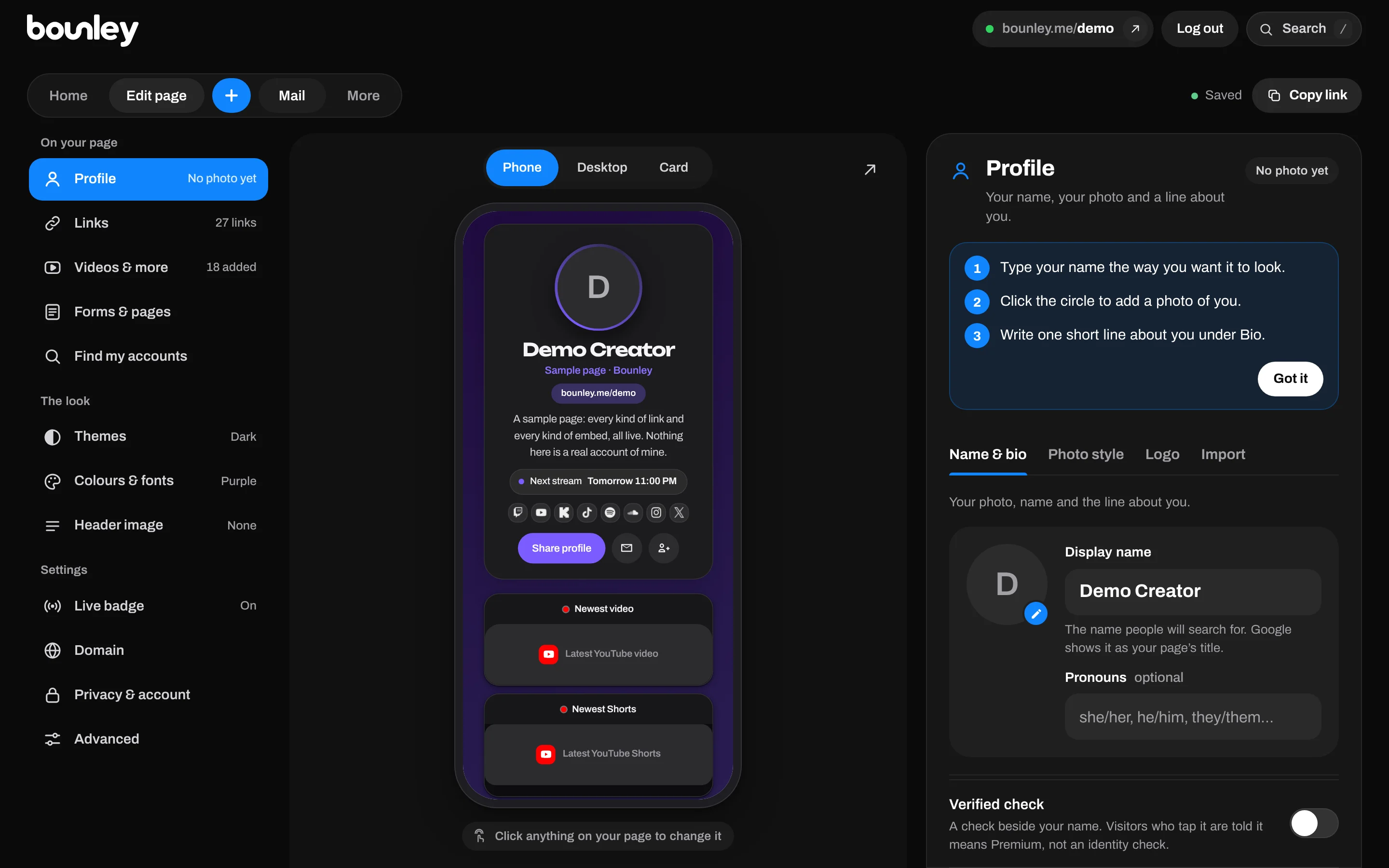
- Claim your name. Pick your address: bounley.me/yourname. Use your real name or the name you’re known by.
- Add your accounts. Type one username and Bounley looks for the same name across other platforms, photos and all. Tap the ones that are yours. Moving from another link page? Paste its address and your links come across.
- Put your best work on it. Paste a link to a video, track, stream or post and it plays right on the page. You can show your newest YouTube video or stream automatically.
- Make it look like you. Pick a theme, then adjust colours, fonts, a header image or a full cover photo.
- Put the link everywhere. Every bio, your email signature, your business card and a QR code for the real world.
The site is free while Bounley is in beta. To put it on your own domain, with an email address to match, see your own domain and email.
Put it on your own domain
A site at yourname.com is easier to remember, easier to say out loud, and stays yours whatever happens to any platform. If your name is free as a .com, take it. If not, how to choose a domain name covers the alternatives, and the domain name ideas tool checks them for you. Once you have the domain, use it for your email too: how to get a professional email address.
Make sure people find it when they search your name
- Use your full name as the name on the site, not only your handle. Search engines match what’s written.
- Link to it from every account. Each link from a profile you own tells search engines the site is yours.
- Say what you do in plain words in the first line, the way people would search for it.
- Keep it fast. Heavy pages lose visitors and rank lower. Bounley sites are drawn at the edge, close to whoever opens them.
- Ask for links. Collaborators, podcasts, clients and press linking to your site help more than anything you can do on it.
Mistakes to avoid
- A site that takes a desktop to read. Check it on your phone, inside Instagram and TikTok.
- Dead links, ended offers and a photo from three years ago.
- Ten buttons that all look the same. Lead with one clear action.
- A different name, photo or description from the account people came from.
- Building for weeks before launching. Put up something simple today and improve it.
Questions
How much does a personal brand website cost?
It ranges from free to around $20 or more a month. Website builders usually need a paid plan to use your own domain; a domain itself is typically around $10 to $20 a year for a .com; email at the domain is often a separate monthly cost. Bounley’s site is free at bounley.me/yourname while it’s in beta, and Premium adds your own domain and email together.
Do I need to know how to code or design?
No. Website builders use templates, and Bounley builds the site from your accounts for you; you choose a theme and what goes on it.
Is a link-in-bio page enough for a personal brand?
It’s a fine start, but it lives on someone else’s domain, doesn’t give you an email address, and usually looks like everyone else’s. Once brands and clients are getting in touch, a site on your own domain with a matching email looks clearly more professional.
Can I use my own domain with Bounley?
Yes, with Premium: connect a domain you already own, or get one through Bounley, and every record is put in for you. Premium also gives you an email address at the domain. It’s invitation-only during the beta; everyone gets bounley.me/yourname free.
How long does it take?
With Bounley, about two minutes for a live site. With a website builder, plan for an afternoon at least, plus time to connect a domain and set up email.