What “link in bio” means
Most social apps don’t let you put a clickable link in a post. TikTok and Instagram captions are plain text, and YouTube Shorts descriptions don’t link out either. What every app does give you is a spot on your profile for a link or two. So when a creator says “link in bio”, they mean: go to my profile and tap the link there.
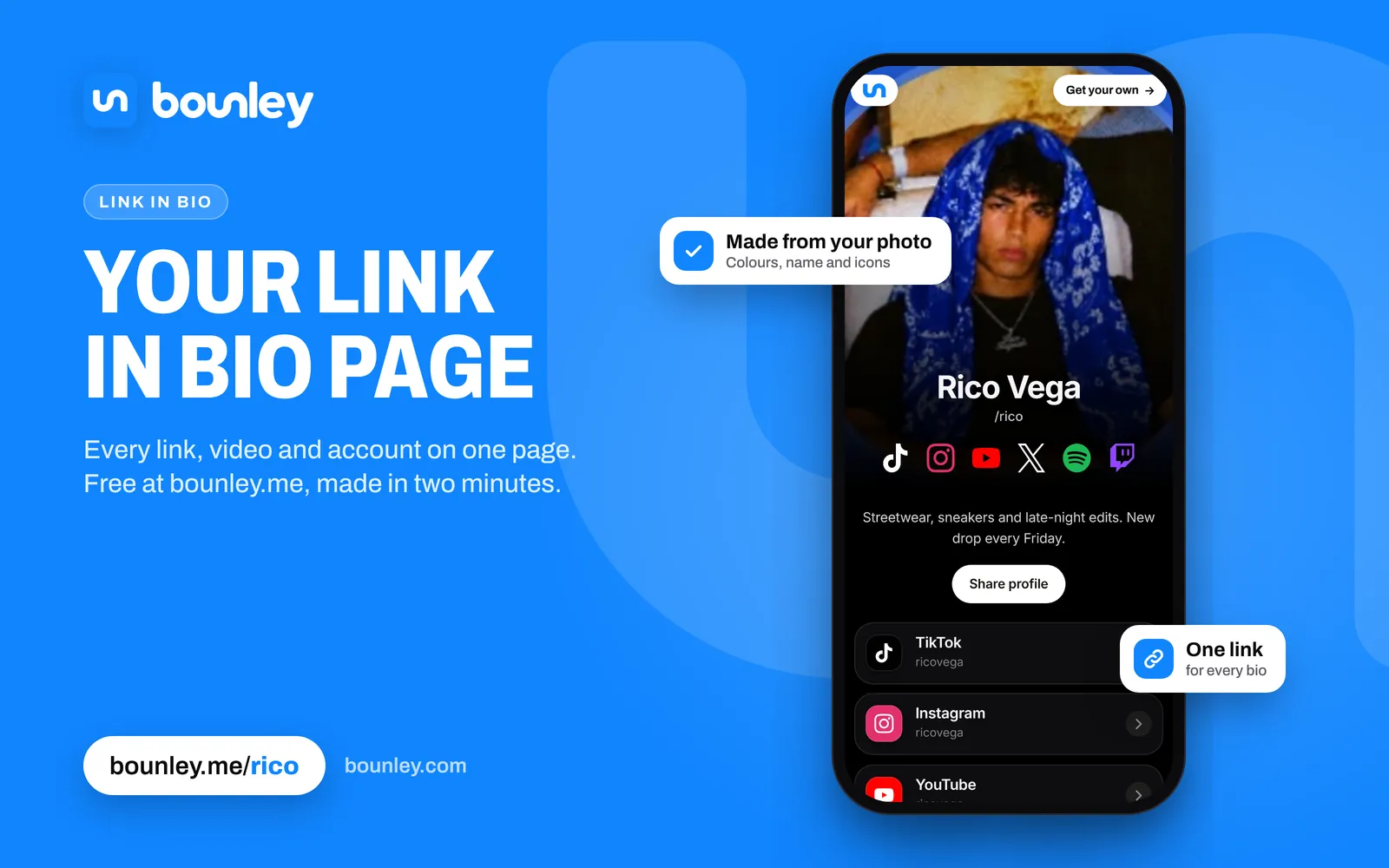
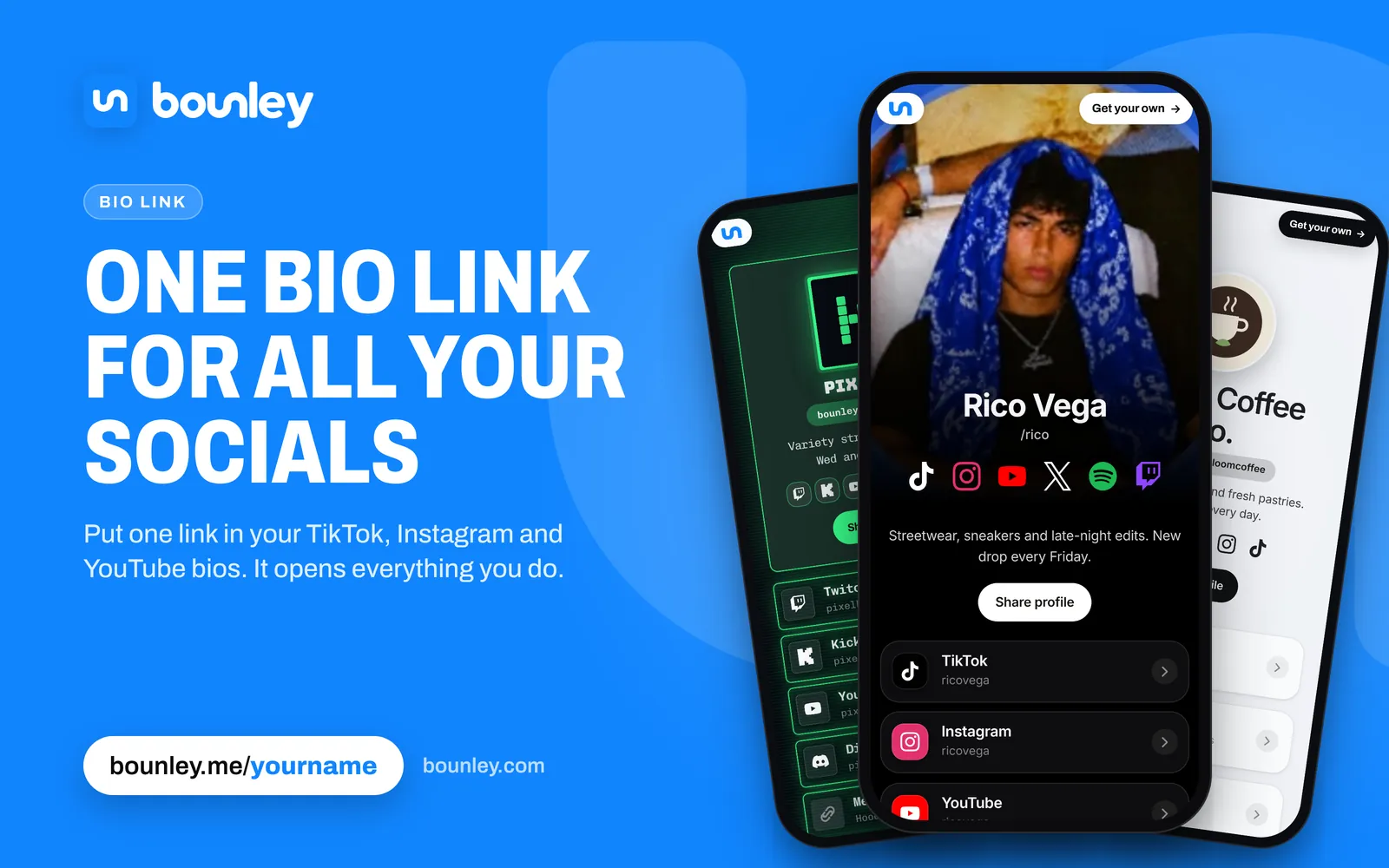
One link isn’t much when you have a channel, a stream, a shop and a newsletter. A link-in-bio page solves that: the one link on your profile goes to a page that holds all the others.
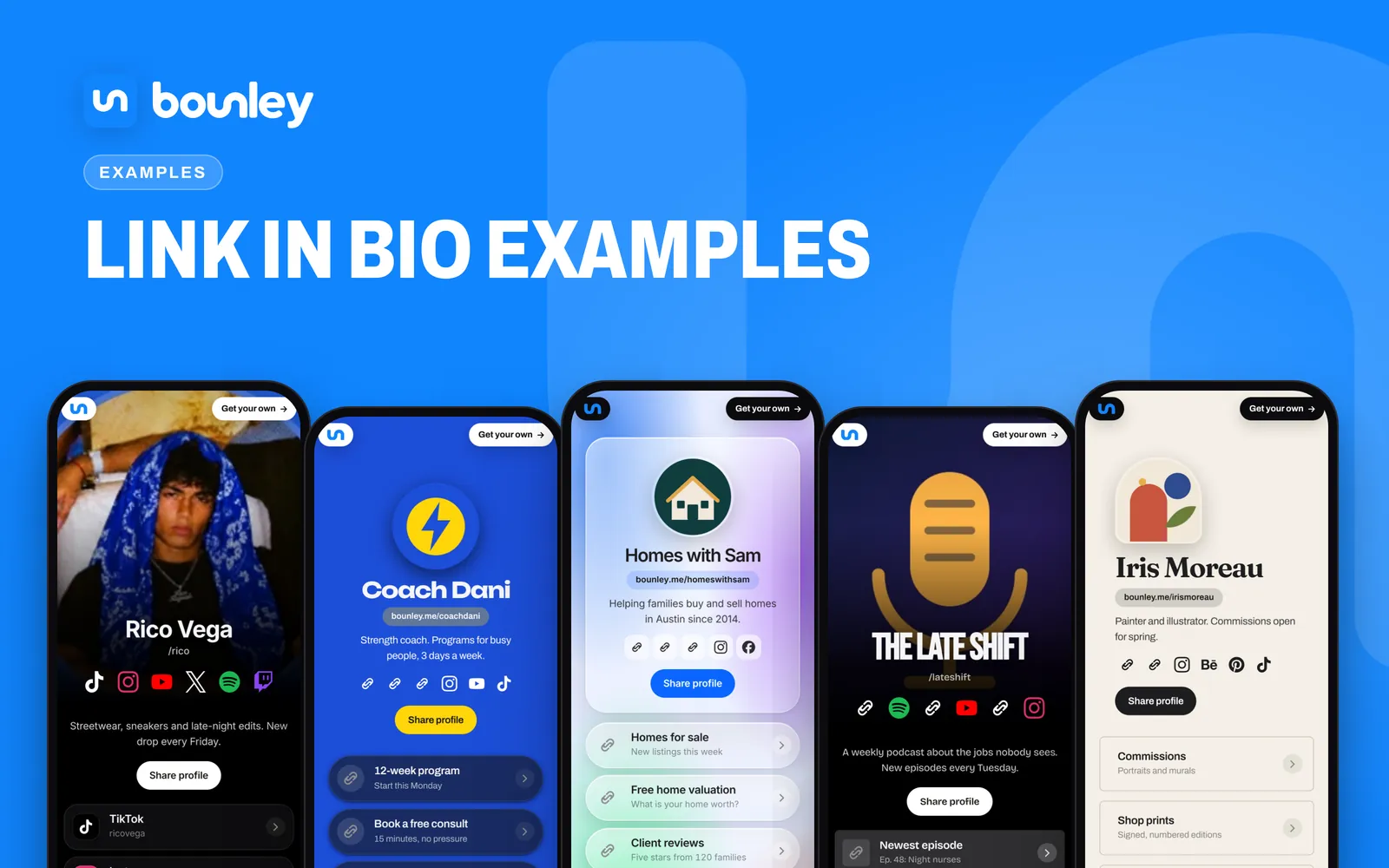
The best link to put there: your own domain
yourname.com in your bio reads as a brand; a tool’s address, even bounley.me/yourname, reads as a tool. Your own domain is also the one link that never has to change: if you ever switch services, you point the domain somewhere new and every bio, card and old video still works. With Bounley Premium your site runs on your own domain, with an email address at it to match. See how to use your own domain as your link in bio.
What to put on your link in bio
Put things in the order you most want people to do them. Someone who taps your bio link has a few seconds of attention and a thumb hovering over Back.
- The thing you just talked about. If a video says “link in bio”, the link it means should be first: the new song, the drop, the sign-up, the stream.
- Your main accounts. The two or three places you post most, so a new follower can find you there too.
- Something to watch or hear. Your latest video or track, playing right on the page, earns attention a list of links doesn’t.
- Ways to support you. Merch, Patreon, a tip jar, a booking form.
- A way to reach you. An email address or a contact card for brands and collaborators.
What gets tapped
- Fewer, clearer links. Ten links that all look the same get fewer taps than four that say what they are. “New video: I tried every fast food fries” beats “YouTube”.
- A face people recognise. Use the same photo as your main account so visitors know they are in the right place.
- Speed. Most bio links are opened inside the app’s own browser on a phone. A page that takes a few seconds to load loses people before they see anything.
- Freshness. Update the top link whenever you post something you point people to, and take down anything that has ended.
- Numbers. Check which links people tap and move the winners up.
Common mistakes
- Sending people to a page that doesn’t mention the thing your video promised.
- A different photo, name or spelling from the account they came from.
- Dead links: an ended sale, an old tour, a deleted account.
- Links that only say the app’s name, with no reason to tap.
- A page that needs a desktop to read.
Where your link goes on each app
Every app has its own rules and menus:
- TikTok: a Website field on your profile, which not every account has straight away.
- Instagram: several links on your profile, with the first one showing.
- YouTube: links on your channel, and in your video descriptions.
- Twitch: social links and panels on your channel.
- X: a Website field, plus links in your bio and posts.
Ideas for what you make
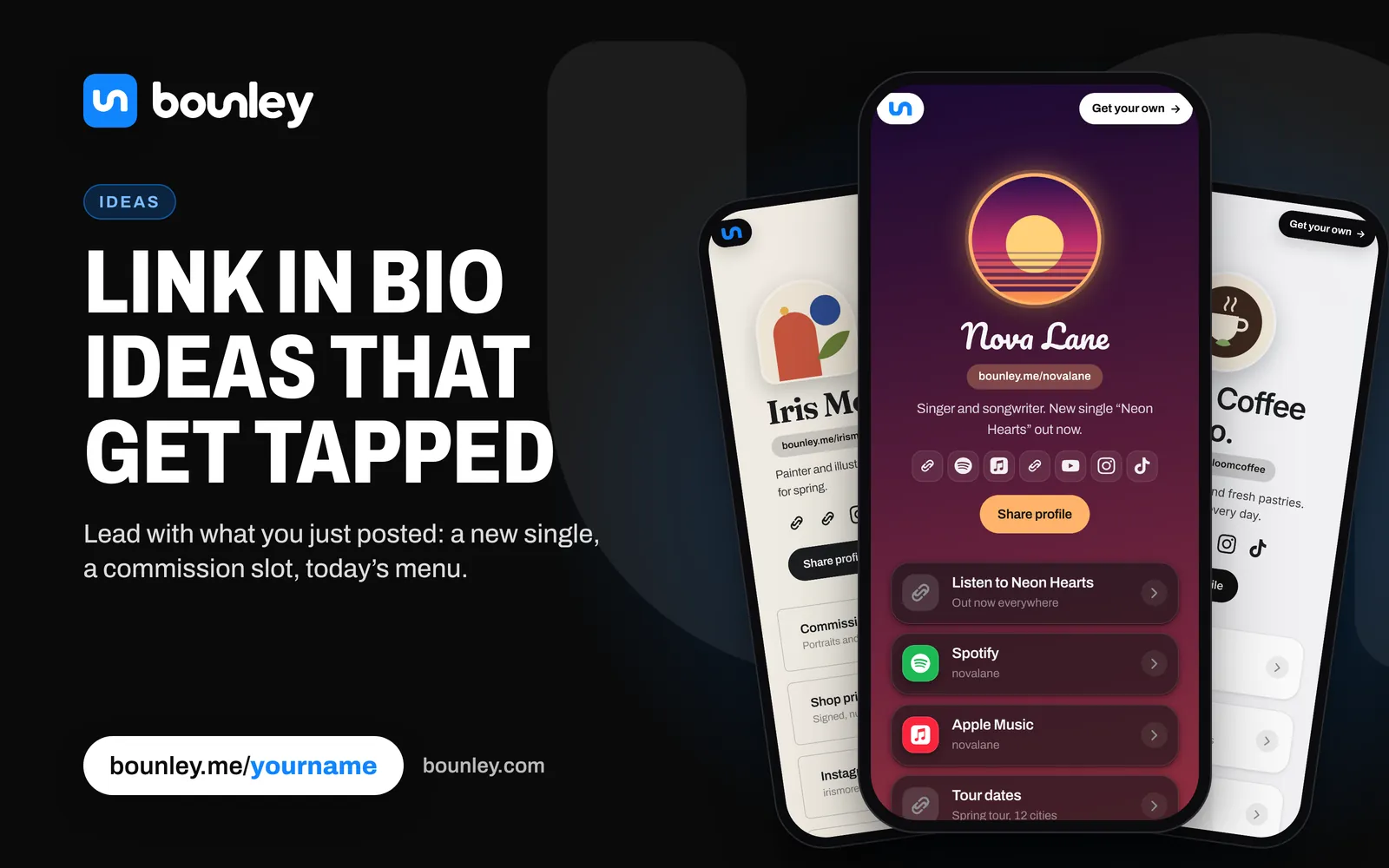
- Streamers: a Live badge, your stream on the page, your Discord.
- Musicians: tracks that play, every streaming service, release-day links.
- Artists: photo tiles, your shop and a commissions form.
- Small businesses: bookings, a map and a QR code for the counter.
How to make one with Bounley
- Claim your name. Pick the address you will put everywhere: bounley.me/yourname.
- Add your accounts. Type one username and Bounley looks for the rest, or paste the address of your old link page to bring it across.
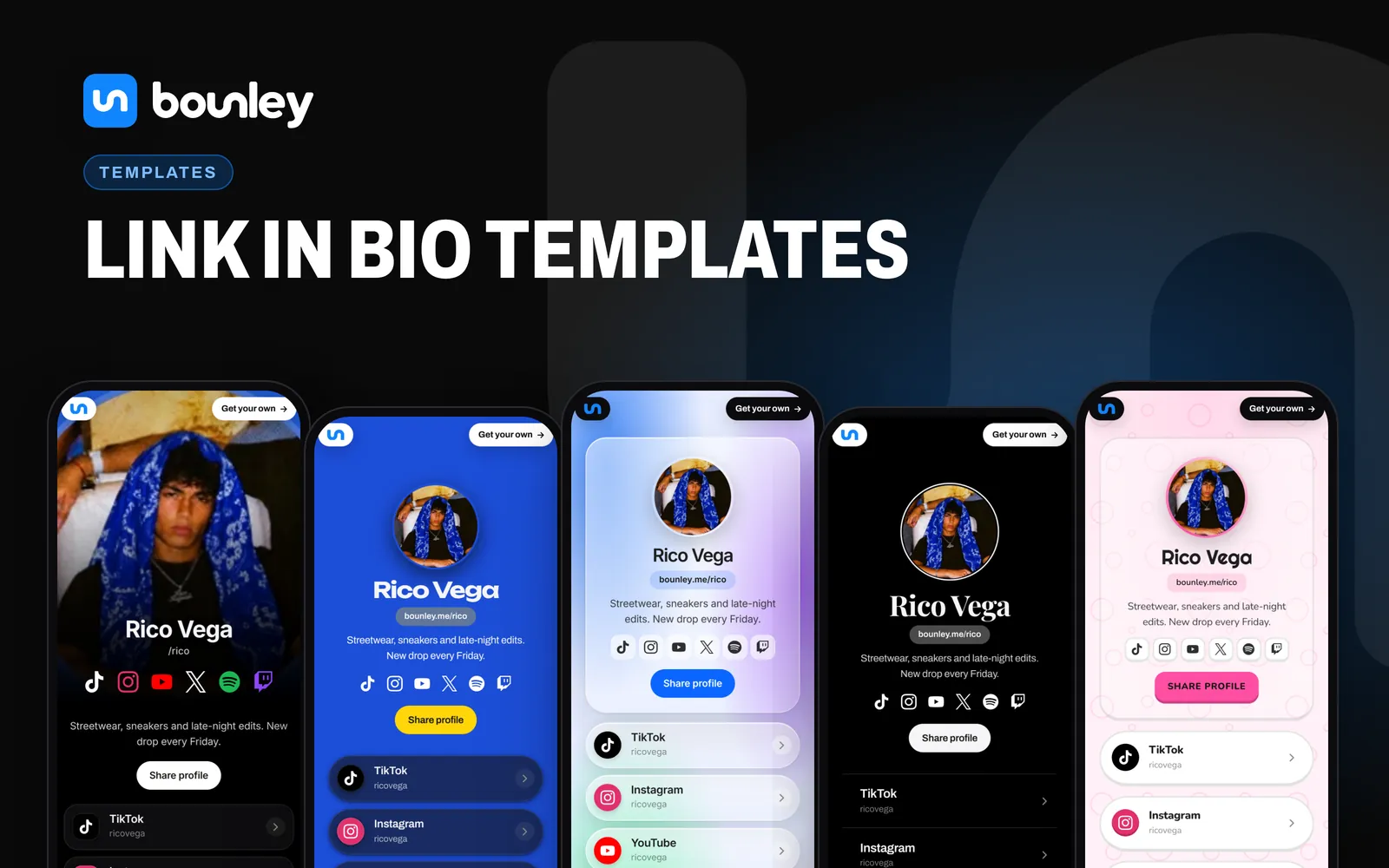
- Make it yours. Choose a theme, add your latest video, and put the most important link first.
- Put the link in every bio. Then use the QR code, the business card and the email signature for everywhere else.
It is free while Bounley is in beta, and your page is live as soon as you finish.
Next: make it yours
A link in bio is the start of a personal brand. The next steps are putting it on your own domain and getting a professional email address to match. The personal brand guide covers the rest.