Social links
- Open Twitch and go to Settings, then your channel or profile settings (newer layouts keep them in the Creator Dashboard under Settings → Channel).
- Find Social Links and add a title and address, for example bounley.me/yourname.
- Save. The links show in the About section of your channel.
Twitch limits how many social links you can add, so make one of them a page that holds everything else.
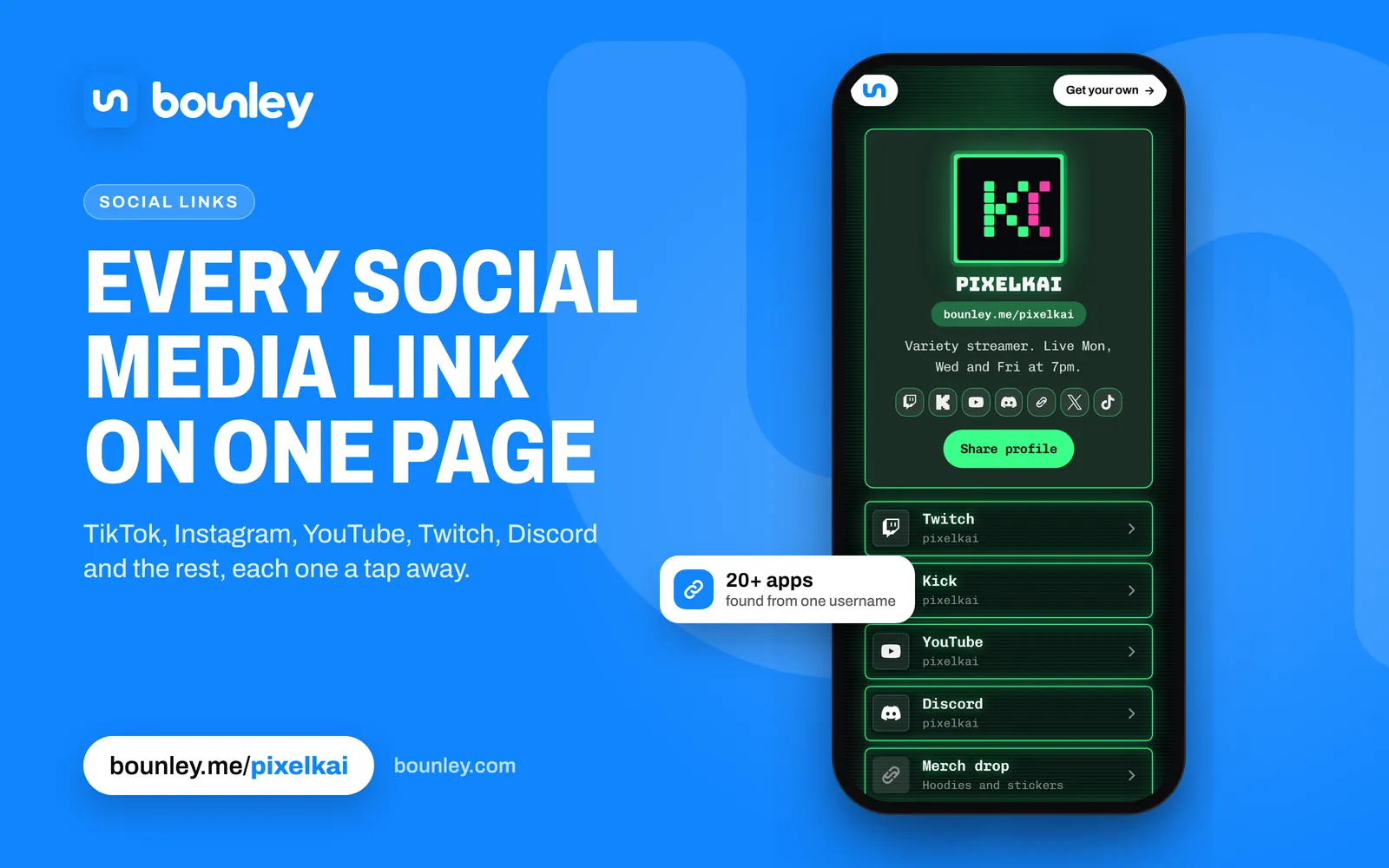
Panels
- Go to your channel page and open the About section.
- Turn on Edit Panels and add a panel.
- Give it an image or a title, set the link to open your page, and submit.
A clear panel image (“All my links”, “Merch”, “Schedule”) gets more clicks than text alone.
Links in chat
A chat bot command such as !links, set up with a bot like Nightbot or StreamElements, posts your page whenever a viewer asks. Some channels limit links in chat, so let your bot post it rather than asking viewers to paste.
Tell people elsewhere you’re live
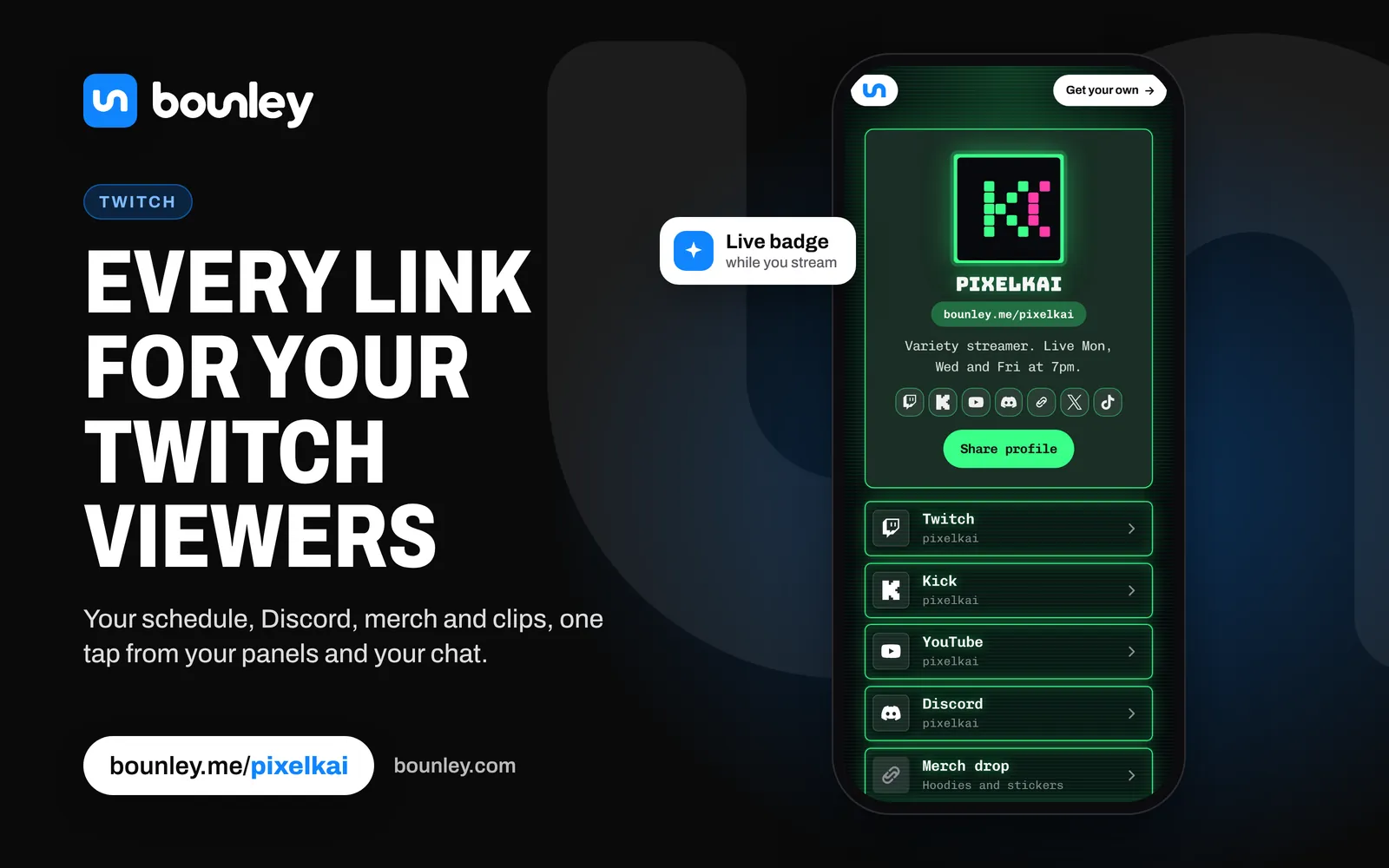
Your Bounley page shows a Live badge while you’re streaming on Twitch, so someone who taps your link from TikTok or Instagram sees straight away that you’re on now. You can put the stream itself on your page too.
Next steps
Streamers get sponsor emails too. A business address at your own domain looks the part: how to get one. More for streamers in a personal brand for creators.