The short version
| Option | Cost | After January 2027 |
|---|---|---|
| Google Workspace | From around $7 per user a month | Works: Gmail at your own domain, sending and receiving |
| Free Gmail + forwarding + “Send mail as” another provider | The other provider’s cost | Receiving by forwarding still works; replying as your domain from Gmail stops |
| Your email provider’s own app (or any app over IMAP and SMTP) | The provider’s cost | Works |
| An inbox built for your brand, such as Bounley | Part of Bounley Premium | Works: domain, email and website together |
What Google is changing
- During 2026: Google is removing Gmailify and the POP-based “Check mail from other accounts”, which let Gmail on the web fetch mail from another address. New users lose them first, existing users later in the year.
- From January 2027: Gmail’s help page for “Send mail as” says it will stop supporting “Send as” for third-party addresses, the ones Google doesn’t host. Google Workspace addresses and aliases, and other Gmail addresses you own, aren’t affected.
Mail you’ve already brought into Gmail stays there, and forwarding mail into Gmail keeps working. What goes is replying as your domain from a free Gmail account. Dates can move, so check Google’s own help pages (sources below) if you depend on it.
Option 1: Google Workspace
Google Workspace is Gmail for your own domain. You sign up, verify your domain with a DNS record, add Google’s MX records (plus SPF, DKIM and DMARC), and your address works in the Gmail app and on the web, with Drive, Calendar and Meet. It’s the way to keep Gmail exactly as it is. The cost is per user per month, and you still need the domain itself.
Option 2: Free Gmail with another provider (until 2027)
If your domain’s email runs somewhere else, a free Gmail account can still handle it for now:
- Receiving: at your email provider, forward mail for your address to your Gmail address. This keeps working after 2027.
- Sending: in Gmail on a computer, go to Settings, then Accounts and Import, then “Send mail as”, and add your address with your provider’s SMTP server details. This is the part Google says stops for third-party addresses from January 2027.
- Replying: choose to reply from the same address a message was sent to, so conversations stay on your domain.
If you set this up today, plan what you’ll move to before 2027: Workspace, your provider’s own app, or an all-in-one option.
Option 3: Your provider’s own app
Most email providers have their own apps, and any mail app that speaks IMAP and SMTP (Apple Mail, Outlook, Thunderbird) can send and receive as your domain directly. You lose the Gmail interface, not the address.
Option 4: An inbox built for your brand
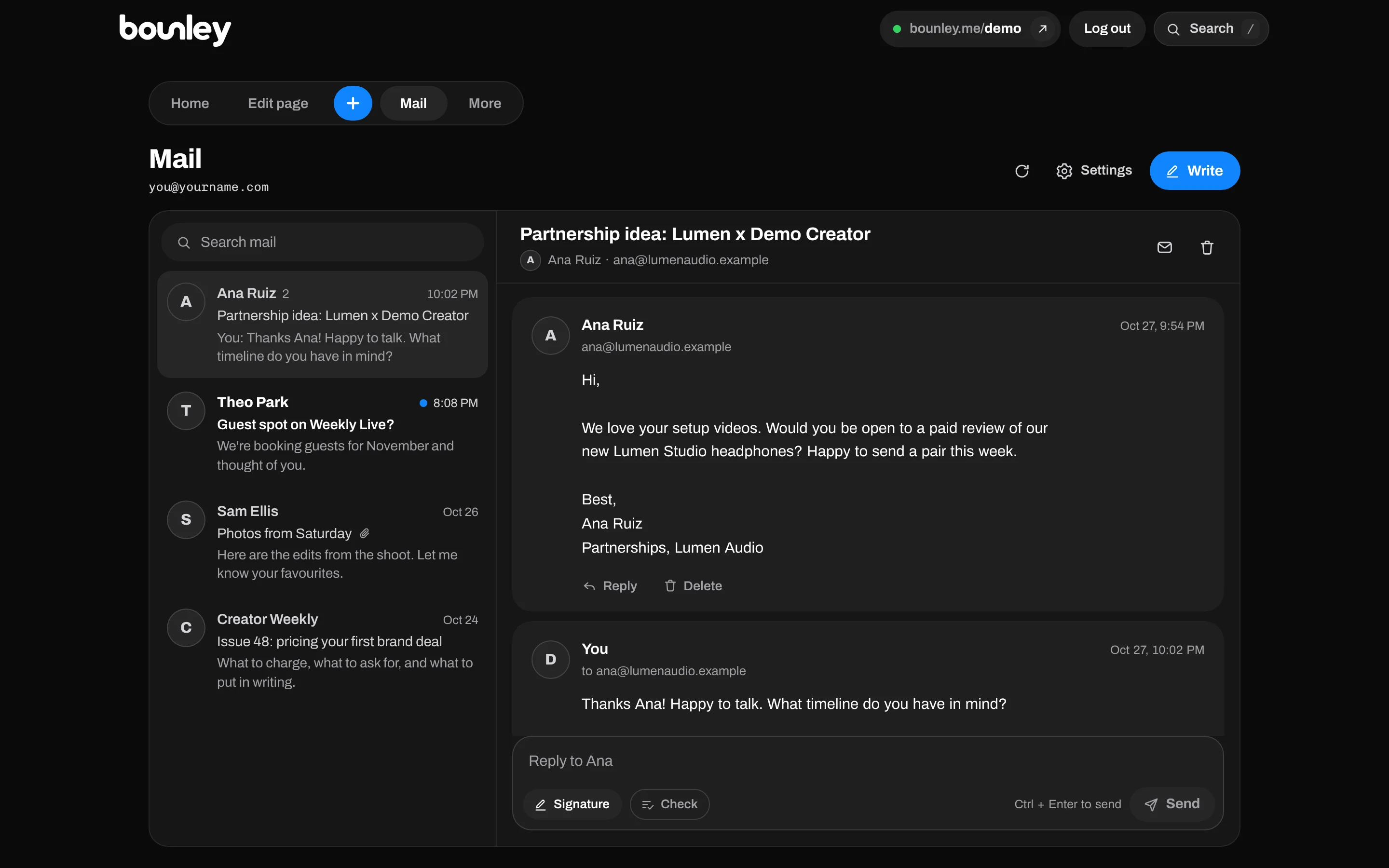
Bounley, the platform built for personal brands, sets up your domain, a professional email address at it and your website together. The inbox is inside your Bounley dashboard, with your signature on every email, and on a domain from Bounley every record (MX, SPF, DKIM, DMARC) is put in for you. It comes with Premium, invitation-only during the beta. How it works.
Which should you choose?
- You live in Google’s apps and have the budget: Google Workspace.
- You want your domain, email and website set up together: Bounley.
- You’re happy in another mail app: your provider’s own app over IMAP and SMTP.
- You only need to receive at your domain: forwarding into free Gmail still works.
Questions
Can I use Gmail with my own domain for free?
Only partly, and less so from 2027. You can forward your domain’s mail into a free Gmail account, but Google says “Send mail as” for addresses it doesn’t host stops from January 2027, so replies would come from your Gmail address. Sending and receiving as your domain in Gmail needs Google Workspace.
Is Gmail “Send mail as” really going away?
For third-party addresses, Gmail’s help page says support ends starting January 2027. Workspace aliases and other Gmail addresses are not affected. Check the page for the latest dates.
Is Google Workspace worth it for one person?
If you use Gmail, Drive and Calendar every day, often yes. If you mainly want a professional address and a website, an option that bundles them may suit you better.
Can I keep my old Gmail address too?
Yes. Keep it for personal mail and use the address at your domain for your brand.
Sources
- Google, Gmail Help: Send emails from a different address or alias
- Google, Gmail Help: Check emails from other accounts
- Google Workspace: plans and pricing