Show when you’re live
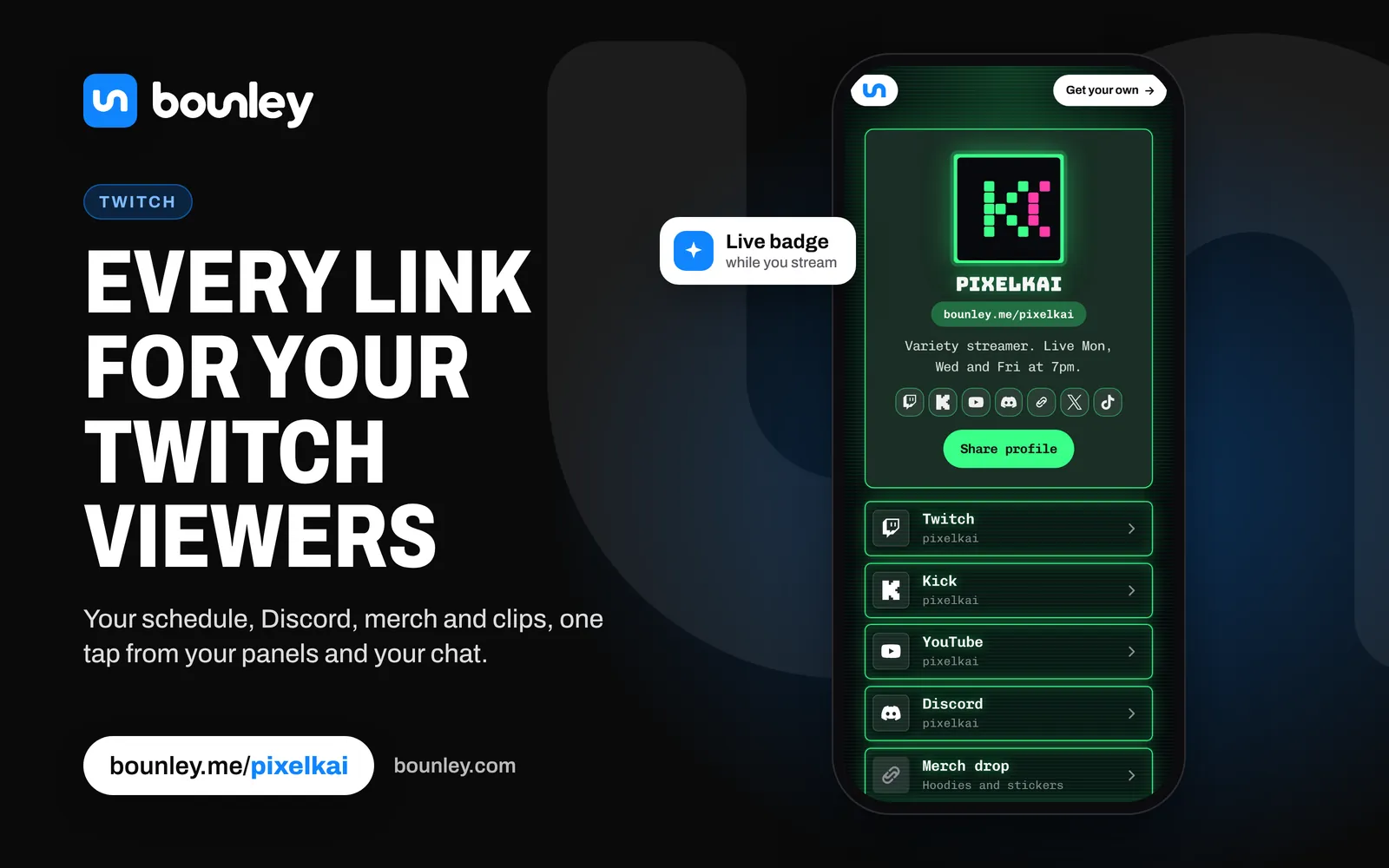
Turn on the Live badge and your page says so while you’re streaming on Twitch. Someone who taps your link from a TikTok clip sees straight away that you’re on now, not a list of buttons.
Your stream, on your page
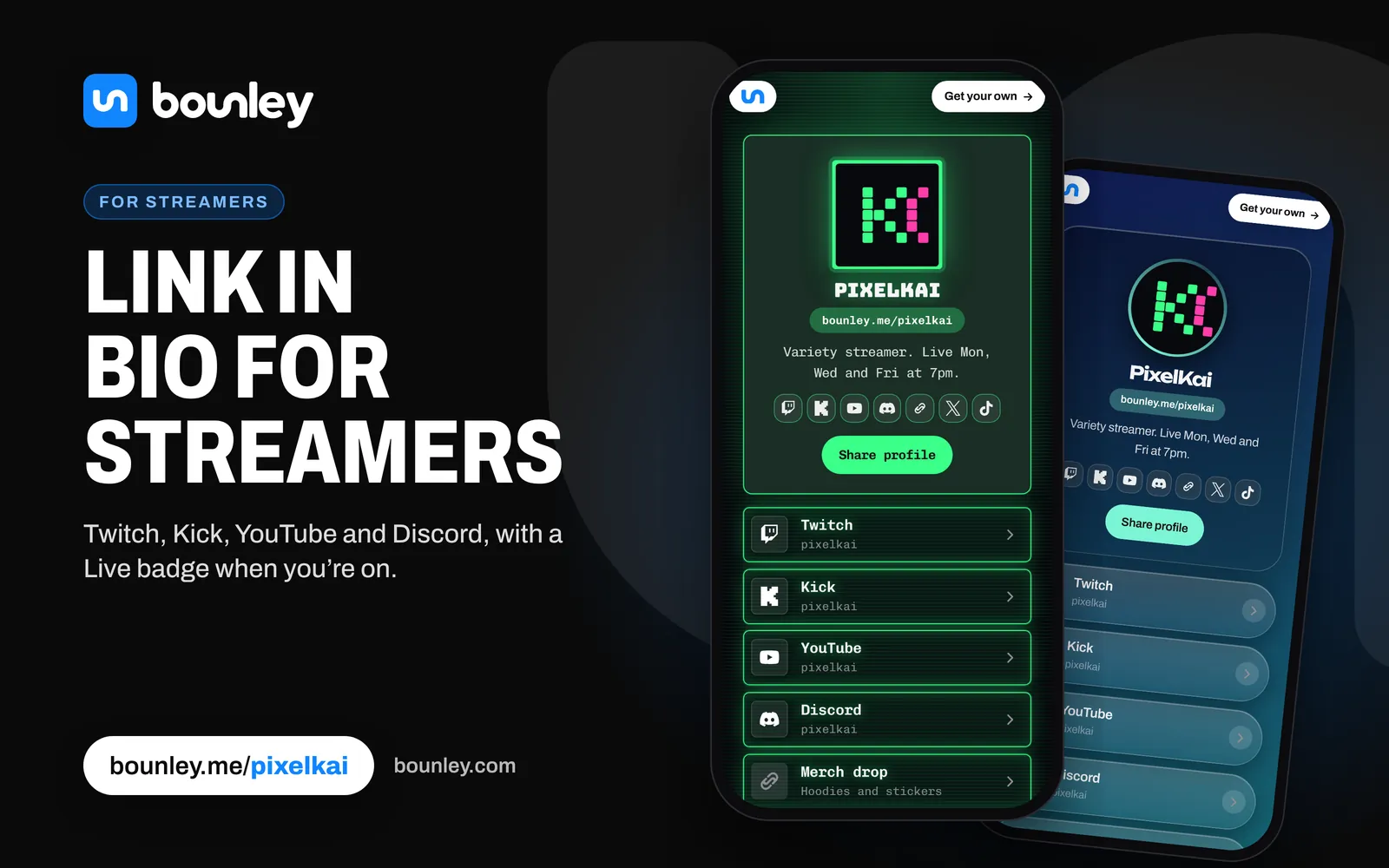
Put your Twitch channel or Kick stream right on your page, with chat if you want it. Add Twitch clips and VODs, your latest YouTube video, Short or stream (which update themselves), and your Discord server, so new viewers can join without hunting for an invite.
Drops, events and sponsors
- Scheduled links appear and disappear on their own: a subathon, a charity stream, a merch drop.
- Sections keep it tidy: Watch, Socials, Support, Business.
- Sponsored links can be marked as ads or affiliate links, so your page stays honest.
- Support links for Ko-fi, Patreon, Buy Me a Coffee, Cash App, PayPal and Venmo.
Everywhere else
Short links like bounley.me/yourname/twitch jump straight to your channel; the QR code goes on a stream overlay or a LAN badge; the business card and email signature go to brands. Your stats show which link your viewers actually tap.
For sponsors
Put a business email on your site and channel, at your own domain if you can: how. Then pitch brands with your stats and your page.