Your bio link has two audiences
Followers want the thing you just posted about and the other places they can follow you. Brands and agencies want to see who you are, what you’ve done with other brands, and how to reach you. A page that only lists your accounts serves the first group and loses the second.
What to put on it, in order
- Your newest thing. The product, video or code your latest post mentions. If a post says “link in bio”, the link it means should be at the top.
- Your accounts. The two or three platforms you’re most active on, with the rest below.
- Something playing. Your latest video or Reel on the page itself shows a brand your style in seconds.
- Your brand work. A few past collaborations, or a link to a media kit with your audience, rates or packages if you share them.
- A business email. The single most important line for brands. An address at your own domain looks established; a free address can look like a hobby to a brand manager sorting a full inbox.
What brands check when they tap it
- That you’re real and active. Recent posts, consistent name and photo across platforms.
- Fit. Your niche and who you talk to, in one line at the top.
- How to reach you, without a DM. A clear business email beats “DM for collabs”.
- That it looks like a business. Your own domain and an email at it signal you treat this as work.
Use your own domain as the link
yourname.com in your Instagram or TikTok bio reads as a brand; a tool’s address reads as a tool. It’s also the one link that never has to change: if you switch services, you point the domain somewhere new and every bio, card and old caption still works. See how to use your own domain as your link in bio.
Sponsored links
If a link on your page is paid or earns you commission, say so near the link, just as you would in the post. In the US the FTC expects sponsored content and affiliate links to be clearly disclosed, and platforms and brands expect it too.
What to skip
- Twenty identical buttons. Four links that say what they are get more taps than twenty that don’t.
- Old campaigns. A code that expired last month makes the whole page look stale.
- Your personal details. No home address or personal number; use a business email.
Set it up with Bounley
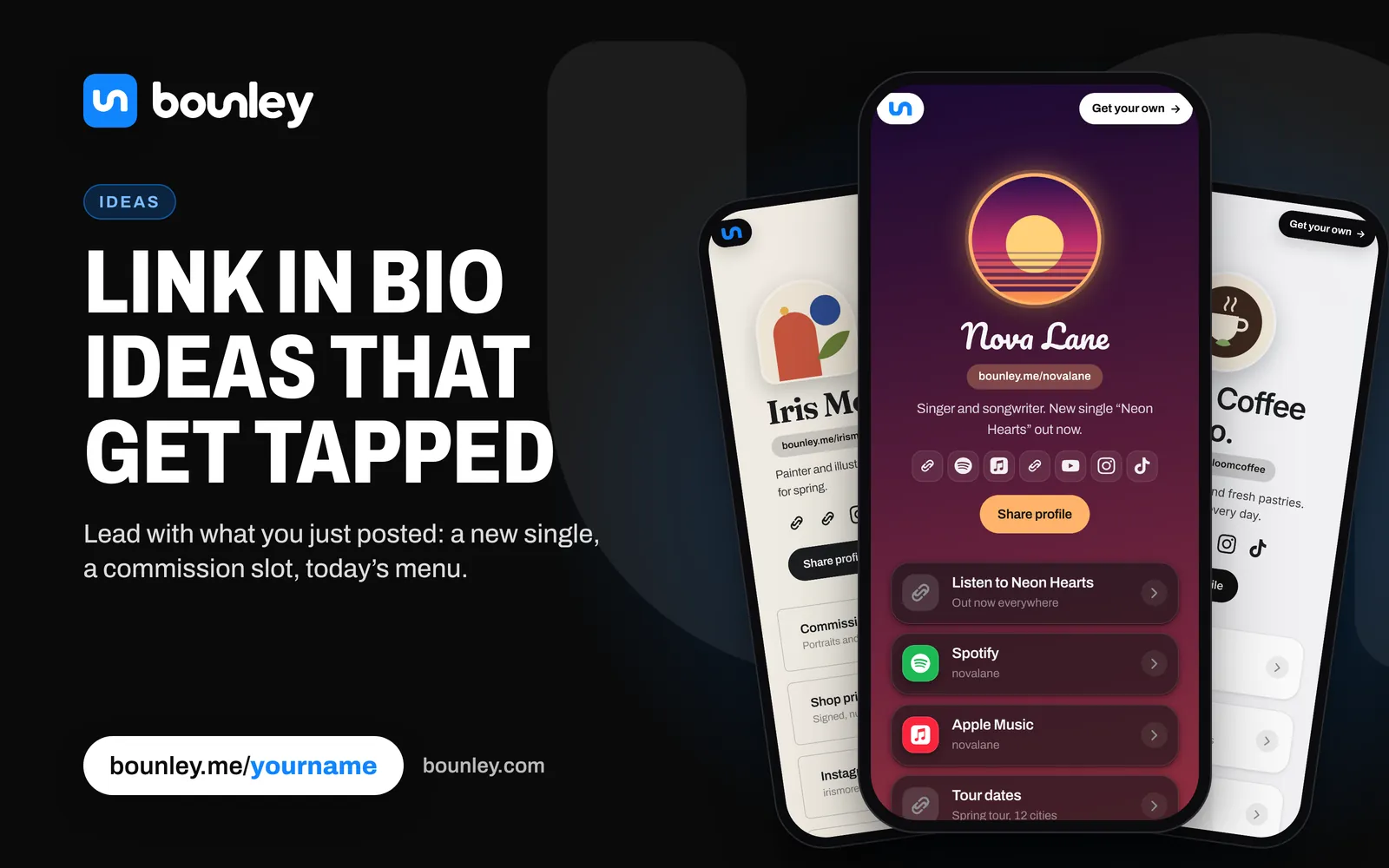
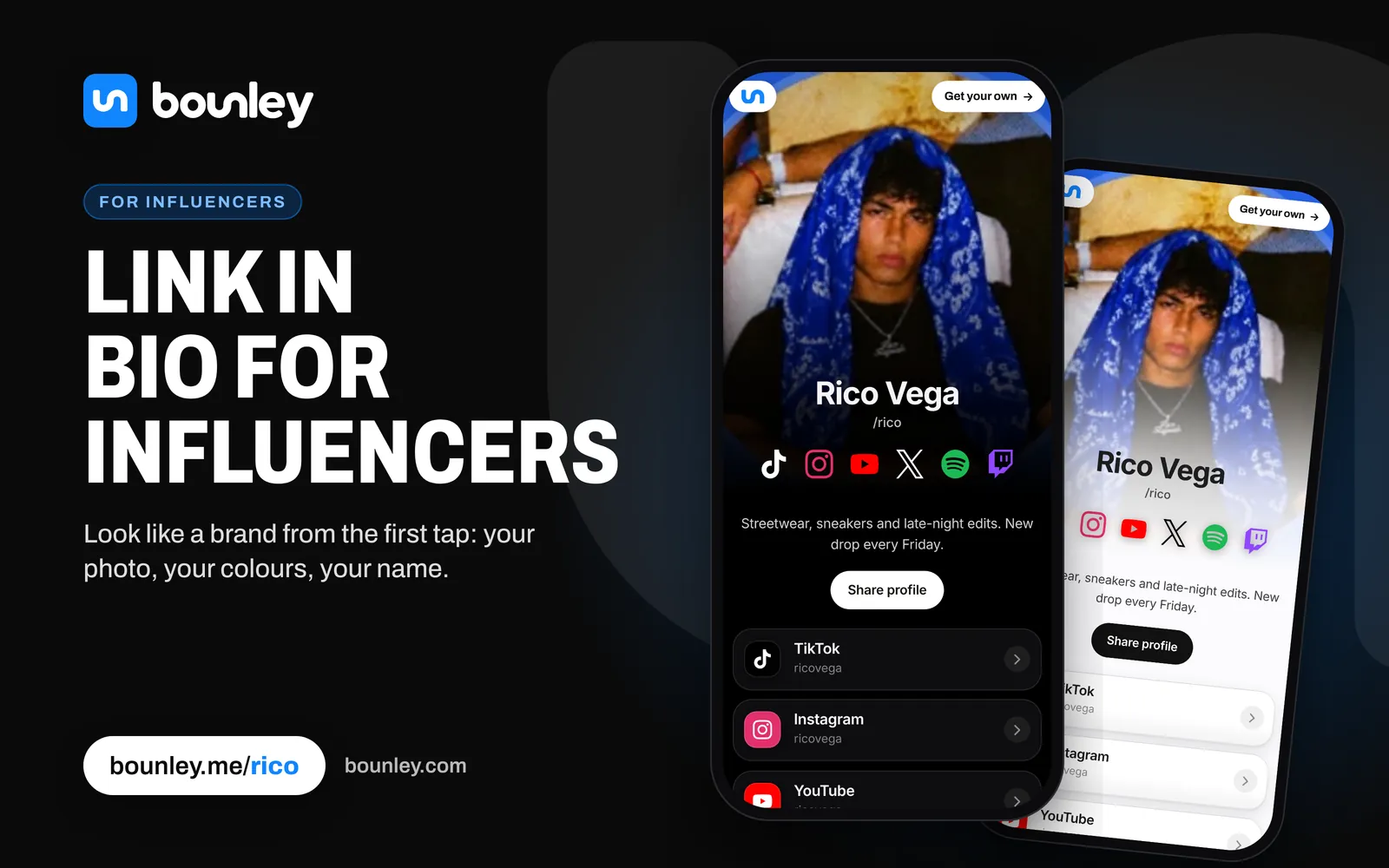
Bounley, the platform built for personal brands, makes the page from your accounts in about two minutes, plays your newest video on it, and makes a business card and email signature from the same page. With Premium it runs on your own domain, with a business email at it for brand deals. The page is free at bounley.me/yourname while Bounley is in beta.
Questions
What’s the best link in bio for an influencer?
One page on your own domain with your newest content first, your accounts, your brand work and a business email at that domain. Bounley sets all of that up in one place.
Should my media kit be on my link in bio?
Yes, or a link to it. Brands often open your bio link before they ask for a media kit, so having it there saves a round of emails.
Which email should influencers use for brand deals?
An address at your own domain, like you@yourname.com. See how to get a professional email address and how to email brands for sponsorships.