Why have your own domain
- Brands take you seriously. A pitch from you@yourname.com reads like a business. The same pitch from a Gmail address reads like a hobby, and plenty of brand and agency inboxes treat it that way.
- It’s yours. yourname.com belongs to you. Apps change their rules, bios get capped, accounts get banned; your domain and the email at it stay put.
- One name everywhere. The same name on your site, your email, your business card and your signature, so everything people see from you matches.
What you get
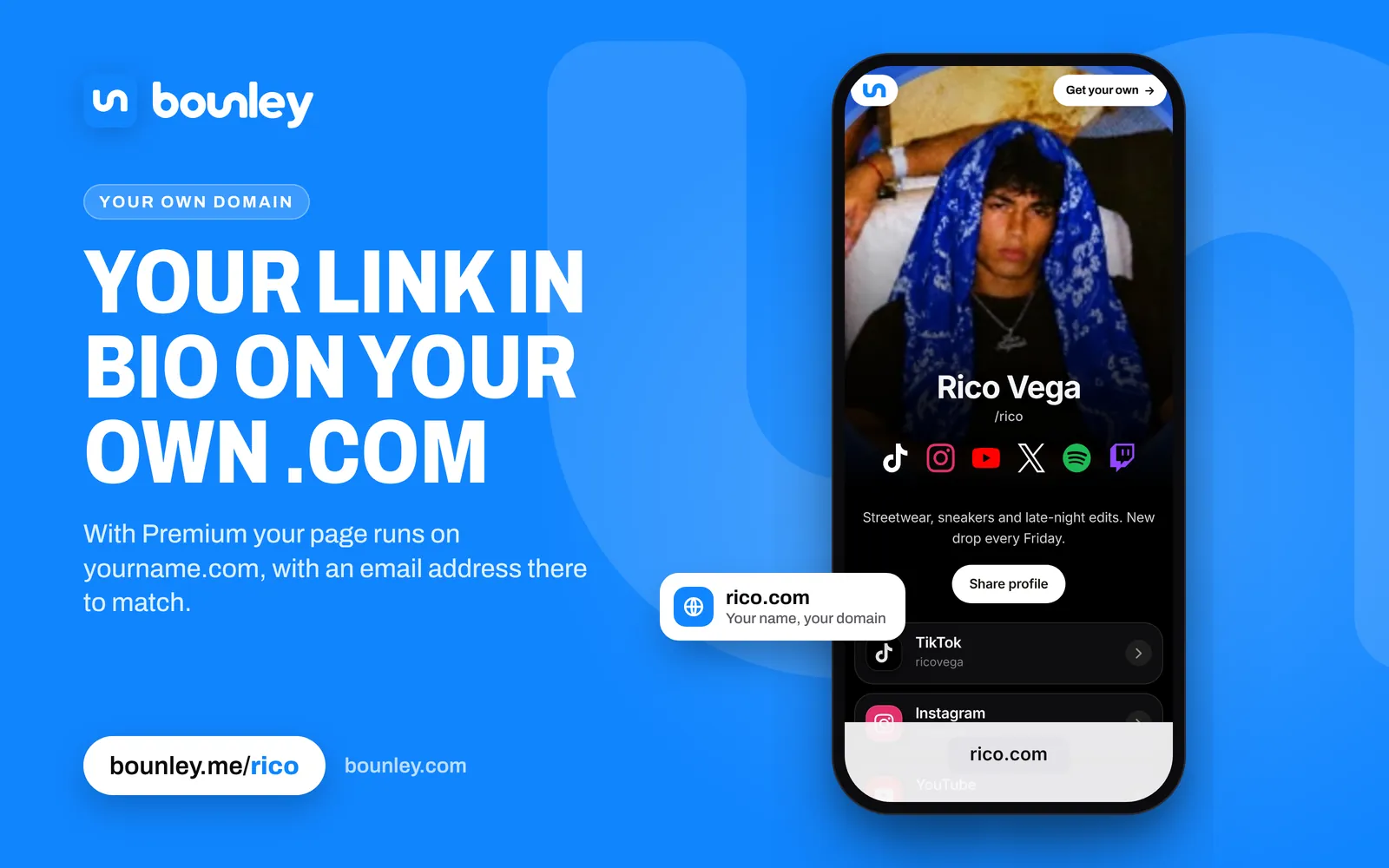
- A site that holds everything you make. Every account you have, the videos, streams and music you want people to see playing right on it, and your stats. Free at bounley.me/yourname.
- Your own domain. Your site at yourname.com. Connect a domain you already own, or get one through Bounley. (Premium)
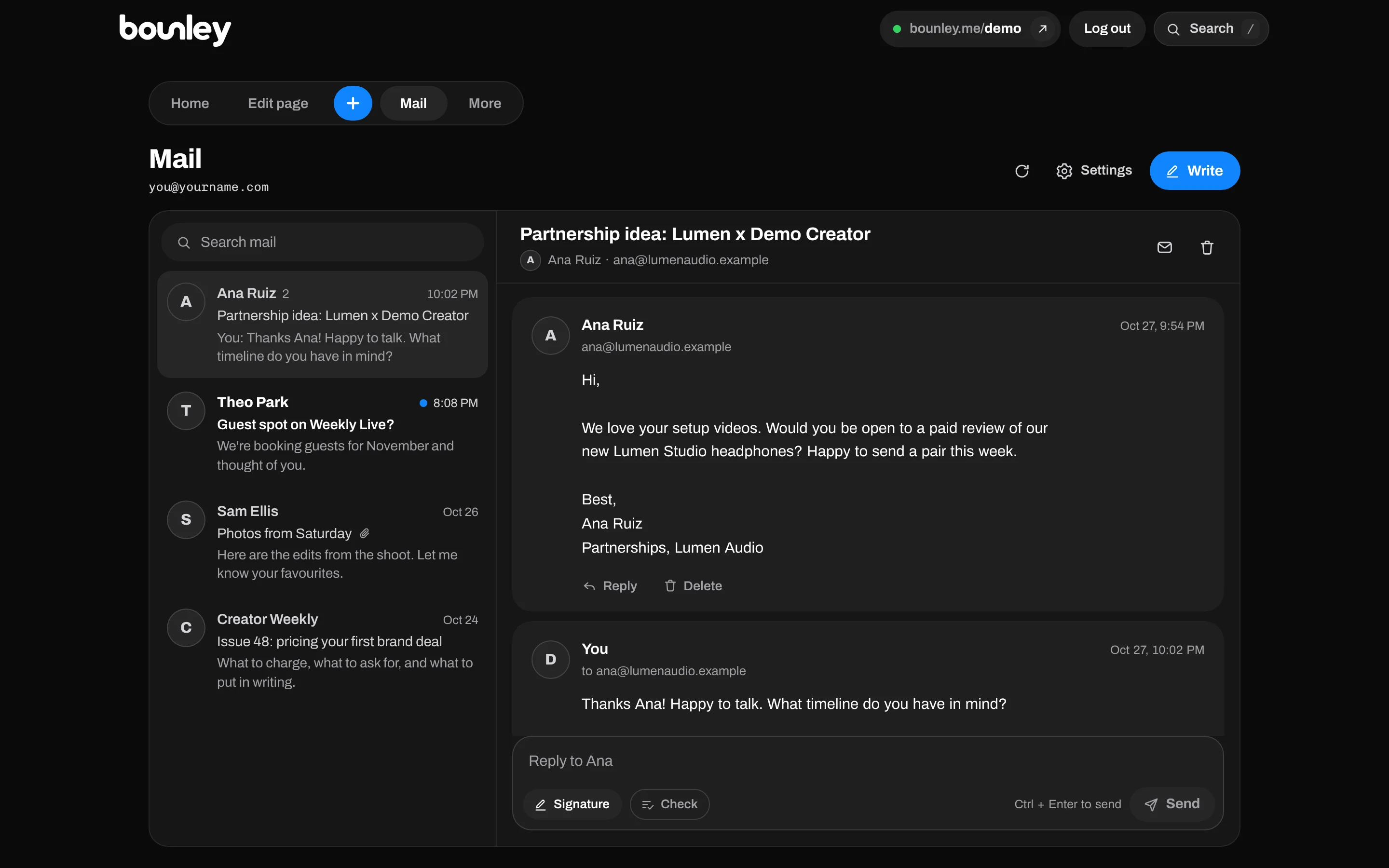
- Email at your domain. you@yourname.com, read and sent from inside Bounley, with your signature under every email. (Premium)
- A business card, QR code and email signature, made from your site, and updated whenever you change it.
How it works
- Claim your name. Pick bounley.me/yourname and add your accounts: type one username and Bounley finds the rest.
- Add your domain. Connect one you own, or get one through Bounley. For a domain from Bounley, every record your site and email need is put in for you.
- Turn on email. Your inbox is in your dashboard, with your signature already on it.
What it costs
Your site, card, QR code, signature and stats are free while Bounley is in beta. Premium adds your own domain and email at it, and is invitation-only during the beta.
Guides
- How to get a professional email address for your personal brand
- How to choose a domain name for your personal brand, and the free domain name ideas tool
- How to get a website for your personal brand
- Can you use Gmail with your own domain?
Questions
I already own a domain. Can I use it?
Yes. Connect it from your dashboard. Bounley tells you which company runs your DNS, links to its settings and shows exactly which records to add; your site and email go live once they’re found.
Can I keep my current email provider and only use the website?
Yes. The site and the email are separate switches, so you can put your site on your domain and leave your email where it is.
Can I read my email on my phone?
Yes. The inbox is in your Bounley dashboard, which you can add to your phone’s home screen and open like an app.
Do I keep my domain if I leave?
A domain you connect stays registered to you at your own registrar, so the address is always yours: point its site and email somewhere else whenever you like, without changing it.
How do I get Premium?
Claim your name, then email support@bounley.com and ask for an invitation. It’s by invitation during the beta so each new domain is set up with care and its email warmed up to reach inboxes.