Four styles
- Card: your actual business card, as one hosted image, so it looks the same in every mail app.
- Accent bar: your name and links beside a bar in your page’s colour.
- Wide: everything on one line, for short emails.
- Stacked: name, then details, then links, one under another.
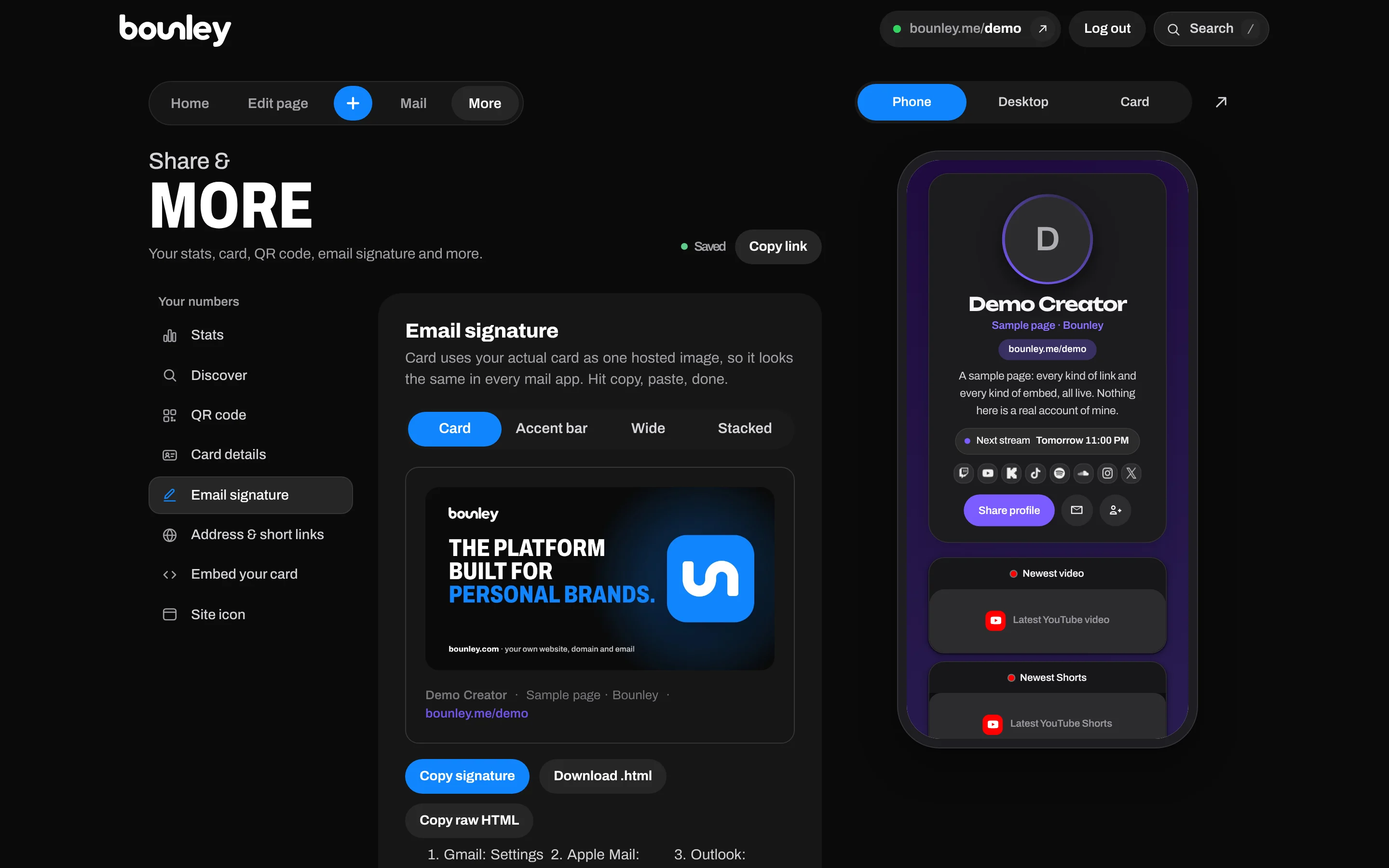
Adding it to your email
In your dashboard, open More → Email signature, pick a style and tap Copy signature. Then paste it into your mail app:
- Gmail: Settings → See all settings → General → Signature → create one and paste.
- Apple Mail: Settings → Signatures → paste.
- Outlook: Settings → Mail → Compose and reply → paste.
If your mail app wants HTML instead, use Download .html or Copy raw HTML.
It keeps up with your page
The Card style is a picture Bounley hosts, so when you change your page, the signature in emails you send afterwards shows the new card. You don’t have to paste it again.
Why bother
You probably send more emails than posts. Brand deals, collaborators, venues, clients: everyone you email is someone who might want to see what you make. A signature puts it one click away, every time, without asking.
Send it from your own domain
A signature looks its best under an email from your own domain. How to get a professional email address, or read and send it inside Bounley with Premium.