Adding the link
- Open TikTok and tap Profile.
- Tap Edit profile.
- Tap Website (it may say Add website or Links).
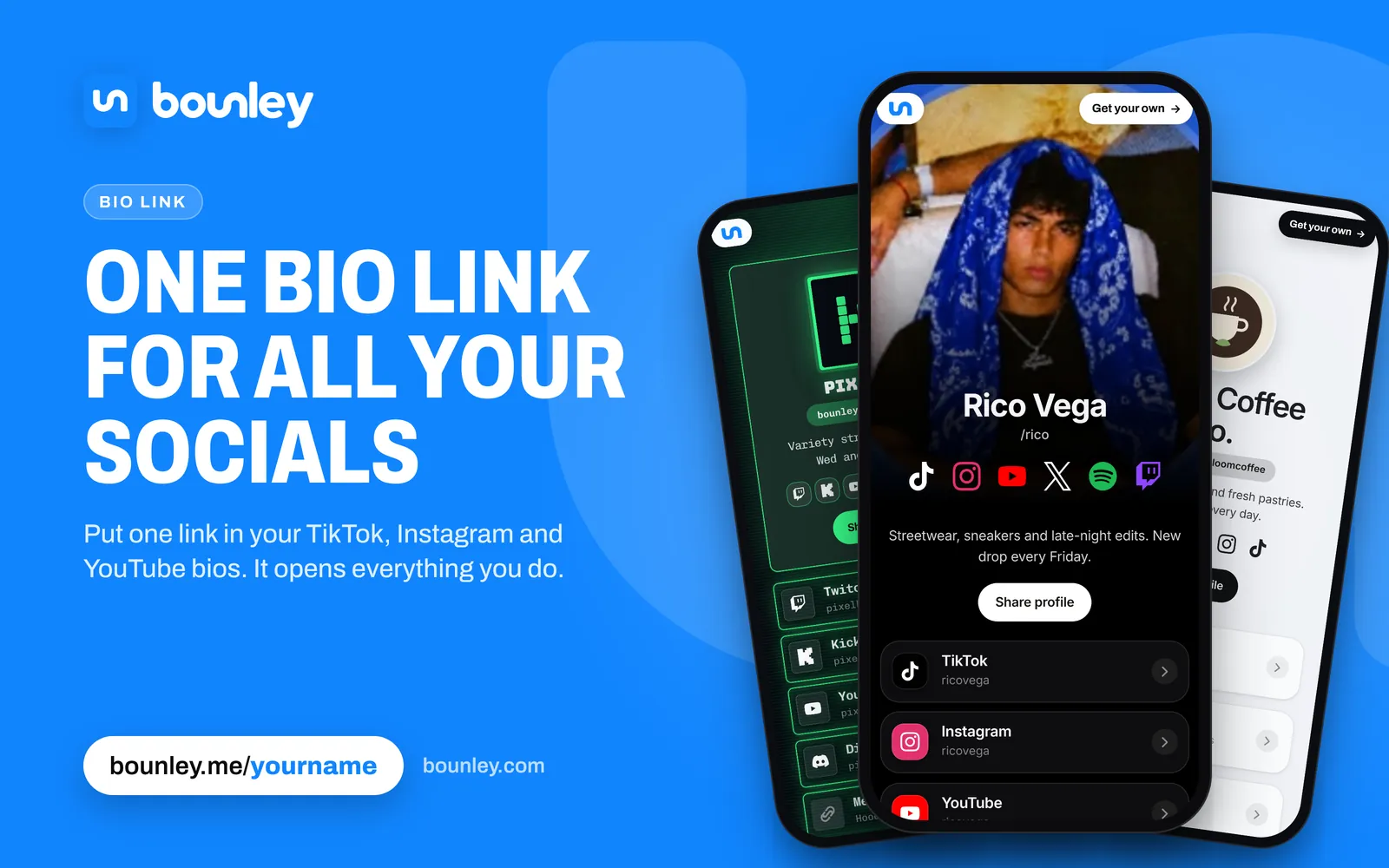
- Paste your link, for example bounley.me/yourname, and save.
The link now shows under your bio, and anyone who taps it opens your page.
If there’s no Website option
TikTok doesn’t give every account a clickable link straight away. Personal accounts have generally needed at least 1,000 followers before the Website field appears, and business accounts tend to get it sooner. TikTok changes these rules from time to time and they vary by country, so if the option isn’t there, check again after you grow a little.
A link typed into the bio text itself is not clickable, but it still helps: people can read it and type it in.
Until the Website field appears:
- Write your address in your bio, short enough to type: bounley.me/yourname.
- Connect Instagram and YouTube under Edit profile. TikTok shows those as buttons on your profile.
- Use your other accounts. Put your link in your Instagram or YouTube bio, where linking is easier, and point people there.
Can you add more than one link to TikTok?
TikTok gives you one Website link, plus buttons for an Instagram account and a YouTube channel that you connect under Edit profile. To offer more than that, make the Website link a page that holds everything else, ideally on your own domain.
Should you switch to a business account?
Switching to a business account can bring the link sooner, and adds analytics and contact options. The trade-off: business accounts can only use TikTok’s commercial music library, so some popular sounds won’t be available to you. If trending audio is a big part of what you post, waiting may be the better call.
Make the one link count
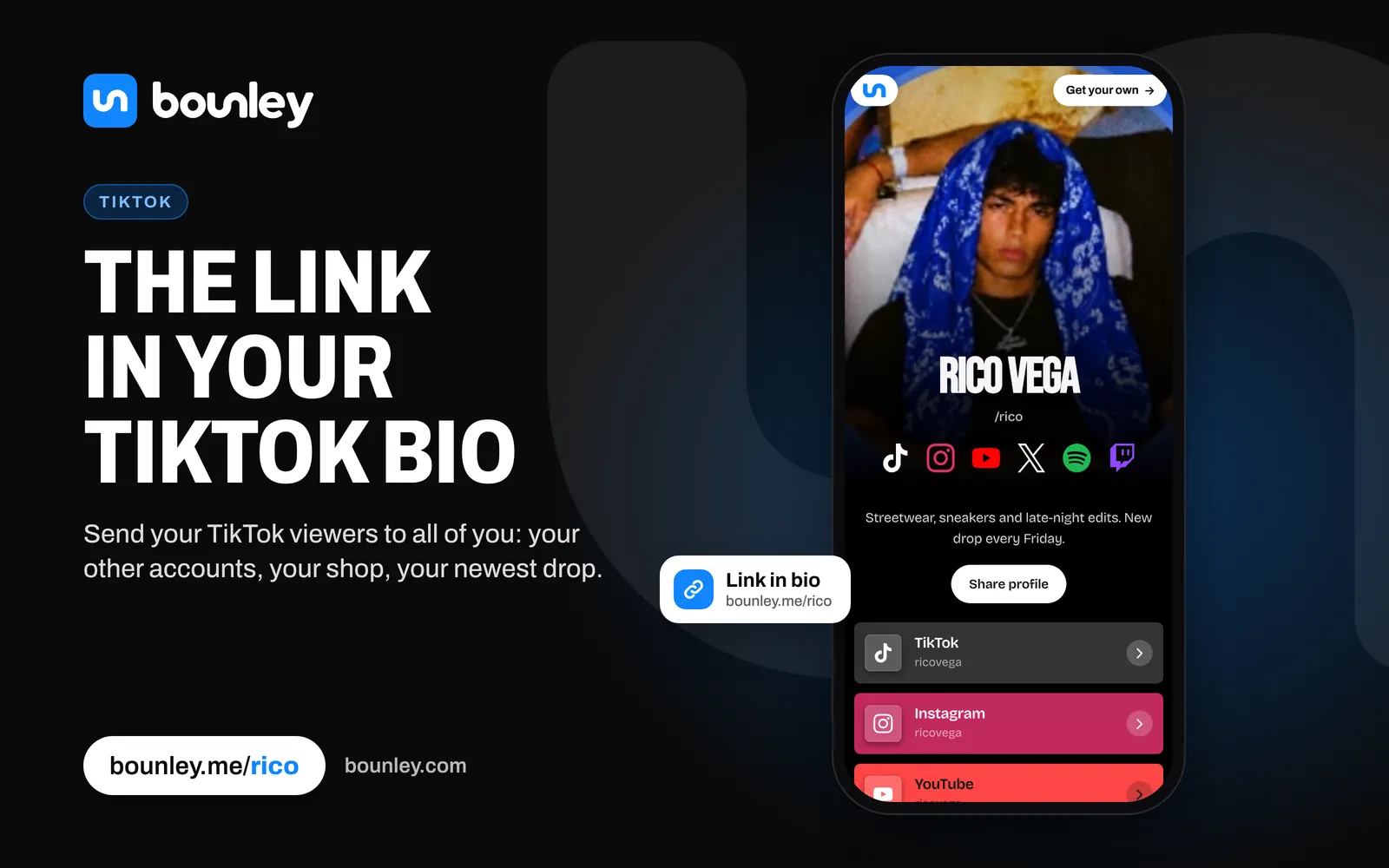
You get one link, so point it at a page that holds everything: your other accounts, your latest video, your merch and a way to contact you. With Bounley you can also play your latest TikTok right on that page, so someone who arrives from a video you made yesterday sees it first.
When a video says “link in bio”, move the thing it’s about to the top of your page before you post.
The best link to put there: your own domain
yourname.com in your bio reads as a brand; a tool’s address, even bounley.me/yourname, reads as a tool. Your own domain is also the one link that never has to change: if you ever switch services, you point the domain somewhere new and every bio, card and old video still works. With Bounley Premium your site runs on your own domain, with an email address at it to match. See how to use your own domain as your link in bio.
If the link doesn’t work
- Not clickable: it’s in the bio text, not the Website field.
- Removed or blocked: TikTok can refuse links it thinks are unsafe. A plain address on a known domain is least likely to be flagged.
- Opens slowly: TikTok opens links in its own browser. A lightweight page shows up faster there.
Next steps
Once your link is in, make the page it opens work for you: a website for your personal brand, and a professional email address for when brands get in touch.