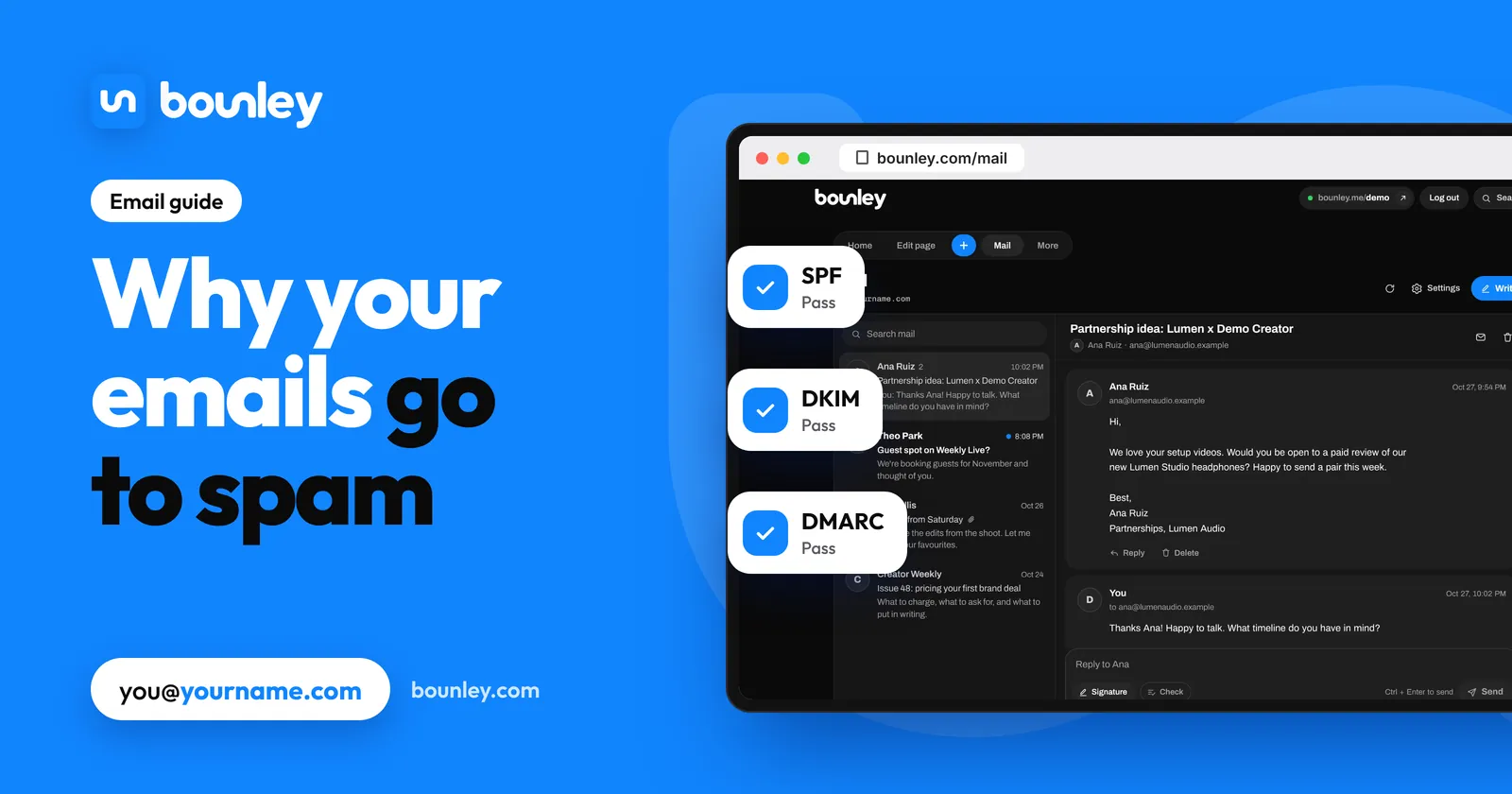
The three records that prove it’s you
| Record | In plain words | Where it lives |
|---|---|---|
| SPF | “These services are allowed to send mail as my domain.” | A TXT record on yourname.com starting v=spf1 |
| DKIM | A signature on every email, so receivers can check it really came from your domain and wasn’t changed | TXT or CNAME records your email service gives you |
| DMARC | “If mail claiming to be me fails those checks, here’s what to do with it.” | A TXT record at _dmarc.yourname.com starting v=DMARC1 |
Gmail and Yahoo have required SPF or DKIM from everyone, and DMARC from bulk senders, since 2024; in practice, mail without all three is far more likely to be filtered.
Check yours in five minutes
- Send an email from you@yourname.com to a Gmail address you own.
- Open it in Gmail, tap the three dots, then Show original.
- Look at the top: SPF, DKIM and DMARC should each say PASS.
- Any FAIL or missing line points to the record to fix. Copy the exact value from your email service again and replace the one in your DNS.
The usual mistakes
- Two SPF records. A domain may have only one. Merge them into a single
v=spf1 ... ~allline. - DKIM never switched on. Some services make you click “start authenticating” after adding the records.
- No DMARC at all. Start with
v=DMARC1; p=none;to monitor, then tighten to quarantine once everything passes. - Old records from a previous provider still listed, pointing mail at a service you no longer use.
- Sending through a tool that isn’t in your SPF (a newsletter app, a CRM): add it, or send from it on its own subdomain.
Habits that keep you in the inbox
- Start slowly on a new domain. A few emails a day at first, more over a few weeks. A brand-new domain that suddenly sends hundreds looks like spam.
- Write to people who expect you or have a clear reason to hear from you. Never buy lists.
- Get replies. Conversations are the strongest sign your mail is wanted.
- Keep signatures light: a small photo and a few links. Big images and a dozen links look like marketing.
- Use plain subject lines. No ALL CAPS, no “FREE!!!”, no clickbait.
- Don’t shorten links with public shorteners; link to your own domain.
How Bounley handles it
With Bounley Premium, your domain must pass SPF, DKIM and DMARC before it sends, and new domains are warmed up gradually so your first emails reach inboxes. On a domain from Bounley every record is put in for you, and your signature, made from your site, stays light. Premium is invitation-only during the beta. How it works.
Questions
Why do my emails go to spam with a new domain?
New domains have no sending history, so providers are cautious. Correct records plus a slow start and real replies build a reputation within a few weeks.
How long until the fix works?
Record changes take effect within minutes to hours. Reputation improves over days to weeks of normal sending.
Which DMARC policy should I use?
Start with p=none while you confirm everything passes, then move to p=quarantine. p=reject is the strictest and best once you’re sure every service that sends for you is set up.
Do “spam words” matter?
Much less than records and reputation, but heavy sales language, all caps and lots of links still add up. Write like a person.
Sources
- Google: Email sender guidelines
- Yahoo: Sender best practices
- DMARC.org: Overview