The ten-minute setup
- Find a window with daylight but no direct sun on you. Face it.
- Pick a plain background a few steps behind you: a wall, a door, foliage far away.
- Hold the phone at eye level or slightly above, with the back camera if someone can help, or a timer and something to lean it on.
- Frame head and shoulders, with a little space above your head.
- Take lots: different smiles, slight turns, chin a touch forward.
- Pick one at thumbnail size. Shrink it to the size of a fingertip; if you’re still recognisable, it works.
What works
| Do | Avoid |
|---|---|
| Soft, even daylight | Overhead lights and harsh noon sun |
| Solid colours that suit you | Busy patterns and logos |
| A plain or blurred background | Clutter, other people, cropped-out friends |
| Your face filling most of the frame | Full-body shots that become a dot |
| A recent photo that looks like you today | A photo from years ago |
| A natural smile and eye contact | Sunglasses, hats that shade your eyes, heavy filters |
Design for the circle
Most apps crop your photo into a circle and show it tiny. Keep your face centred with space around it, and check the preview before saving. A background colour that contrasts with your hair and clothes helps you stand out in a list of comments.
Use one photo everywhere
The same photo on Instagram, TikTok, LinkedIn, your email, your website and your business card is what makes people recognise you across apps. Update all of them at once when you change it, about once a year or whenever you look different.
When to hire a photographer
If your face is part of what you sell (speakers, coaches, agents, actors) or you need photos for press, a professional headshot session pays off. Ask for a few crops: a tight one for profiles, a wider one for your website and press kit.
Where Bounley fits
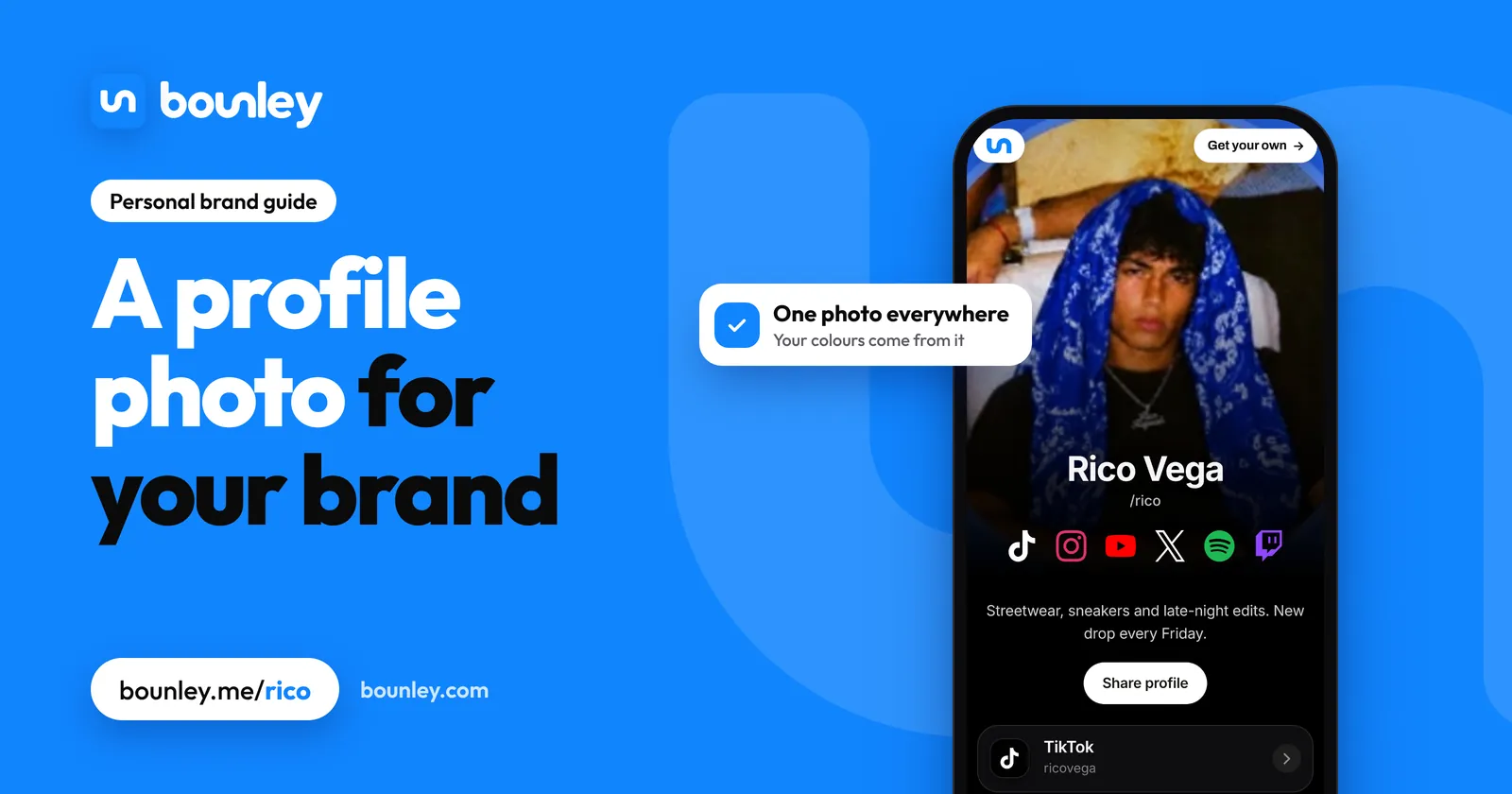
Add your photo once and Bounley uses it everywhere it makes something for you: your site, your business card, your email signature and the picture that shows when your link is shared. Every look is built from your photo’s colours, so it all matches. Claim your name.
Questions
Should I use a logo or my face?
Your face, for a personal brand. People follow and hire people. A logo suits a business with a team behind it.
Should I use the same profile photo everywhere?
Yes. It’s the fastest way for people to know they’ve found the right you on a new app.
Are AI headshots OK?
Only if they really look like you. If someone meets you and doesn’t recognise you from the photo, it’s working against you.
What background colour is best?
A plain one that contrasts with your hair and clothes. A colour from your brand can tie it together.