The short version
| Address | How it reads | Best for |
|---|---|---|
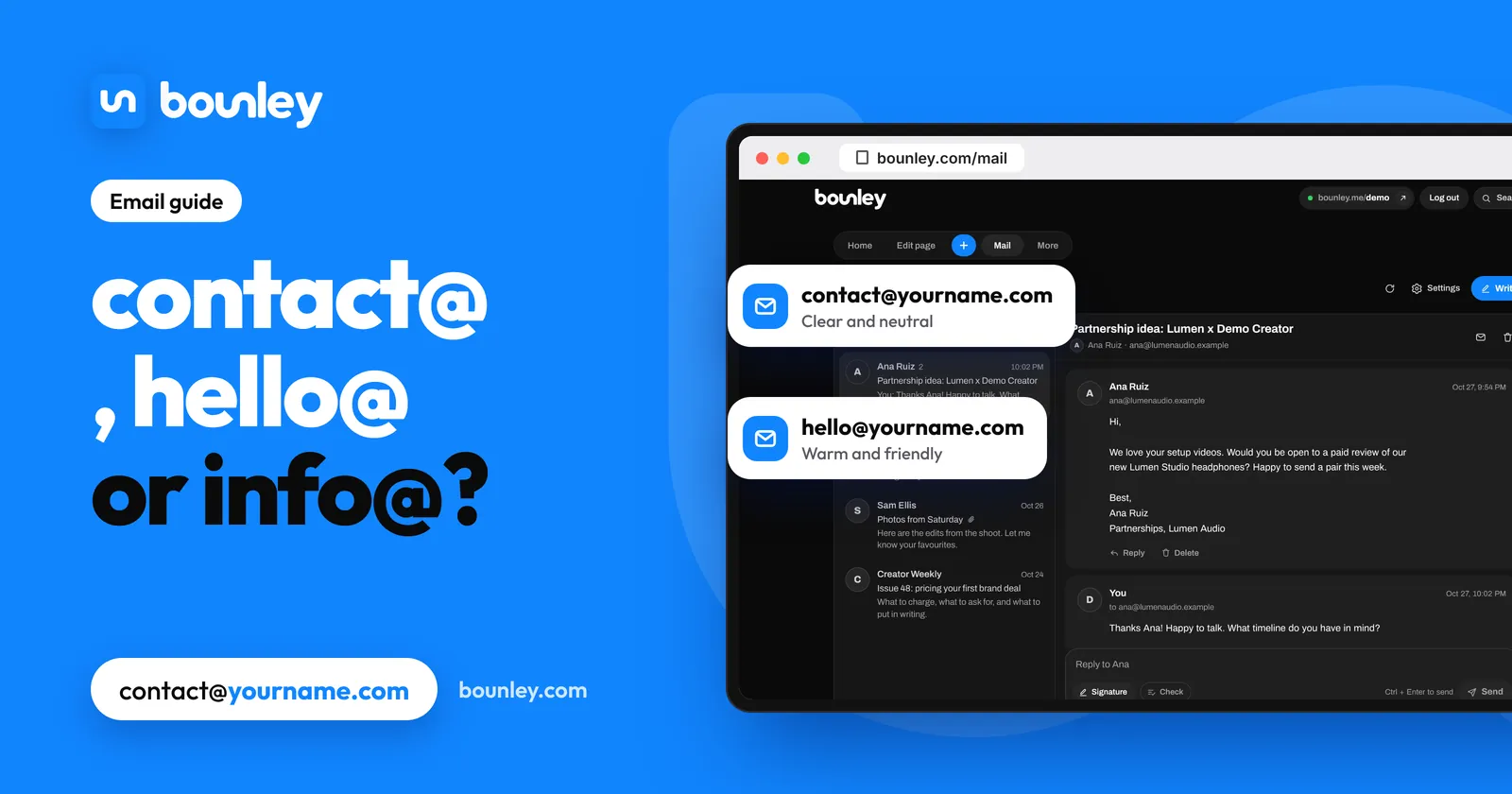
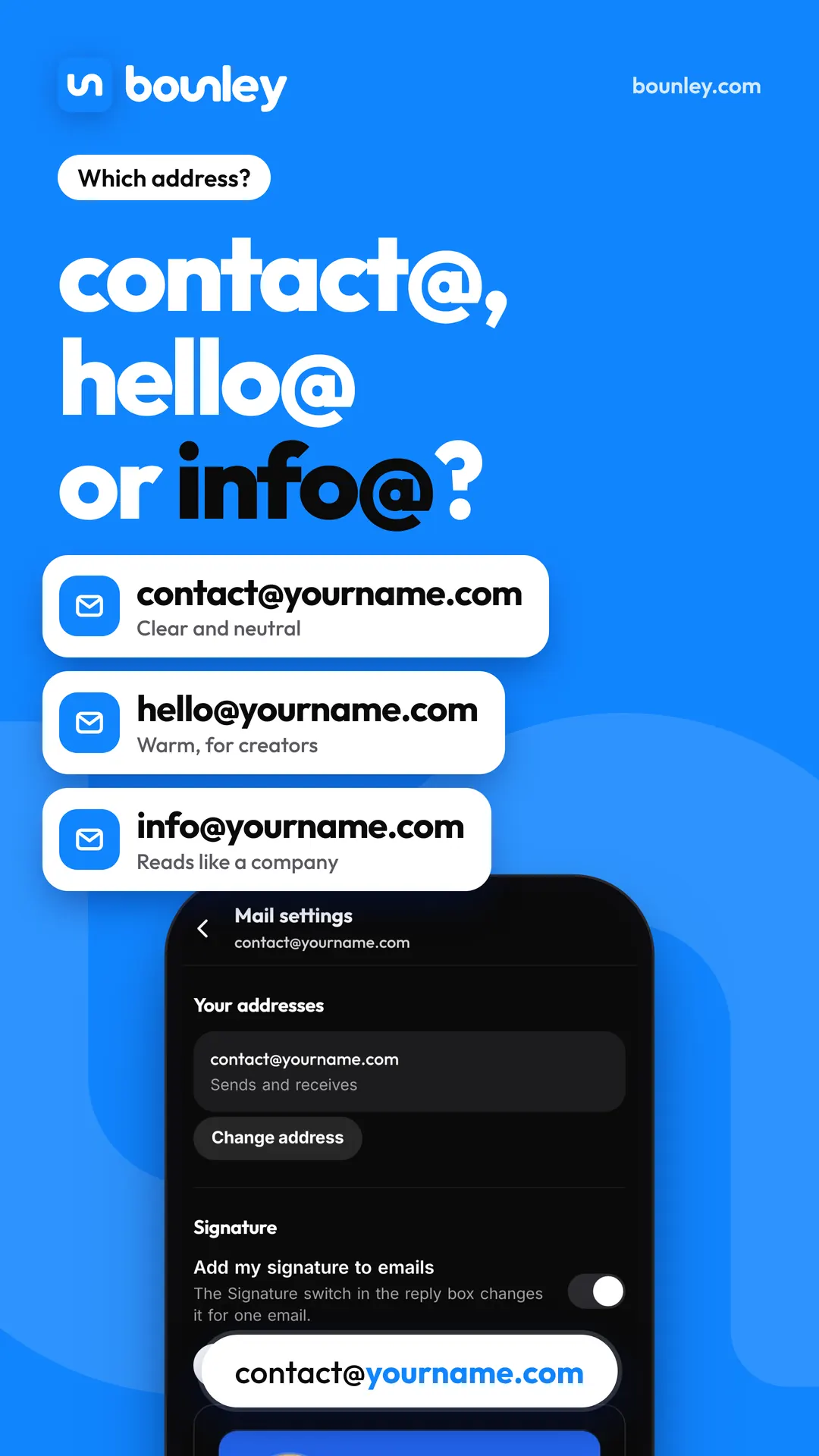
| contact@yourname.com | Clear, neutral, obviously the way in | Anyone; the safe default |
| hello@yourname.com | Warm and friendly | Creators, coaches, artists, small studios |
| firstname@yourname.com | Personal: you’re writing to a person | Freelancers, consultants, job seekers |
| bookings@ / partnerships@ | Organised, ready for business | A second address for one kind of mail |
| info@yourname.com | A company’s front desk | Usually not a personal brand; it also draws spam |
contact@yourname.com
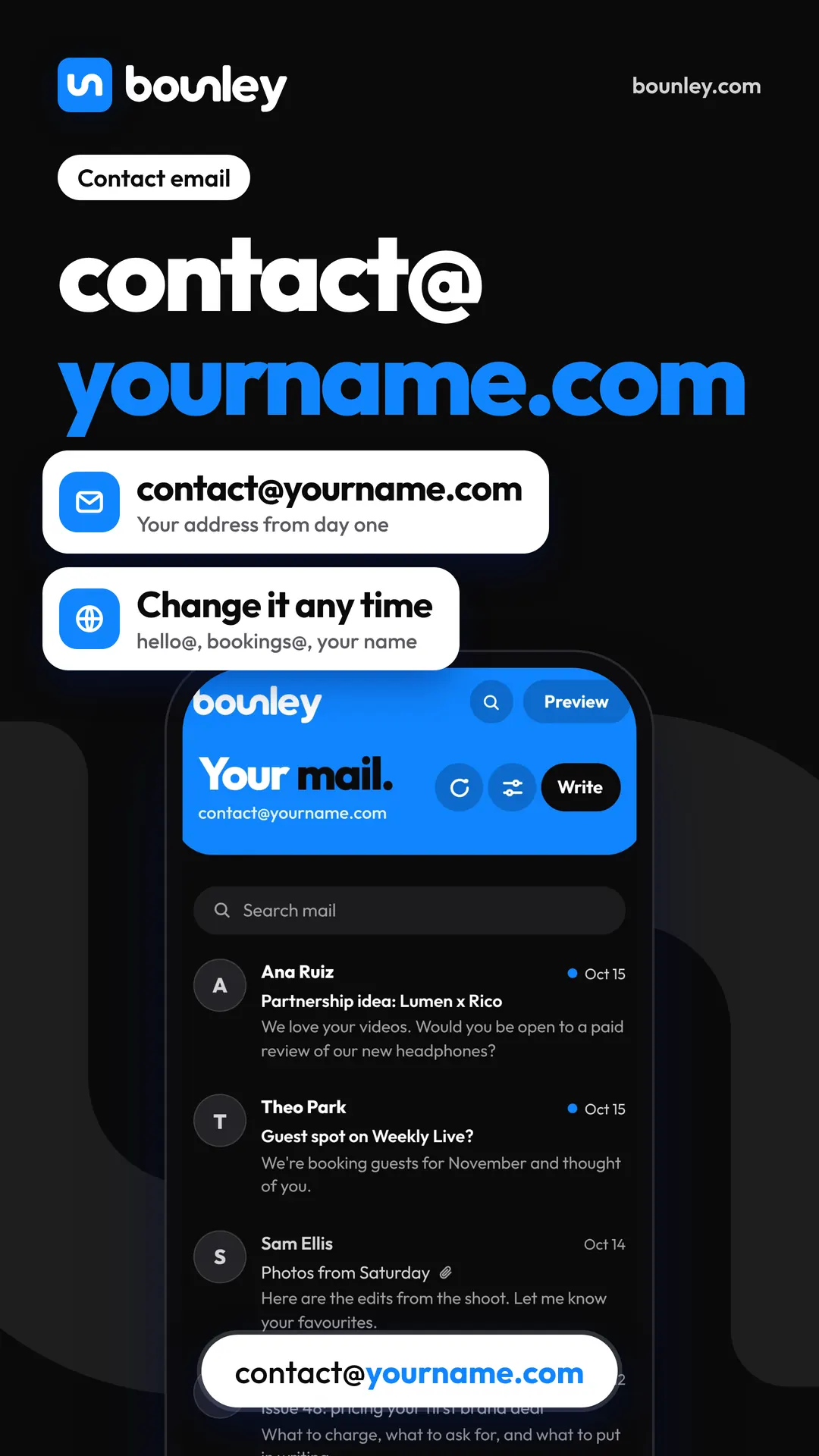
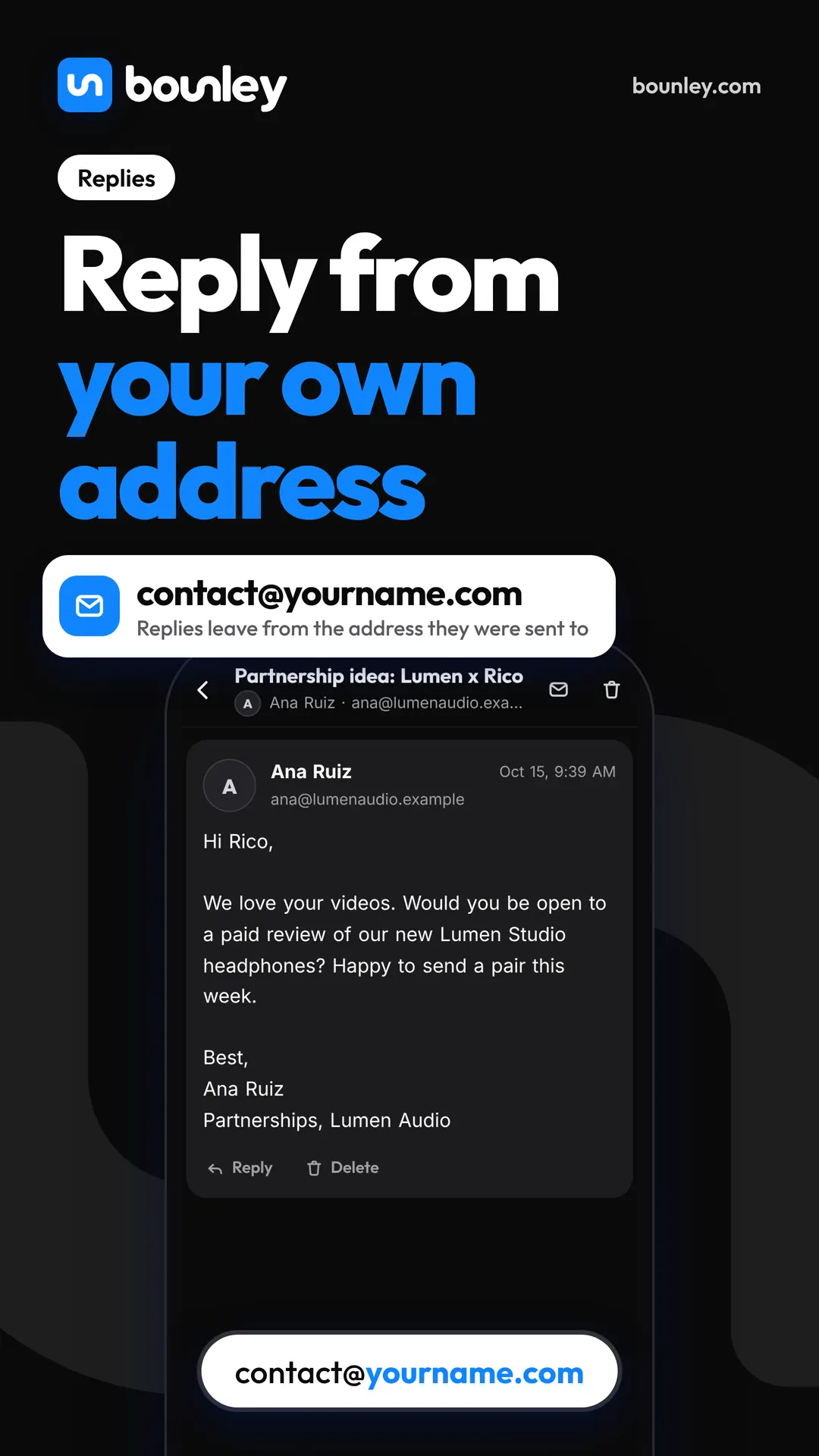
It says exactly what it’s for, so people use it without wondering whether they’ve found the right address. It works for every kind of personal brand and still works if you grow into a small team. If you can’t decide, use this one. It’s also where Bounley starts you when you turn on email at your domain.
hello@yourname.com
Friendlier, and common among creators, coaches and studios whose brand is personal and warm. It reads well on a business card and at the end of a video (“say hello at hello@…”). It’s a matter of tone, not a rule: pick the one that sounds like you.
firstname@yourname.com
The most personal choice, and the best one when the person writing wants you specifically: a client, a recruiter, a collaborator. jess@jessmoreno.com is hard to forget. The catch: if you ever bring in an assistant or manager, a named address is harder to hand over than contact@. More on this in personal email domains.
Why not info@?
info@ is what companies use for their front desk, so it can make a one-person brand sound bigger and less personal than it is. It’s also one of the first addresses spammers guess. If you already use it, you don’t need to change it, but for a new personal brand contact@ or hello@ usually fits better.
Should you have more than one address?
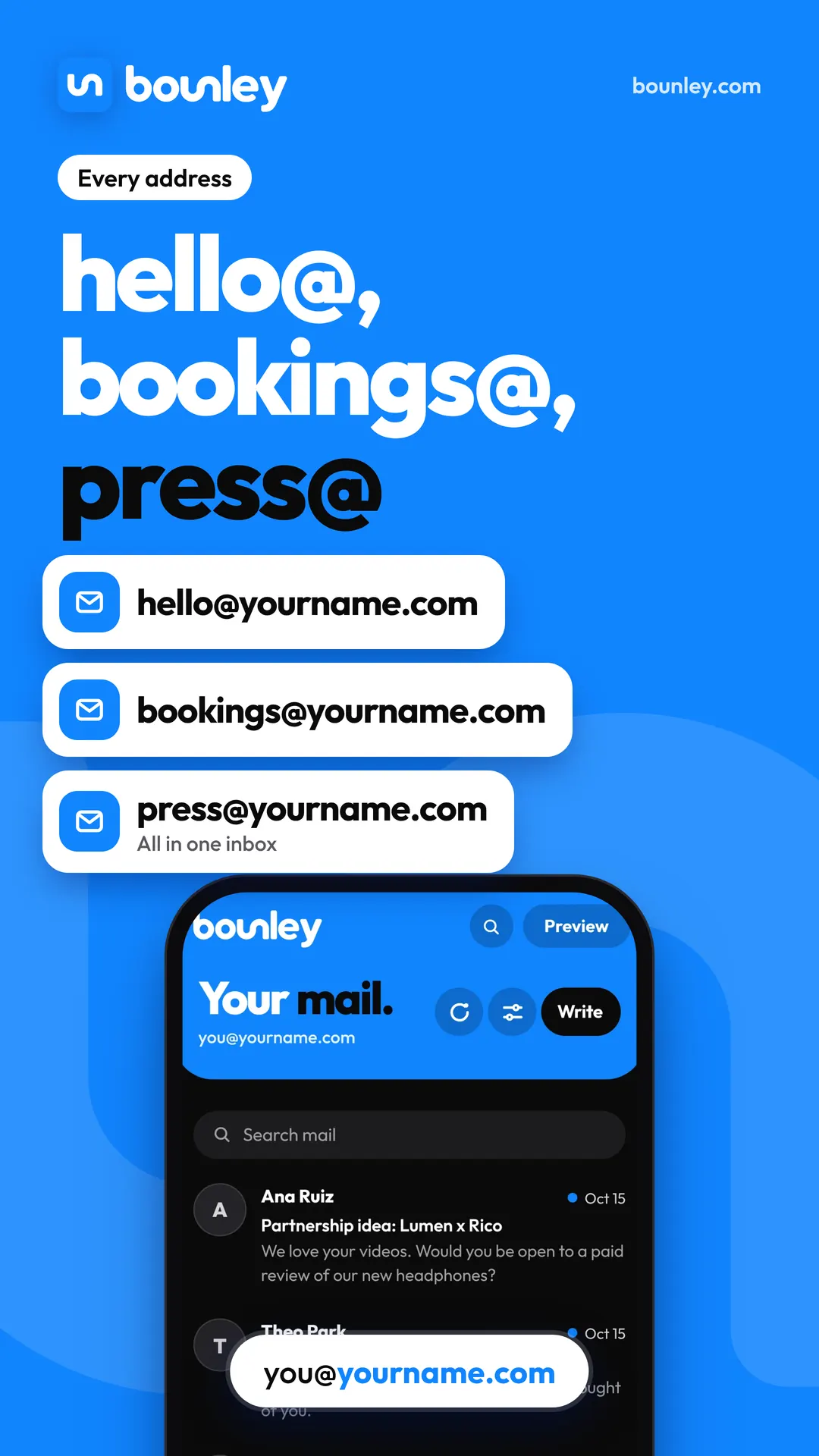
One public address is enough for most people. A second one helps when you print it in one place and want to see what came from there: bookings@ on a tour poster, partnerships@ in a media kit, press@ on a press page. It also makes it easy to hand one kind of mail to a manager later.
What you don’t want is five inboxes to check. Set things up so every address lands in one place, and replies go out from the address that was written to.
Addresses to avoid
- Numbers and years (jess2003@): they read like a personal account.
- Nicknames you’d have to spell out loud.
- noreply@ for anything people might answer.
- Long words that are easy to mistype: say it out loud once and see.
Setting it up
You need your own domain and an email service for it. With most email hosts, each extra address is either an alias you add by hand or another paid mailbox. How to get a professional email address walks through doing it yourself.
With Bounley Premium, your address starts as contact@yourname.com and you can change it any time in Mail settings. Mail to any other address at your domain (hello@, bookings@, press@) arrives in the same inbox without setting anything up, and replies leave from whichever address the email was sent to. Your own domain and email with Bounley.
Questions
Is contact@ or hello@ more professional?
Both are professional. contact@ is more neutral and hello@ is warmer; pick the one that matches how you talk to people.
Can I change my address later?
Yes, as long as the old one keeps arriving for a while so nobody’s email bounces. With Bounley, the old address keeps arriving because every address at your domain does.
Can I use contact@ with Gmail?
Only through an email host for your domain. Google is ending the free ways of sending as another address in Gmail; what works in 2026 and 2027.