Why it matters for students
When everyone’s résumé lists the same classes, the student with projects people can see gets the interview. A personal page is also the easiest way to look established before you have much experience.
What a student’s site needs
- Your name, what you study and your graduation year.
- What you’re looking for: “A summer 2027 engineering internship.”
- Your résumé as a PDF.
- Two or three projects: class, club or personal.
- LinkedIn, and GitHub or a portfolio if it fits your field.
- An email you check.
Bio examples
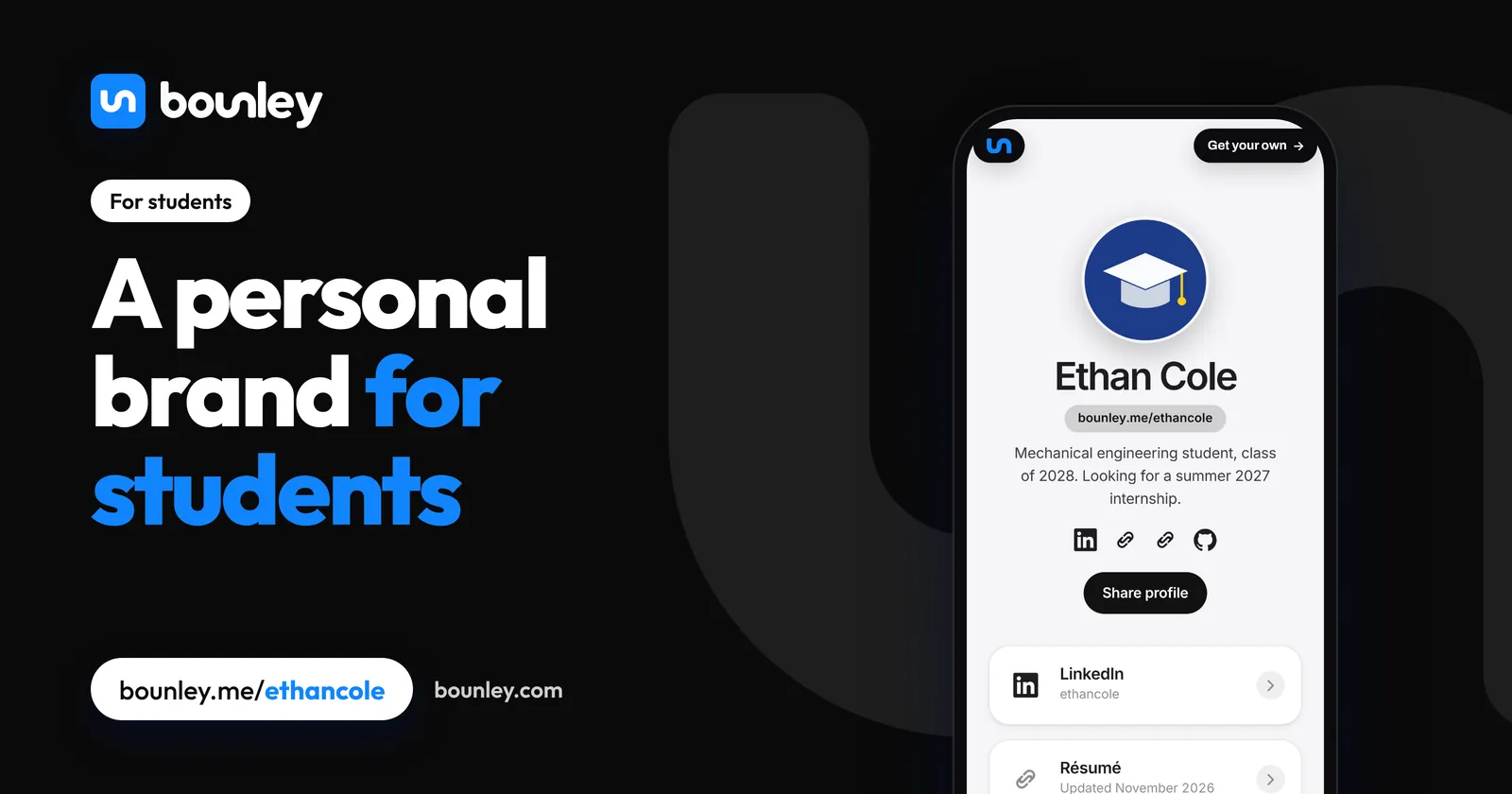
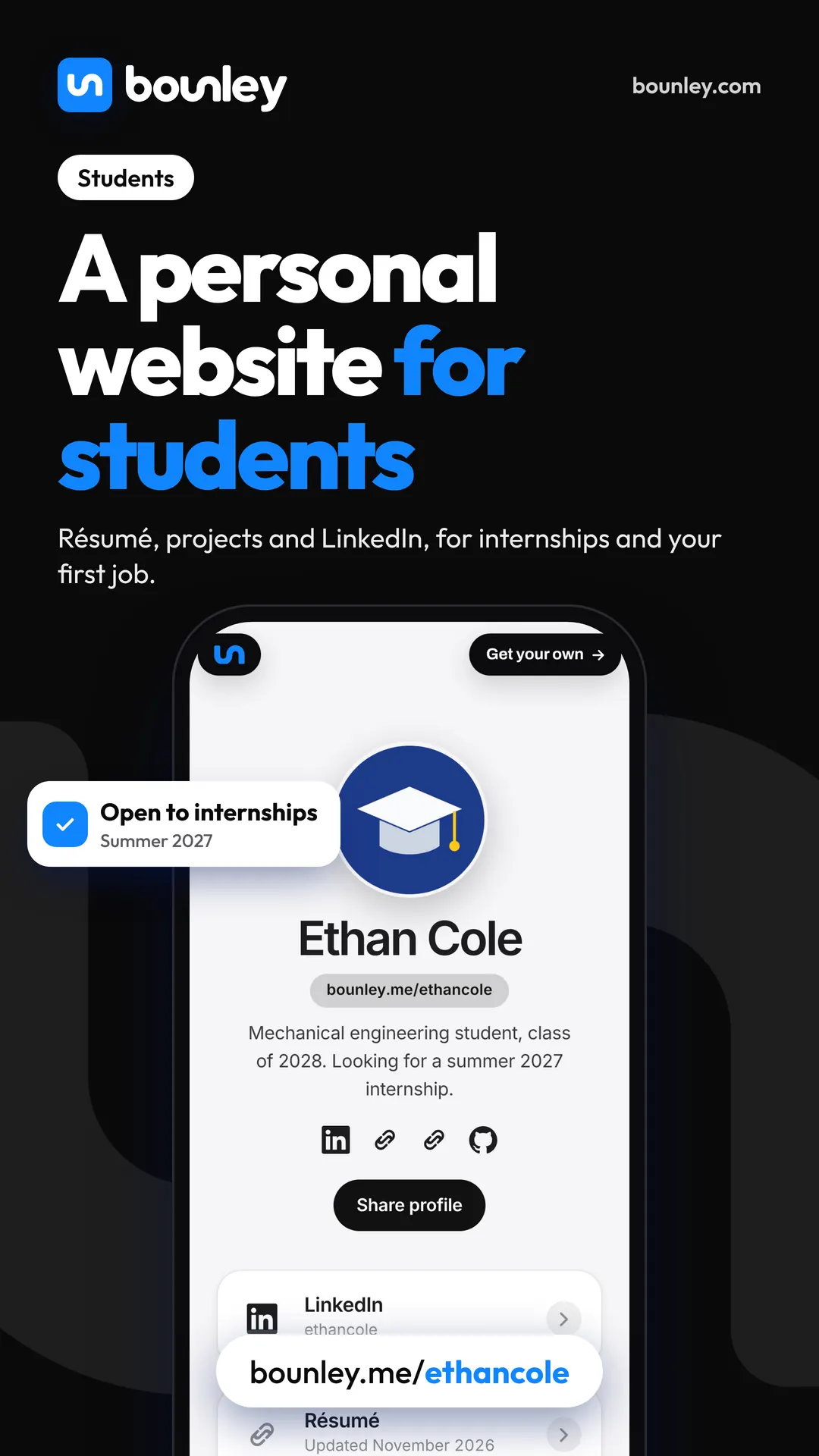
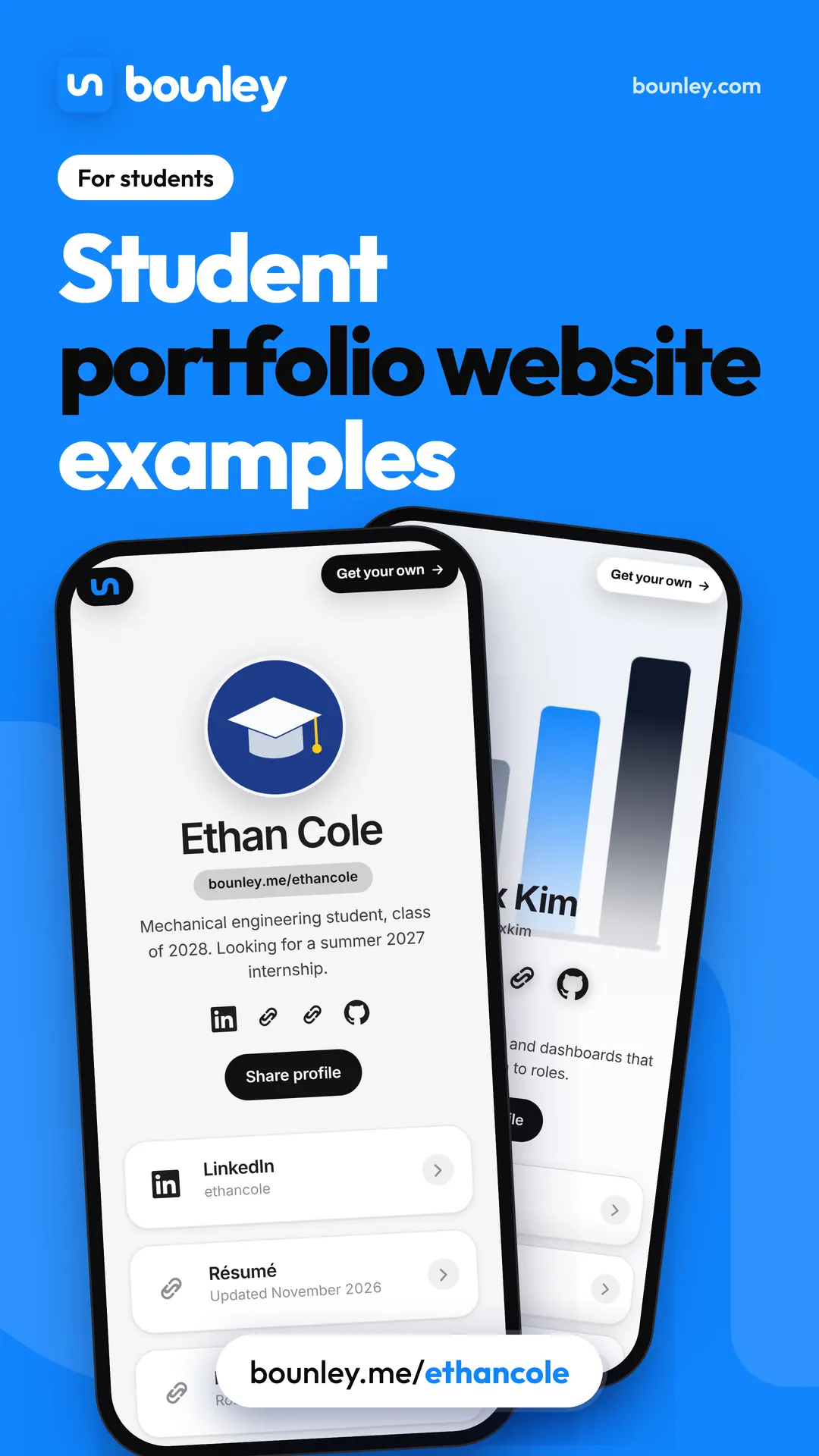
- “Mechanical engineering student, class of 2028. Looking for a summer 2027 internship.”
- “Journalism student. Editor at the campus paper.”
- “High school senior. Robotics, debate and a lot of chemistry.”
Your email
Use a simple, professional address (your name, no nicknames or numbers). Your school address works while you’re there, but you lose it when you graduate; your own name as a domain stays with you. Email address ideas.
What to post
- Projects as you finish them, with what you learned.
- Competitions, clubs and volunteering.
- A post when you start an internship, and what you did there.
Privacy
Keep your home address, phone number and school schedule off your page. Bounley is for people 13 and over; under 18, involve a parent or guardian in anything that involves meeting people or being paid.
How Bounley fits
Bounley is the platform built for personal brands. Your site is made from your accounts in about two minutes, free at bounley.me/yourname while Bounley is in beta, with your résumé as a PDF, your projects and LinkedIn, plus a QR code for career fairs. Your own domain and email come with Premium.
Questions
Should students have a personal website?
It helps you stand out for internships, scholarships and applications, and it takes less than an afternoon. Keep it short and current.
What if I don’t have projects yet?
Start with what you have: a class project, a club role, something you taught yourself. Add to it as you go.