The difference
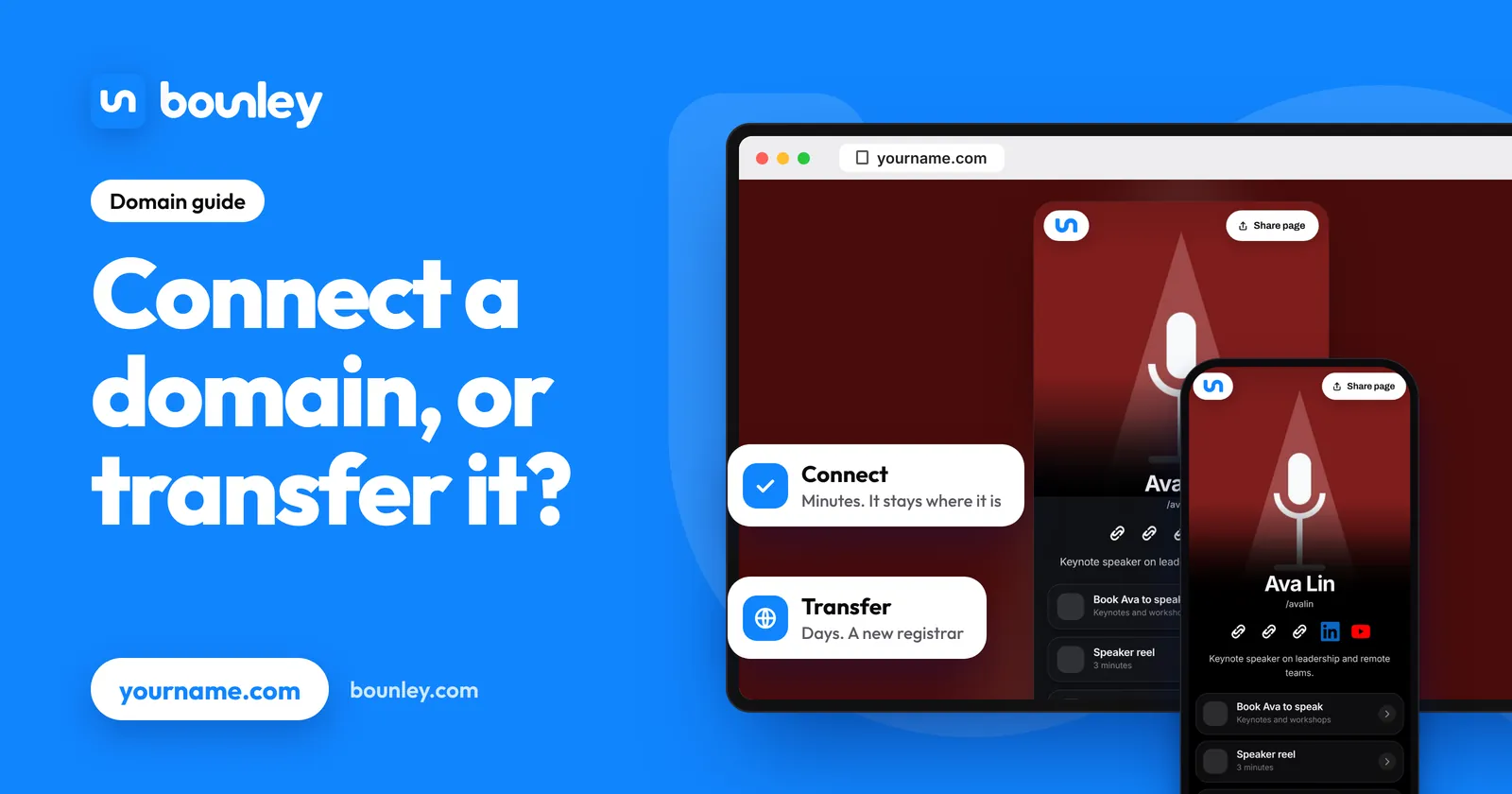
| Connect (point) | Transfer | |
|---|---|---|
| What changes | The domain’s DNS records | Which registrar holds the registration |
| Where you pay for the domain | Same place as before | The new registrar |
| How long it takes | Minutes to a few hours | Usually five to seven days |
| Cost | Nothing | Normally a year’s renewal, added to your expiry date |
| Easy to undo | Yes: change the records back | Not quickly; transfers are usually locked for a period afterwards |
Connecting: what you do
- Add the domain in the new website or email service. It shows you the records it needs.
- Find where your DNS is managed. Usually your registrar; sometimes a separate service if you moved it before.
- Add or change the records: typically an A record or CNAME for the website, and MX and TXT records for email.
- Wait for the service to confirm. Most changes show up within minutes; allow a few hours.
How to connect your domain to your website explains each record in plain words.
What to be careful of when connecting
- Email at the domain. If the domain already receives mail, leave its MX and TXT records alone unless you are moving the email too. Changing the website’s records doesn’t touch them; replacing the whole set does.
- “Change nameservers” is the big switch. Some services ask you to point the domain’s nameservers at them. That hands over every record at once, so anything not copied across (email especially) stops. Prefer adding single records when you’re given the choice.
- www and the bare name. Set up both yourname.com and www.yourname.com, so neither shows an error.
When transferring makes sense
- Your registrar’s renewal price is well above others.
- You want every domain you own in one account.
- The domain is in someone else’s account (a web designer, an old employer, a relative) and should be in yours.
- The registrar’s account security or support worries you.
How a transfer works
- Unlock the domain at the current registrar.
- Get the authorisation code (also called an EPP or transfer code).
- Start the transfer at the new registrar, enter the code and pay, usually for one more year.
- Approve it if the old registrar emails you, then wait. It normally completes within a week.
Things to know: a domain generally can’t be transferred for a period after it was registered or last moved, commonly 60 days; your DNS records stay put only if the DNS isn’t hosted by the registrar you’re leaving, so copy them first; and don’t transfer in the last days before expiry.
If the domain isn’t in your own account
This is the one to fix first. A domain registered in a designer’s or agency’s account is theirs to renew, move or lose. Ask them to transfer it to an account you control, or to change the registrant to you. Until then, your site and your email depend on someone else remembering to pay.
With Bounley
With Bounley Premium you connect a domain you already own from your dashboard: Bounley names the company that runs its DNS and shows exactly which records to add there. The domain stays registered to you at your own registrar; nothing is transferred. Your free bounley.me address keeps working, so links you’ve shared still arrive. Premium is invitation-only during the beta: join the waitlist.
Questions
Will my site or email go down?
Connecting takes effect as the records update, usually within minutes. A transfer doesn’t change the records by itself, so there’s no downtime if the DNS is left as it is.
Can I lose my domain by connecting it?
No. Connecting changes where the name points, not who owns it. You can point it somewhere else at any time.
Do I ever need to do both?
Only if you want the new company to be your registrar as well. Connect first, check everything works, and transfer later if you still want to.
What happens to my old website?
It stays where it was, but the domain no longer leads to it. Cancel the old plan once the new site is live and you’ve saved anything you need.