Don’t have a domain yet? The domain name ideas tool checks which are free for your name.
What it checks
| Record | What it does | If it’s missing |
|---|---|---|
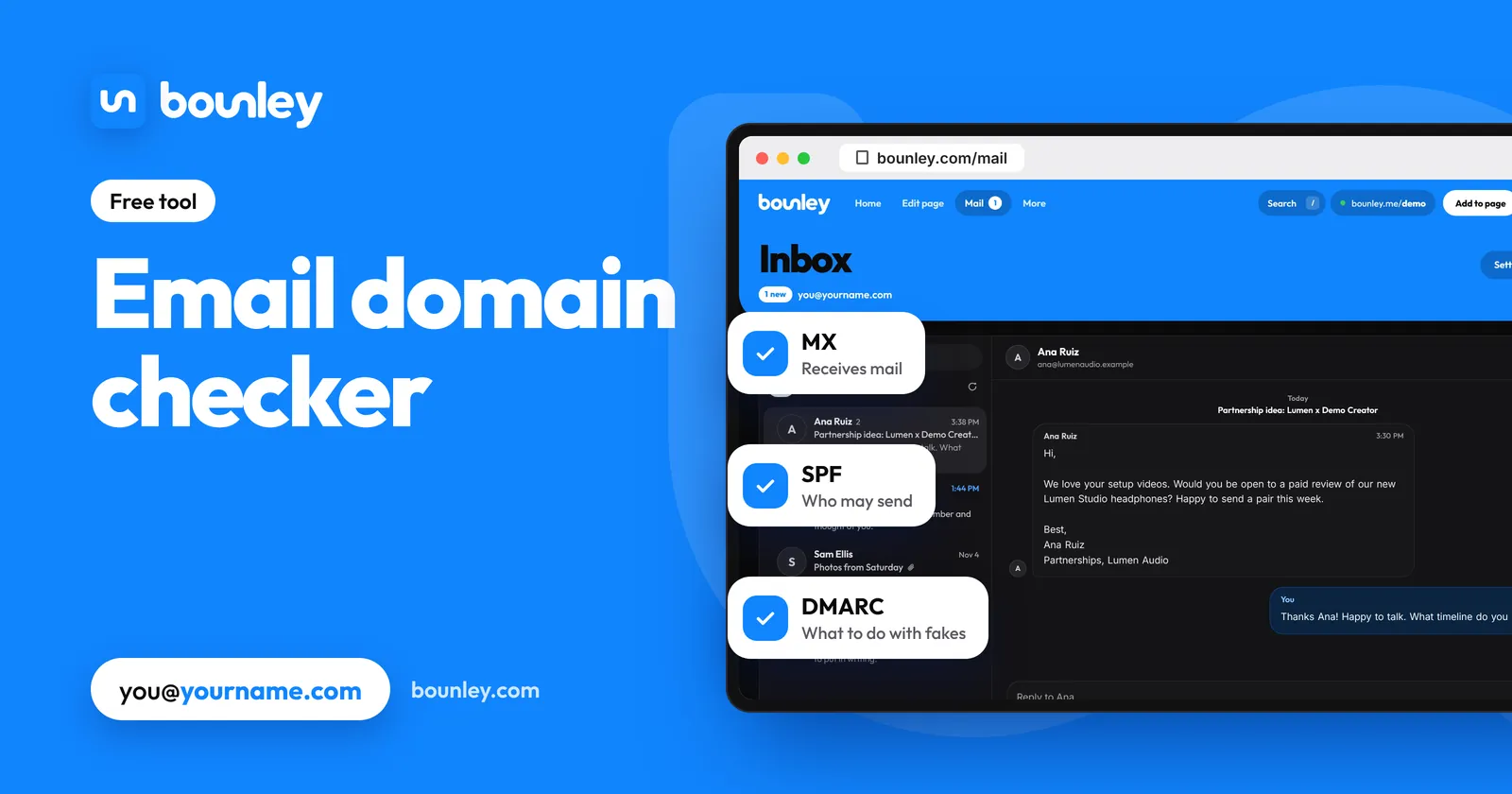
| MX | Says which service receives mail for your domain | Nobody can email you at the domain |
| SPF | Lists the services allowed to send mail as your domain | Your mail is more likely to be marked as spam |
| DMARC | Tells receivers what to do with mail that fails the checks | Gmail and Yahoo filter your mail harder, and anyone can fake your address |
| DKIM | Signs each email so receivers can check it’s really from you | Can’t be looked up from outside: see below |
How to read the answer
- Found means the record exists and looks the way it should.
- Missing means there’s nothing there. Your email service’s set-up page shows the exact record to add.
- Two or more SPF records is a common mistake after changing email service. Receivers treat it as an error, so merge them into one.
- DMARC “monitoring only” (p=none) meets the big providers’ minimum, but it doesn’t stop anyone faking your address. Move to quarantine, then reject, once your own mail passes.
Why DKIM isn’t checked
A DKIM record sits under a name chosen by your email service, called a selector, and there’s no public list of them. The reliable test is to send yourself an email, open its original headers and look for dkim=pass. Gmail shows this under “Show original”.
Fixing what’s missing
- Find where your DNS is managed: usually the company you bought the domain from.
- Copy the records from your email service. It gives you the exact MX, SPF and DKIM values for your account.
- Add a DMARC record if there isn’t one: a TXT record at _dmarc starting with v=DMARC1, beginning with p=none.
- Check again here after an hour or so.
Why emails from your domain go to spam explains each record, and how to get a professional email address covers the whole set-up.
With Bounley
Bounley Premium sets up email at your own domain with the inbox next to your site. On a domain from Bounley every record is put in for you, and Bounley checks SPF, DKIM and DMARC before your domain sends anything. Premium is invitation-only during the beta: join the waitlist and we’ll email you the day it opens.
Questions
Is the email domain checker free?
Yes. There’s no sign-up, and nothing you type is stored.
Everything says Found. Why is my mail still going to spam?
Records are the first thing receivers check, not the only one. A new domain with no sending history, a sudden burst of mail, or content that looks like marketing can all still be filtered. The other causes and their fixes.
My domain has no email at all. Is that a problem?
Only if you want an address at it. A domain can run a website with no email. If you never send mail from it, a DMARC record with p=reject still stops others faking it.
How long do changes take to show?
Usually minutes, sometimes a few hours, depending on your DNS provider.