What a portfolio has to do
Someone deciding whether to hire you gives it about a minute. In that minute they want three answers: is this the kind of work I need, is it good, and how do I reach this person. Everything on the page should help one of the three.
1. Choose the work
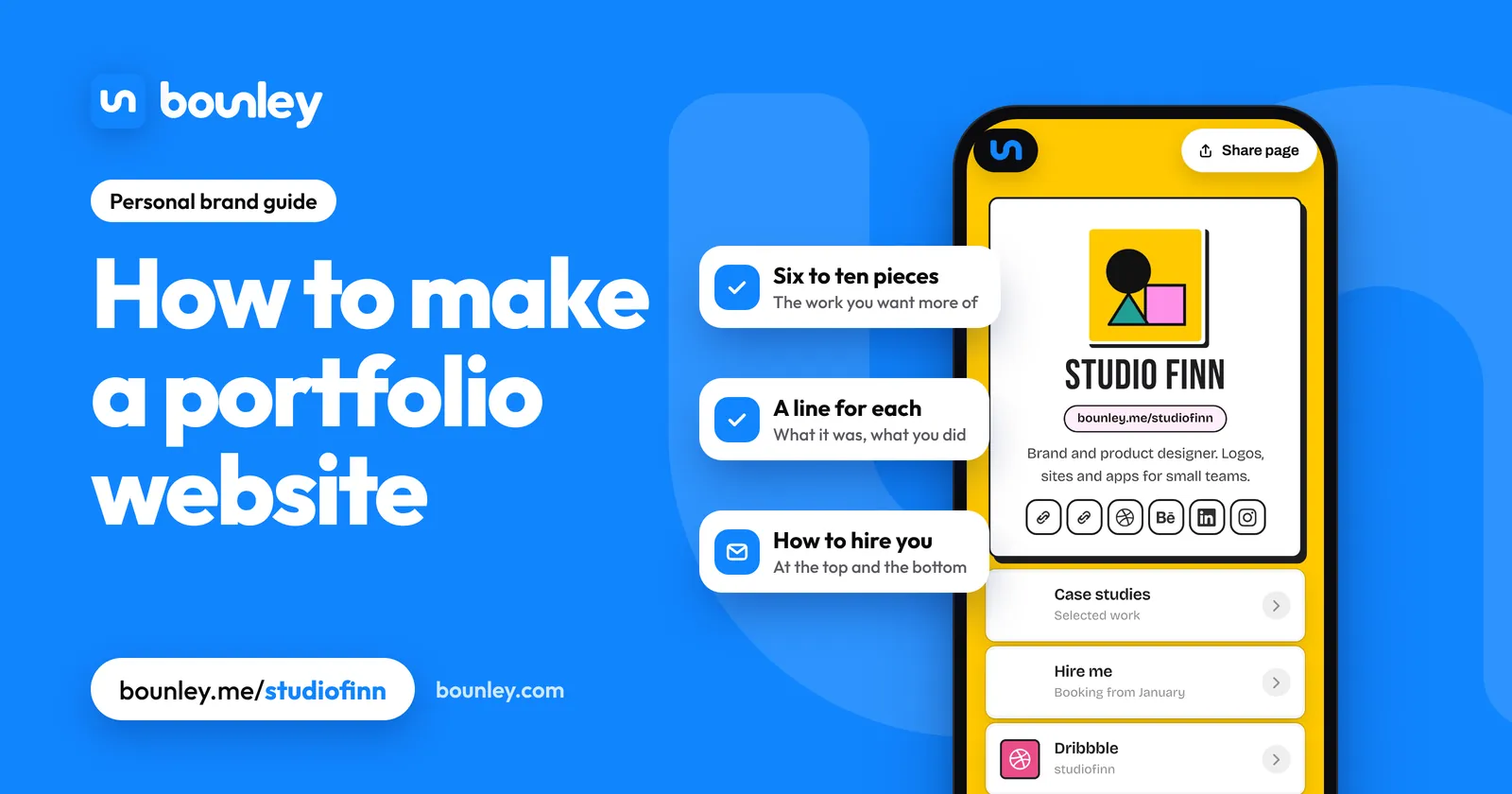
- Six to ten pieces. People judge you by the weakest thing they see, so every extra piece is a risk.
- Show what you want more of. A portfolio of logos gets you logo work. Leave out good work in a direction you’re leaving.
- Strongest first, second strongest last. Many visitors see only the first three.
- No client work yet? Make the project you wish you’d been hired for, and say plainly that it’s self-initiated.
- Check you’re allowed to show it. Ask clients, and leave out anything under a confidentiality agreement.
2. Write one line for each piece
Work with no words makes the visitor guess. For each piece, three short facts:
- What it is and who it was for. “Brand identity for a bakery in Leeds.”
- What you did. Your part, especially on team projects.
- What happened, if you know: a result, where it ran, what the client said.
Two sentences is enough. Save the full case study for the one or two projects that deserve it.
3. Put the page in order
- Your name and one line: what you do and for whom. How to write it.
- How to hire you, as the first button: an email address, an enquiry form or a booking link, with whether you’re available.
- The work.
- A short about: a photo, a few lines, who you’ve worked with.
- Your accounts and, again, how to reach you.
What to show, by kind of work
| You are a | Lead with | Also include |
|---|---|---|
| Designer | Two or three case studies with the problem and the result | Availability, the tools you use |
| Photographer | One tight gallery per kind of shoot | Prices or “from” prices, how to book |
| Developer | Three projects with what each one does and a link to it running | Code, a résumé, what you’re looking for |
| Artist or illustrator | Recent work in the style you want commissions in | Commission status, shop, prints |
| Writer | Five published pieces, by headline and publication | What you cover, how to pitch you |
| Video editor or filmmaker | A reel under ninety seconds | Three full pieces, your role on each |
| Makeup artist or stylist | Before and after, grouped by occasion | Prices, area you cover, booking |
| Student | Two or three projects, class or personal | What you’re studying, what you want next |
4. Choose where to build it
- One page with your work, your accounts and a way to hire you: a personal brand platform or a one-page site maker. Quick to make and easy to keep current.
- Many large projects, each with its own page and gallery: a portfolio builder or a drag-and-drop website builder.
- A profile on a portfolio network: good for being found by other people in your field; it’s their address, not yours, so link it from your own site.
With Bounley, links can be photo tiles that show the piece they lead to, and an Instagram grid, a Behance project, videos and a 3D model can sit on the page, with an enquiry form under them. If you need a separate page with a gallery for each of thirty projects, a general website builder is the better tool. How to choose.
5. Put it on your own name
A portfolio at yourname.com reads as a business. The same work at a free address reads as a profile. It’s also the address on your résumé, your invoices and your email signature for years, so it should be one you own. Check your name with the domain name ideas tool, then register it.
Add an email address at the same name. An enquiry sent to hello@yourname.com, answered from hello@yourname.com, is what a client expects from someone they’re about to pay. How to get a professional email address. Bounley Premium sets up the domain, the email and the site together; it’s invitation-only during the beta, and the waitlist hears first.
Mistakes that cost enquiries
- No way to contact you on the first screen.
- Everything you’ve ever made. Cut until it hurts, then cut one more.
- Work with no words, so nobody knows what you did.
- Huge images that take ten seconds to load on a phone.
- A portfolio last updated two years ago. Put a reminder in your calendar every three months.
- A clever layout that hides the work behind animations and menus.
Before you send it to anyone
- Open it on a phone. Can you see what you do and how to hire you without scrolling?
- Ask someone outside your field what you do, after ten seconds on the page.
- Tap every link and send yourself an enquiry.
- Put the address in your bios, your email signature and your résumé.
Questions
How many pieces should a portfolio have?
Six to ten. Fewer is fine when you’re starting; three strong pieces beat ten mixed ones.
How do I make a portfolio with no experience?
Make the work anyway: redesign something that exists, shoot a friend’s business, build a small tool you’d use. Label it as a personal project and explain your thinking, which is what a client is hiring.
Do I need a website, or is a PDF enough?
A website. It can be found in search, opened on a phone, updated without resending, and linked from every profile. Keep a PDF only for the applications that ask for one.
Can I make a portfolio website for free?
Yes. A Bounley site is free while in beta, and many tools have free plans at their own address. Your own domain is usually the paid part.
Should I put prices on my portfolio?
A “from” price or a typical range saves both sides time and filters out enquiries that were never going to fit. If every job is different, say what a typical project costs.