What WHOIS is
WHOIS is the public record of who registered a domain, and RDAP is its modern replacement. Anyone can look a domain up and see when it was registered, which registrar holds it and, if nothing hides them, the owner’s name, postal address, phone number and email.
Registrars are required to collect real contact details, and giving false ones can lose you the domain. The question is only what they publish.
What privacy protection does
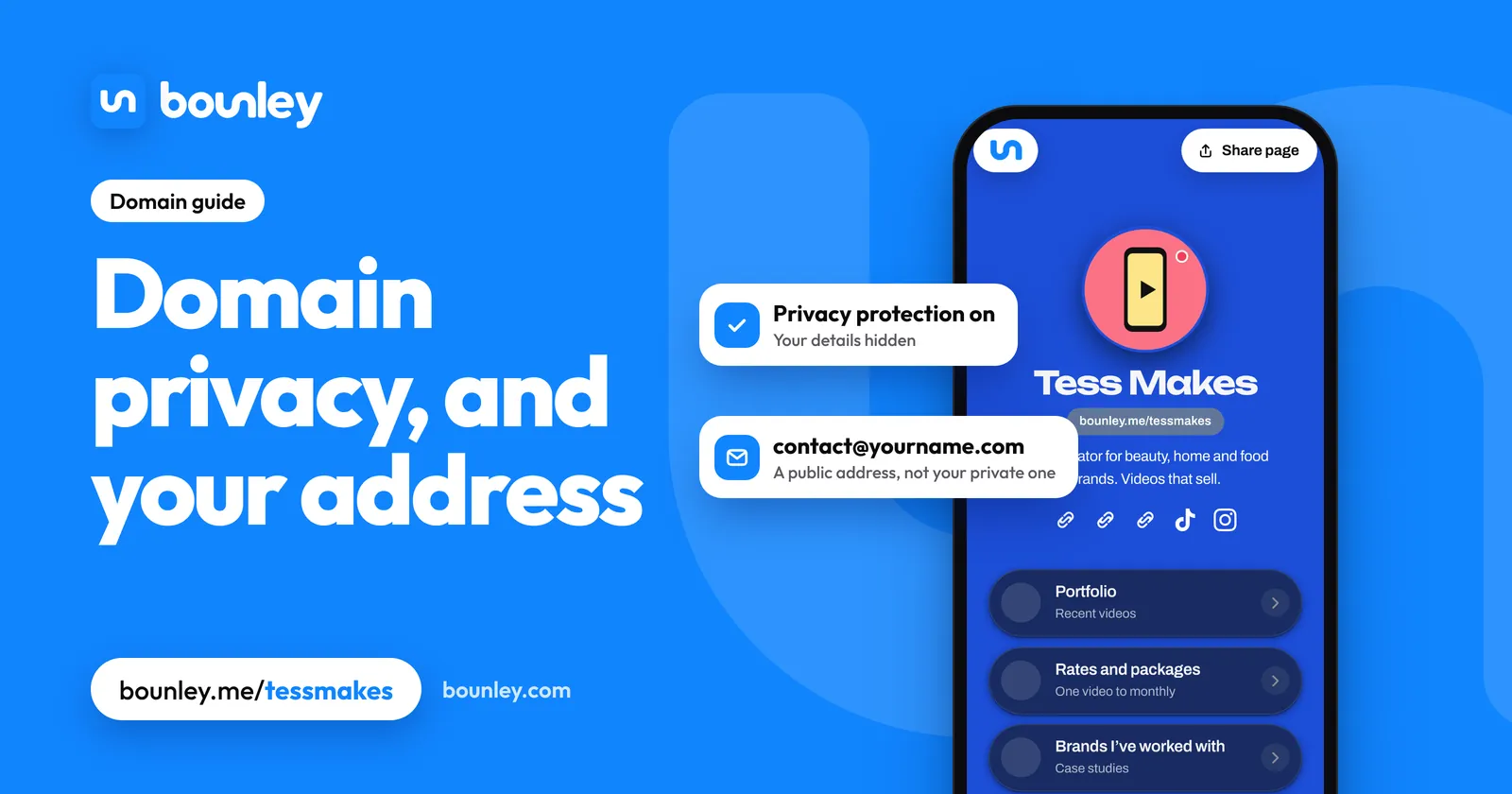
With privacy protection (also called WHOIS privacy or private registration), the public record shows the registrar’s privacy service in place of your details, with a forwarding email so genuine enquiries can still reach you. You remain the owner.
- Since 2018 many registrars have redacted personal details by default, a change that followed Europe’s data protection law.
- Most registrars now include privacy free. If one charges much for it, that’s a reason to compare.
- It isn’t secrecy from the law. Registrars can disclose details in response to legal process.
Where it doesn’t apply
- .us domains don’t allow private registration; the owner’s details are public.
- Some other country endings have their own rules. A few publish the owner’s name for individuals; several hide individuals’ details by default. Check before buying a country ending.
- Old records. If a domain was once registered without privacy, sites that archive WHOIS history may still show it. Privacy protects from the day it’s on.
Check what’s public about your domain
- Look up your domain at ICANN’s lookup tool (lookup.icann.org) or your registrar’s WHOIS page.
- Read the Registrant section. “Redacted for privacy” or the name of a privacy service means it’s working.
- If you see your own address, turn on privacy protection in your registrar’s settings for that domain. It takes effect within minutes to hours.
The places your address leaks that aren’t WHOIS
For most personal brands, the domain record is not where a home address gets out. These are:
- Marketing email footers. Anti-spam law in the US requires a postal address in commercial email. Use a PO box or a virtual mailbox, not your home.
- Business registrations. A company or sole-trader registration is often a public record. A registered agent or a business address keeps your home out of it.
- Invoices and contracts, which get forwarded.
- Return labels on anything you post to followers.
- Photos and video. Street signs, house numbers and the view from a window.
- The site’s own contact page. A city is enough. Use an email address or a form.
A safe set-up
- Privacy protection on, on every domain you own.
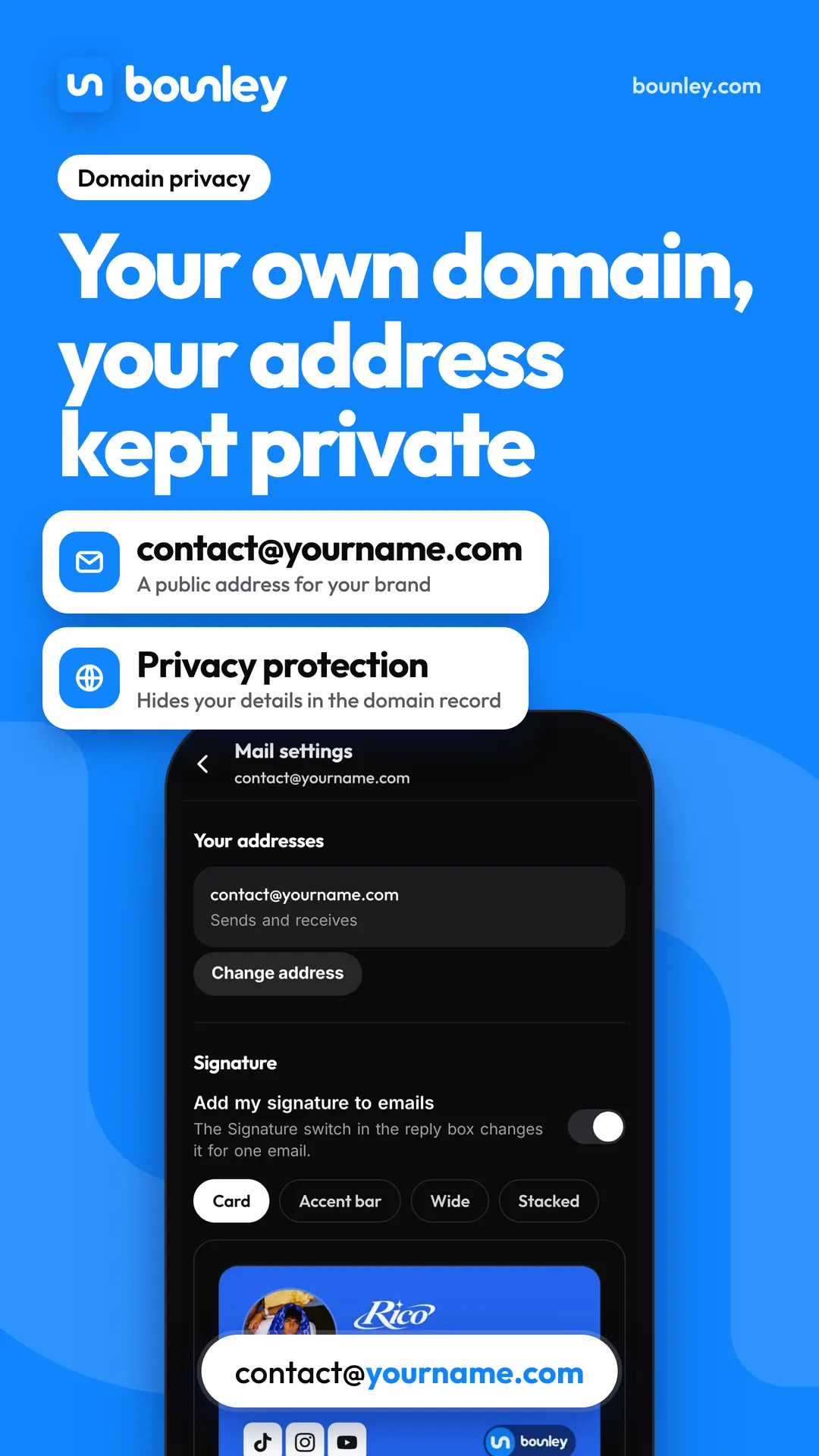
- A public email address at your domain (contact@yourname.com), separate from your private one.
- A PO box or virtual mailbox for anything that legally needs a postal address.
- Two-step sign-in on your registrar account: whoever controls the domain controls your site and email.
- A city, not an address, anywhere public.
With Bounley
A Bounley site shows only what you put on it: there’s no address field, and enquiries reach you through your email address or a form. A domain you connect to Bounley stays at your own registrar, under whatever privacy setting you chose there. Premium adds a public address at your own domain, so your private one never has to be in a bio. It’s invitation-only during the beta: join the waitlist.
Questions
How much does domain privacy cost?
Nothing at most registrars today. Some still sell it as an add-on for a few dollars a year.
Can I just enter a fake address?
No. Registration rules require accurate details, and a domain with false ones can be suspended or taken away. Use privacy protection instead.
If privacy is on, do I still own the domain?
Yes. The privacy service stands in for you in the public record only. The registration, and the right to move or renew it, stays in your account.
Why did I get calls and emails right after registering?
Newly registered domains with public details are harvested by marketers within hours. With privacy on from the start, there’s nothing to harvest.