Why it matters for journalists
An author page on a news site belongs to the publication and goes when you do, sometimes along with the articles. Commissioning editors, hiring editors and sources all search your name. What they should find is your work, in your order, with an address that follows you from staff job to freelance and back.
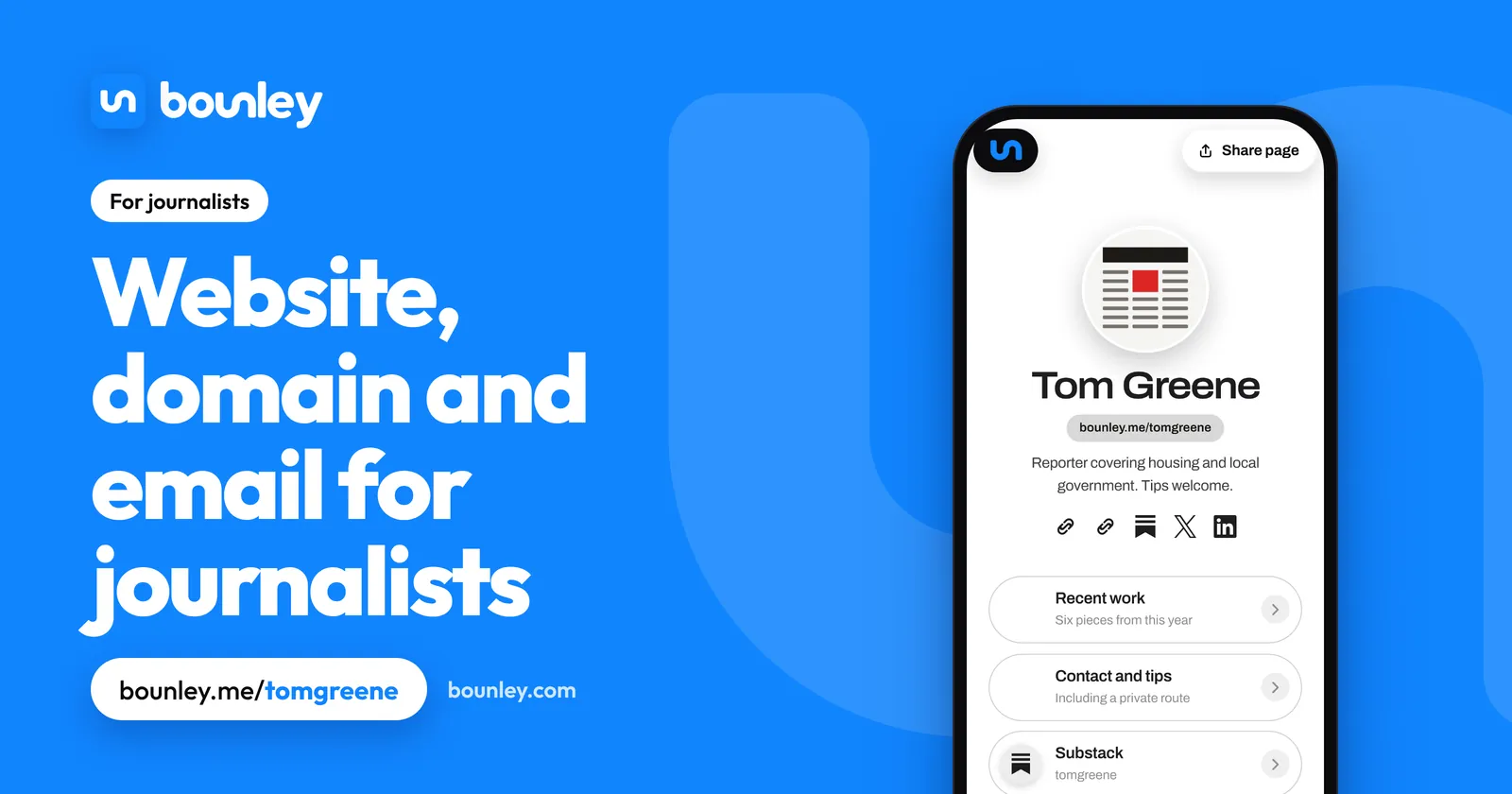
What a journalist’s site needs
- Your beat and what you’re known for: “Housing and local government in the North”.
- Six to ten pieces, your best and most recent, with the outlet and date.
- Saved copies (PDF or archive link) of anything that could vanish or is paywalled.
- Formats: print, audio, video, data, photography.
- Outlets you’ve worked for, awards, fellowships, languages.
- Your newsletter or podcast, if you have one.
- Contact: an email for editors and readers, and how sources can reach you more privately.
Bio examples for journalists
- “Reporter covering housing and local government. Tips welcome.”
- “Freelance science journalist. Climate, oceans, and the people who measure them.”
- “Audio producer and reporter. Documentaries for radio and podcasts.”
Tips, sources and your own safety
A public email address is for editors, PRs and readers. If your reporting relies on confidential sources, list a more private route as well, such as a Signal username or your outlet’s secure tip line, and say that ordinary email and website forms aren’t confidential. Keep your home address, your family and your daily movements off the site, and turn on privacy protection for the domain. Check your contract on reposting: linking and short extracts are generally fine; republishing in full may not be. How domain privacy works.
Your domain and email
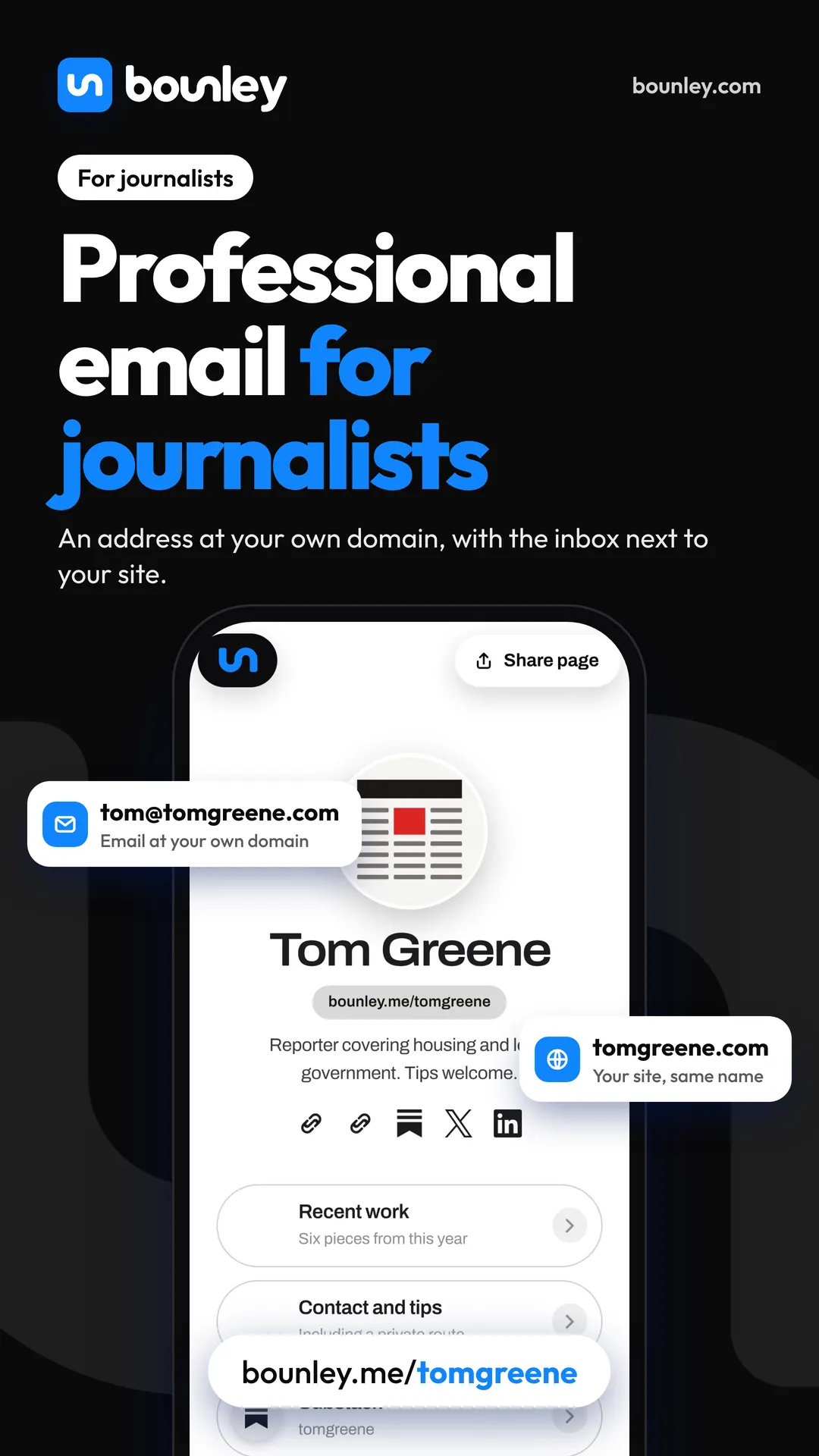
A work address ends with the job, and the contacts who knew it are lost. you@yourname.com is the one address that stays on every source’s phone through your whole career. Your byline is the domain. A personal email domain.
What to put first
- Your name and beat.
- Three pieces, one tap each.
- Contact, including for tips.
- More work, by subject or format.
- Outlets, awards and a short bio.
What loses the commission
- Every article you’ve written, newest first, with no selection.
- Links to pages that no longer exist.
- No beat: an editor can’t tell what to send you.
- Only a social profile, which may not be there next year.
How Bounley fits
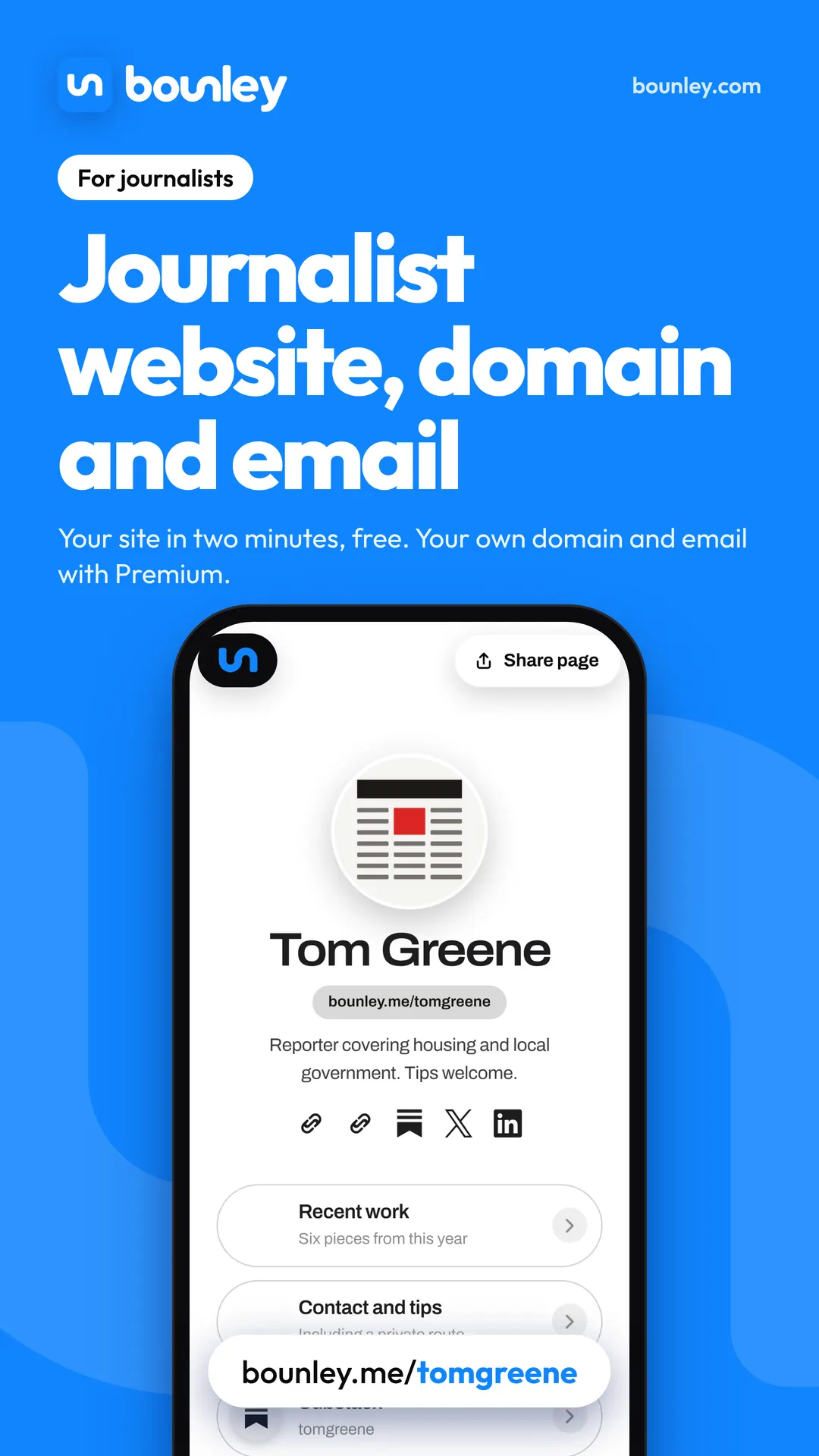
Bounley builds your page from your accounts in about two minutes: a button for each piece, your newsletter and podcast, audio and video that play on the page, and a contact form. With Premium it runs on your own domain, with your email and a blog at blog.yourname.com for work that needs a permanent home.
Questions
I’m on staff. Do I need my own site?
Yes. It’s the record of your work that survives a redesign, a paywall or a redundancy round, and it’s ready the day you need it.
How do I save work that might disappear?
Keep a PDF of every piece when it’s published, and note an archive link. Show an extract with a link to the original where your contract allows.
Should I share opinions on my site?
Follow your outlet’s policy. A portfolio can be purely your reporting; a newsletter or blog is where a personal voice belongs, if you’re free to have one.
Should I list pitches or ideas?
No. Show what you’ve done and what you cover. Send ideas to editors directly.
Related: a personal brand for writers and for authors, and how to make a portfolio website.