Website guide

Personal website templates

A template decides how your site feels before anyone reads a word. Choosing one is less about taste than about matching what you do, and then changing three things so it stops looking like a template.

Short answer

  • Choose a personal website template by the job it has to do: clean and light for consulting and job hunting, bold and dark for music and streaming, editorial for writing and art, bright for fitness and food.
  • Then make it yours by changing three things: the colours, taken from your own photo; your photo itself; and the order of what’s on the page.
  • Bounley has 21 looks, each recoloured from your photo, free during the beta.

How to choose

If you areLook forBounley looks to try
A consultant, coach or job seekerLight background, plenty of space, one accent colourClean, Daylight, Paper
A musician, DJ or streamerDark, high contrast, room for a big photoHeadliner, Arcade, Aurora Drive
A writer, artist or photographerSerif type, quiet colours, the work firstEditorial, Noir, Studio
A trainer, food creator or lifestyle creatorBright colour, round shapes, friendly typeColor Pop, Bubblegum, Sunset
A designer or developerA strong grid and one bold ideaBrutal, Midnight, Liquid Glass
An athlete or speakerA big name, a big photo, one clear buttonMain Event, Spotlight, Premiere

These are starting points. A yoga teacher in a dark look or a DJ in a pale one can work, if it’s a choice and not an accident.
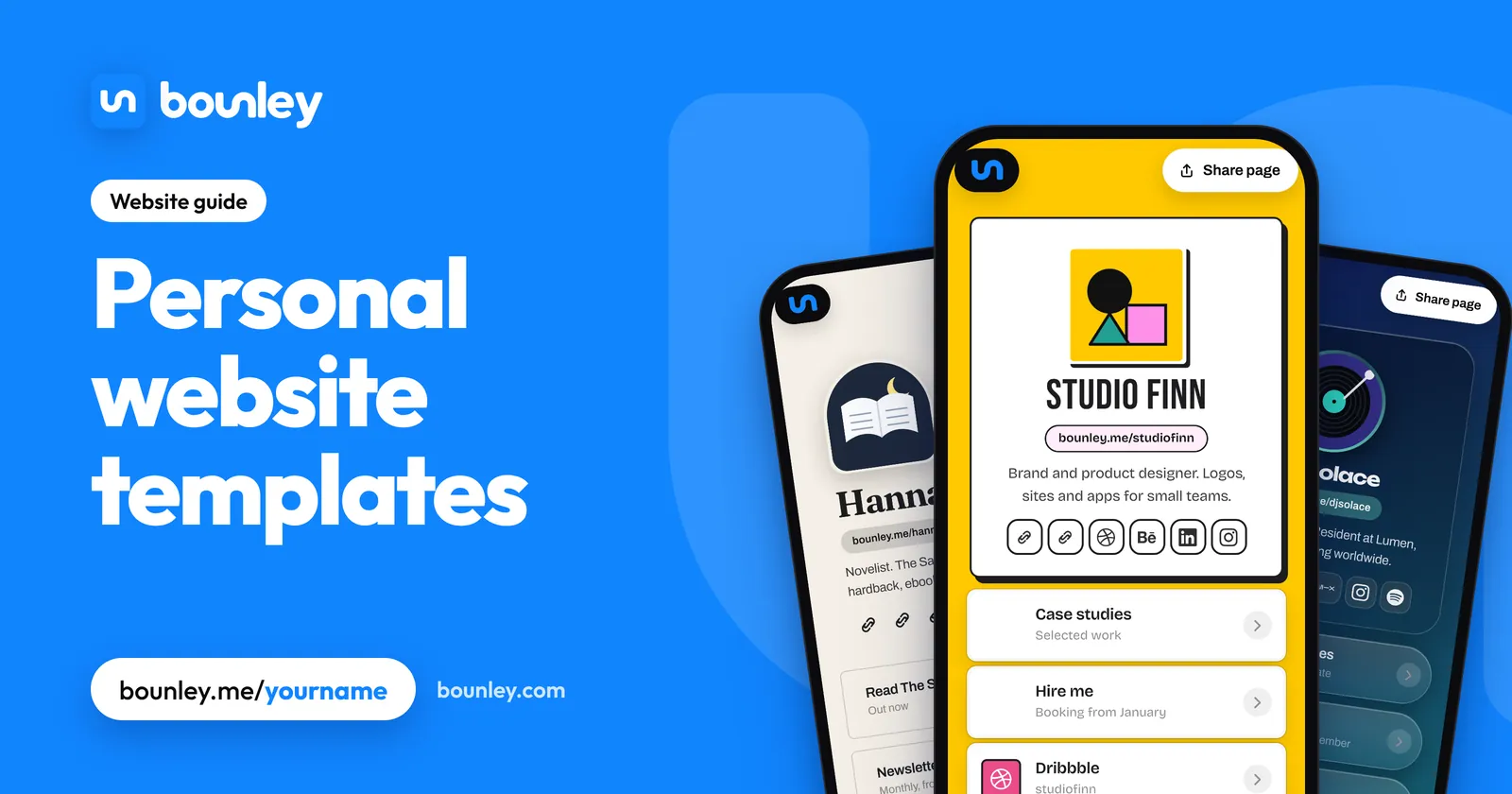
Personal website templates: three personal website templates from Bounley on phones: a bold yellow look for a designer, a cream editorial look for a novelist and a dark look for a DJ.
Personal website templates · Bounley

Each picture shows a sample page made with Bounley. The people are made up; the pages are drawn by the real product.
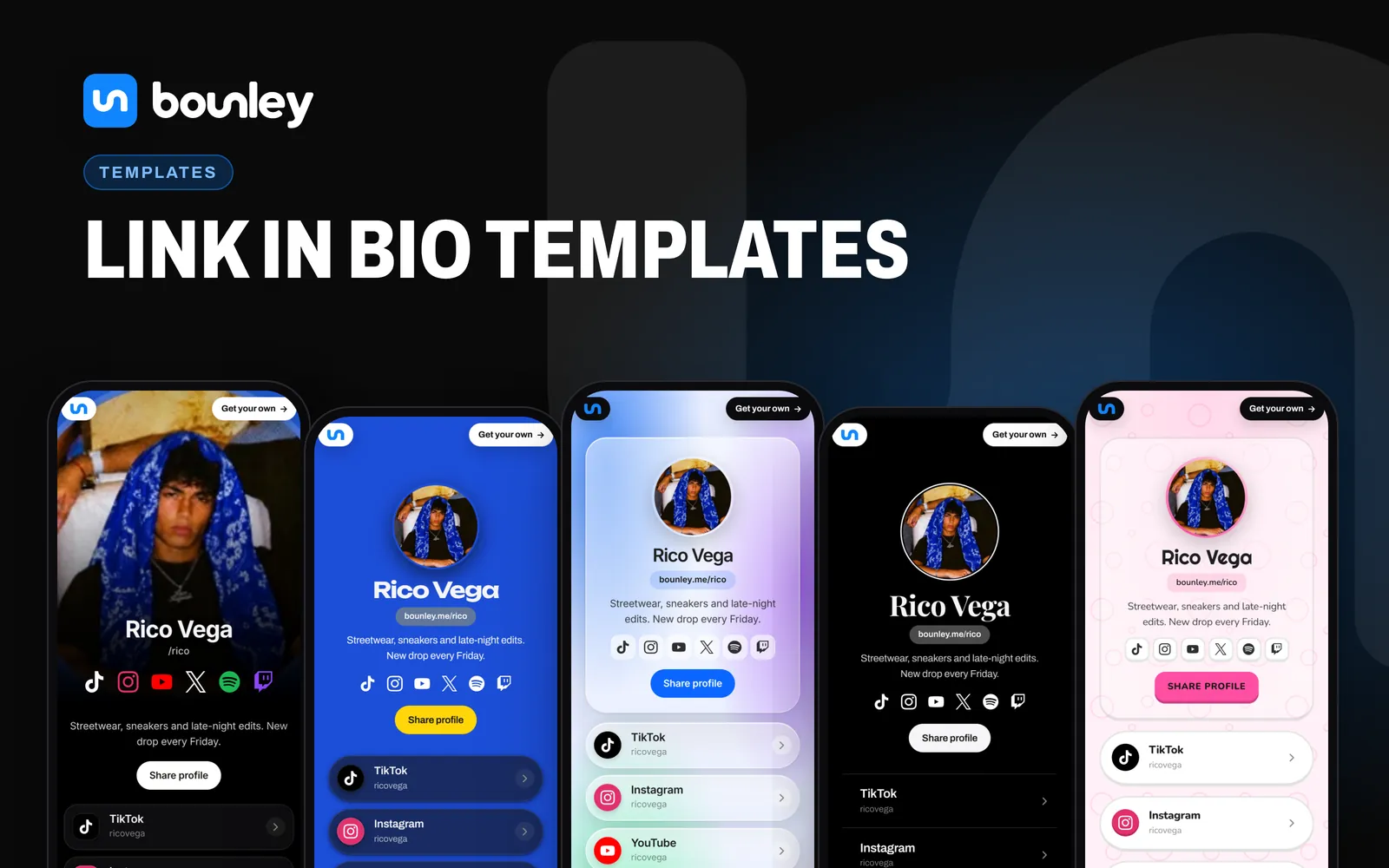
Five link in bio templates from Bounley, on phones, all the same page in different looks: Spotlight with the photo as the cover, Color Pop in blue and yellow, Liquid Glass in pale blue, Noir in black and white, and Bubblegum in pink.
Link in bio templates. Made with Bounley.
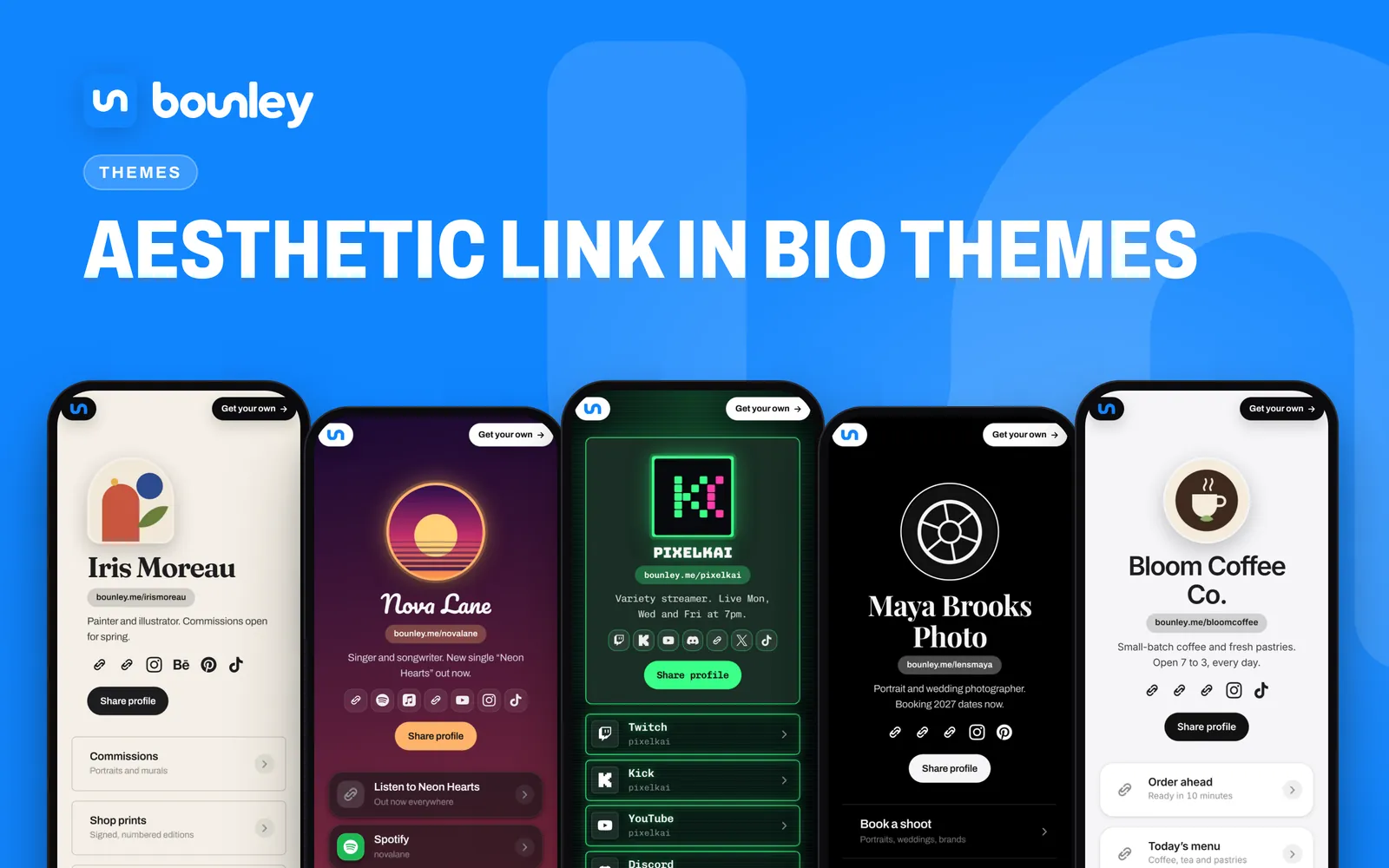
Five aesthetic link in bio themes made with Bounley, on phones: an illustrator's cream editorial page, a singer's sunset gradient page, a streamer's neon arcade page, a photographer's black and white page and a café's clean light page.
Aesthetic link in bio themes. Made with Bounley.
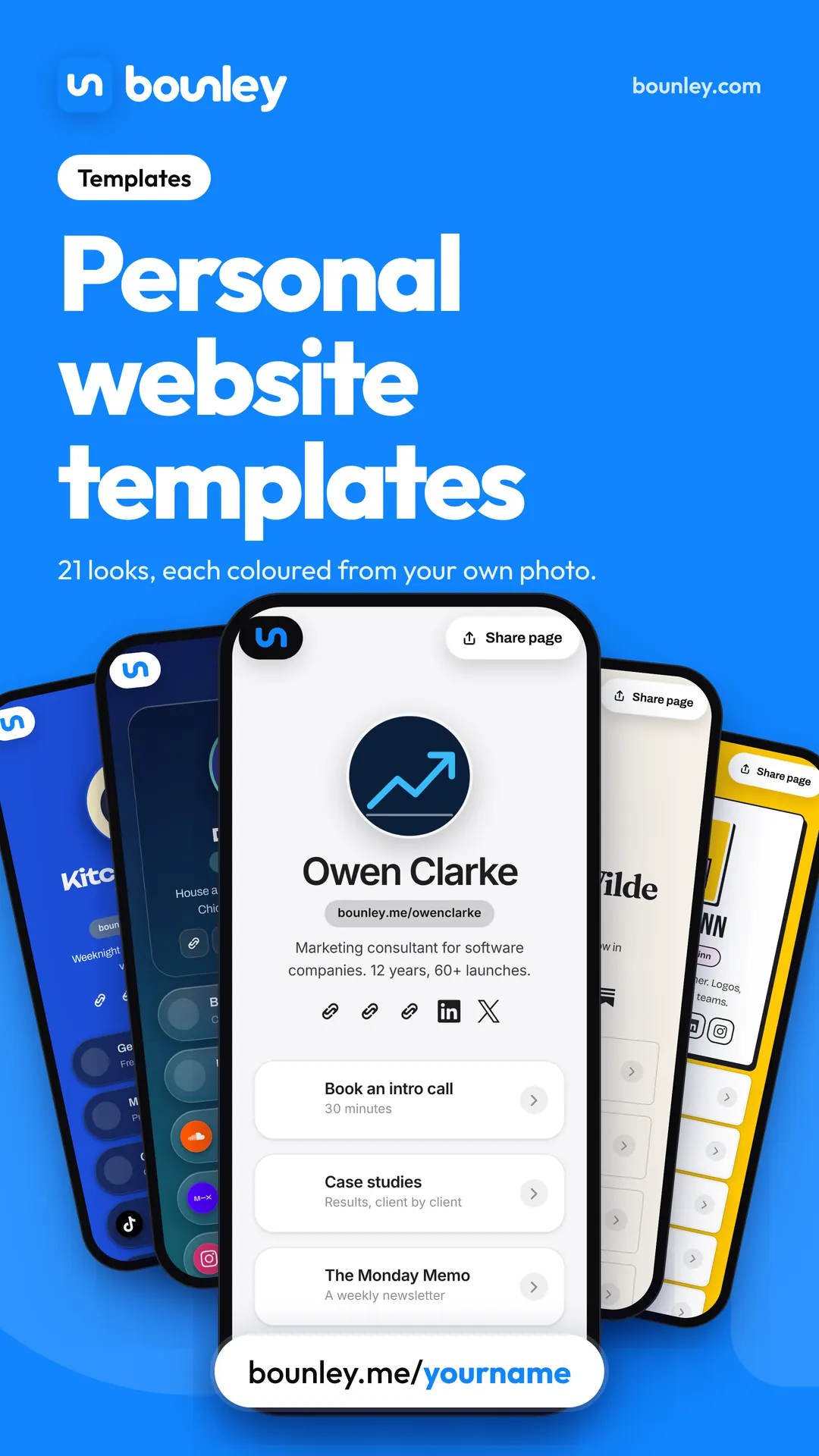
Five personal website templates from Bounley, on phones: a clean light look, a dark look for a DJ, a cream editorial look, a bright colour look and a bold yellow look.
Personal website templates. Made with Bounley.
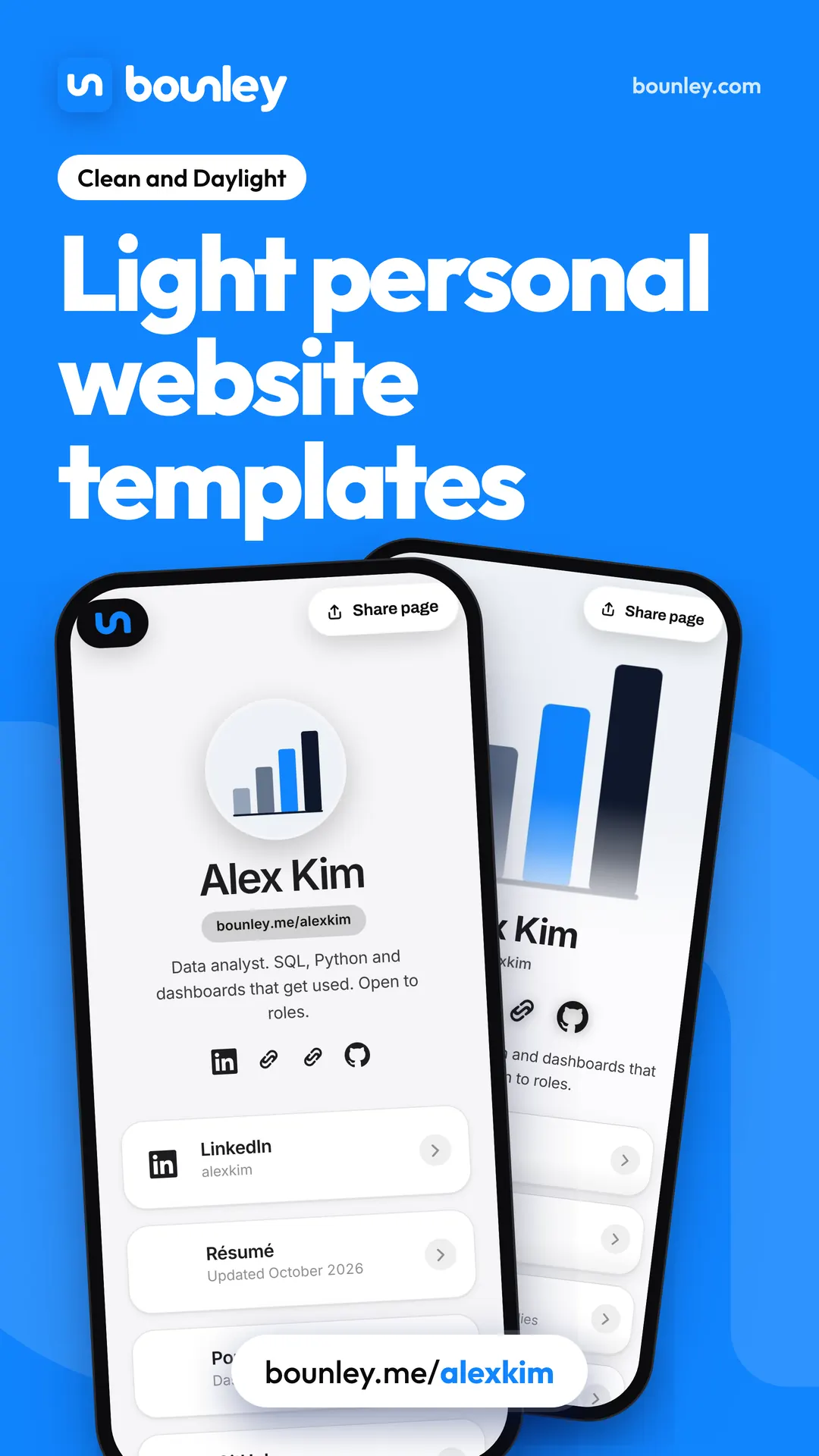
Two light personal website templates from Bounley, Clean and Daylight, on phones: data analyst Alex Kim's page in each, with LinkedIn, a résumé and a portfolio.
Light personal website templates. Made with Bounley.
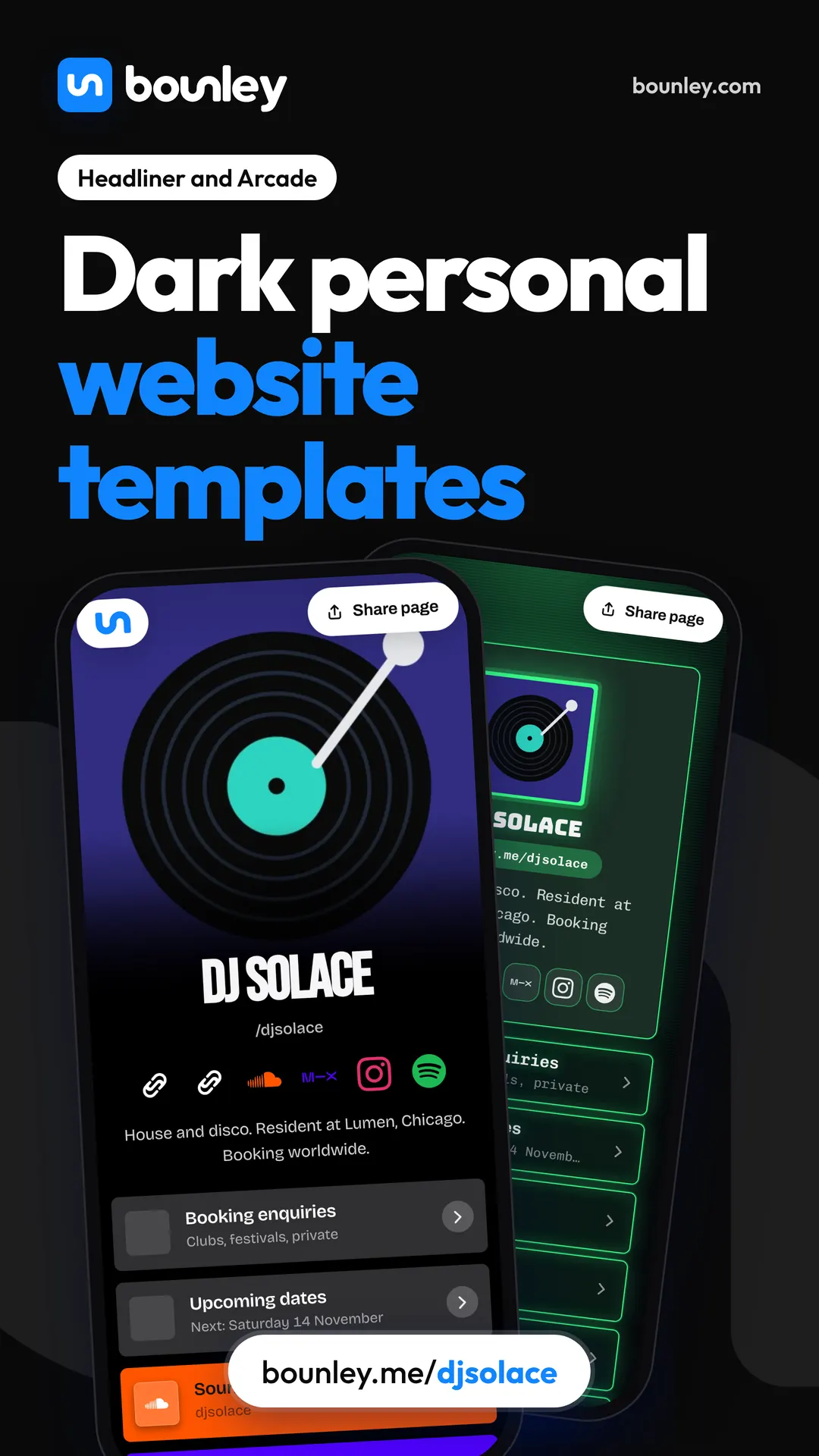
Two dark personal website templates from Bounley, Headliner and Arcade, on phones: DJ Solace's page in each, with booking enquiries, upcoming dates and mixes.
Dark personal website templates. Made with Bounley.
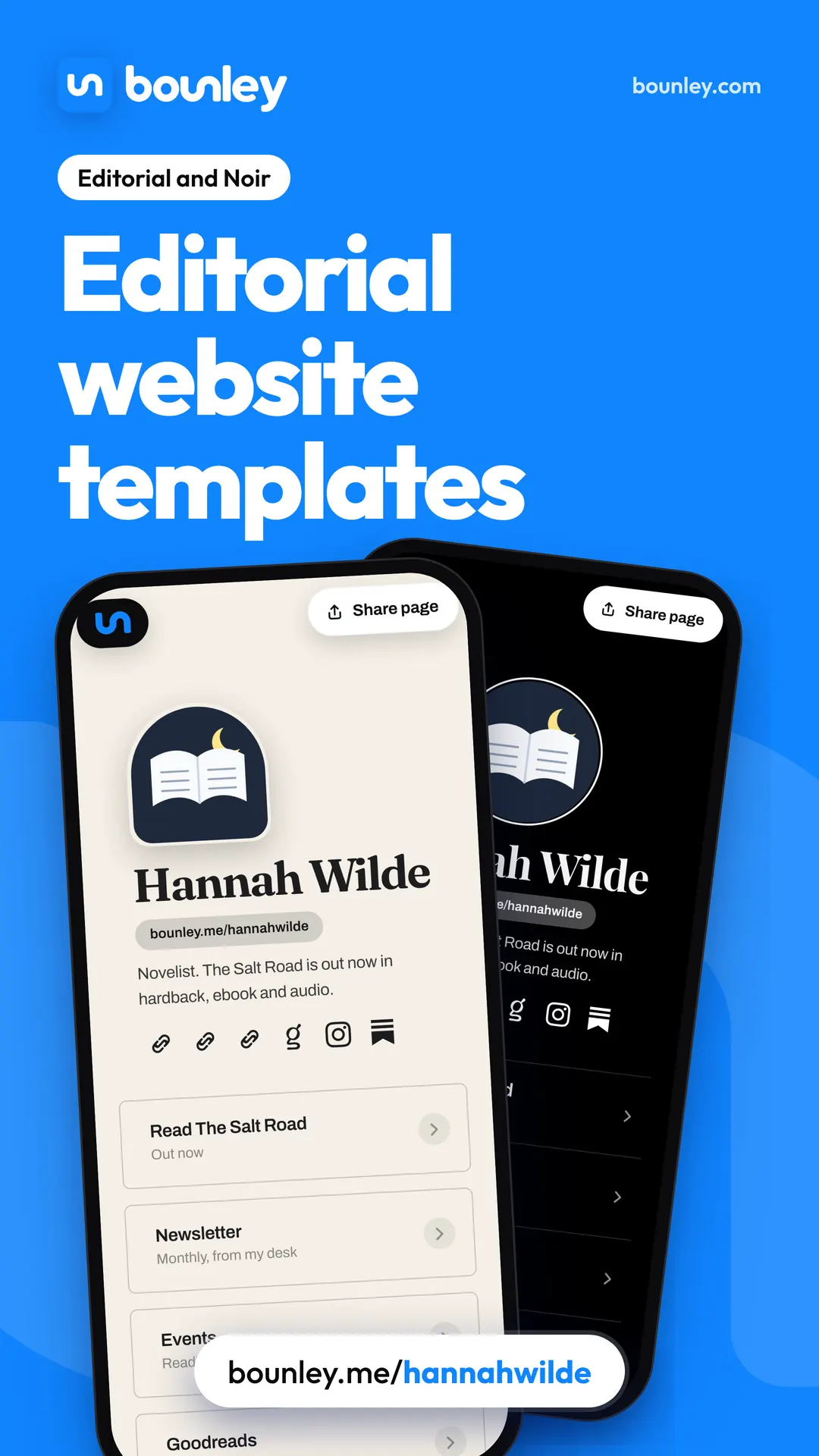
Two editorial personal website templates from Bounley, Editorial and Noir, on phones: novelist Hannah Wilde's page in each, with her book, newsletter and events.
Editorial website templates. Made with Bounley.
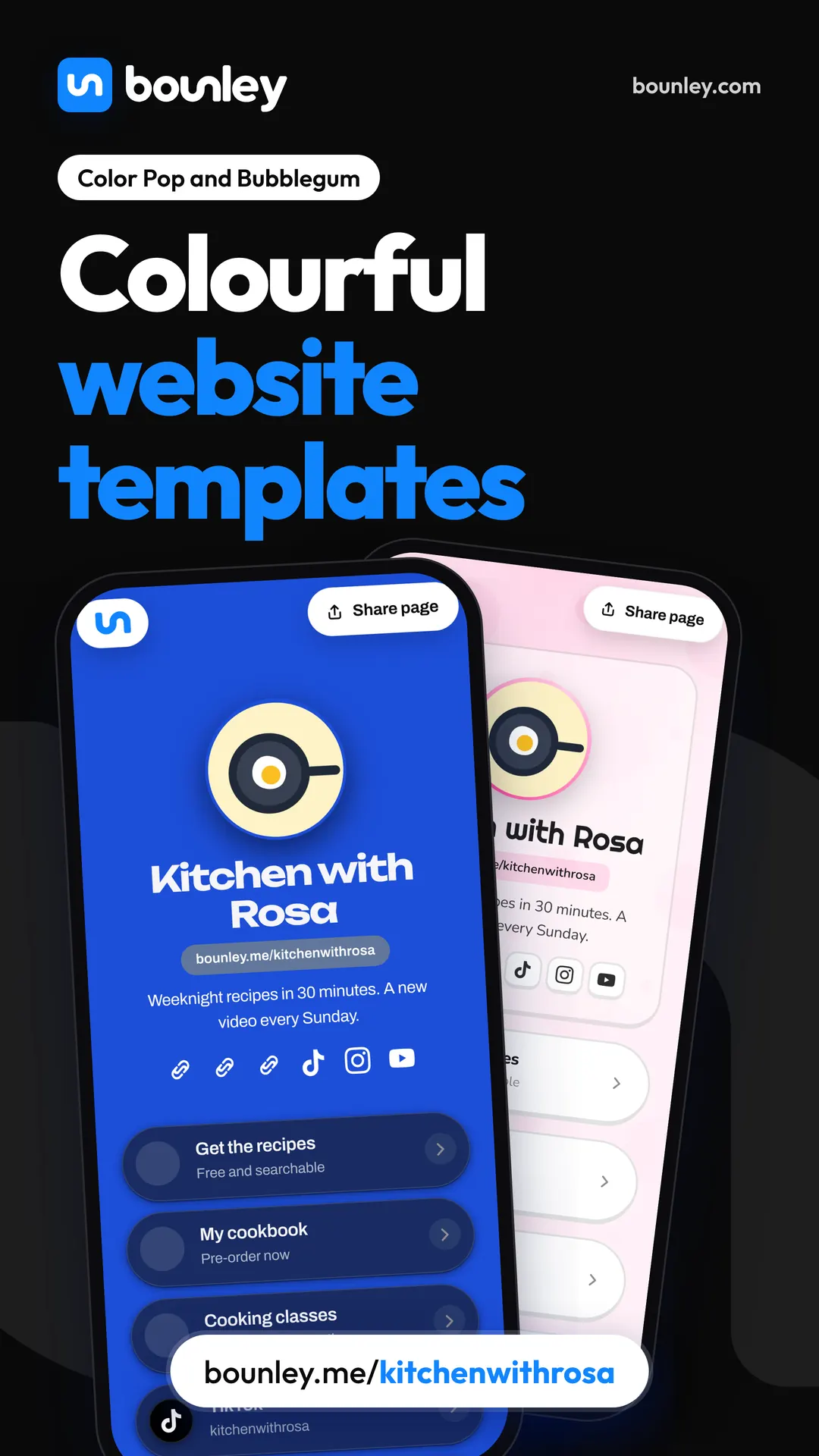
Two colourful personal website templates from Bounley, Color Pop and Bubblegum, on phones: food creator Kitchen with Rosa's page in each, with recipes, a cookbook and classes.
Colourful website templates. Made with Bounley.
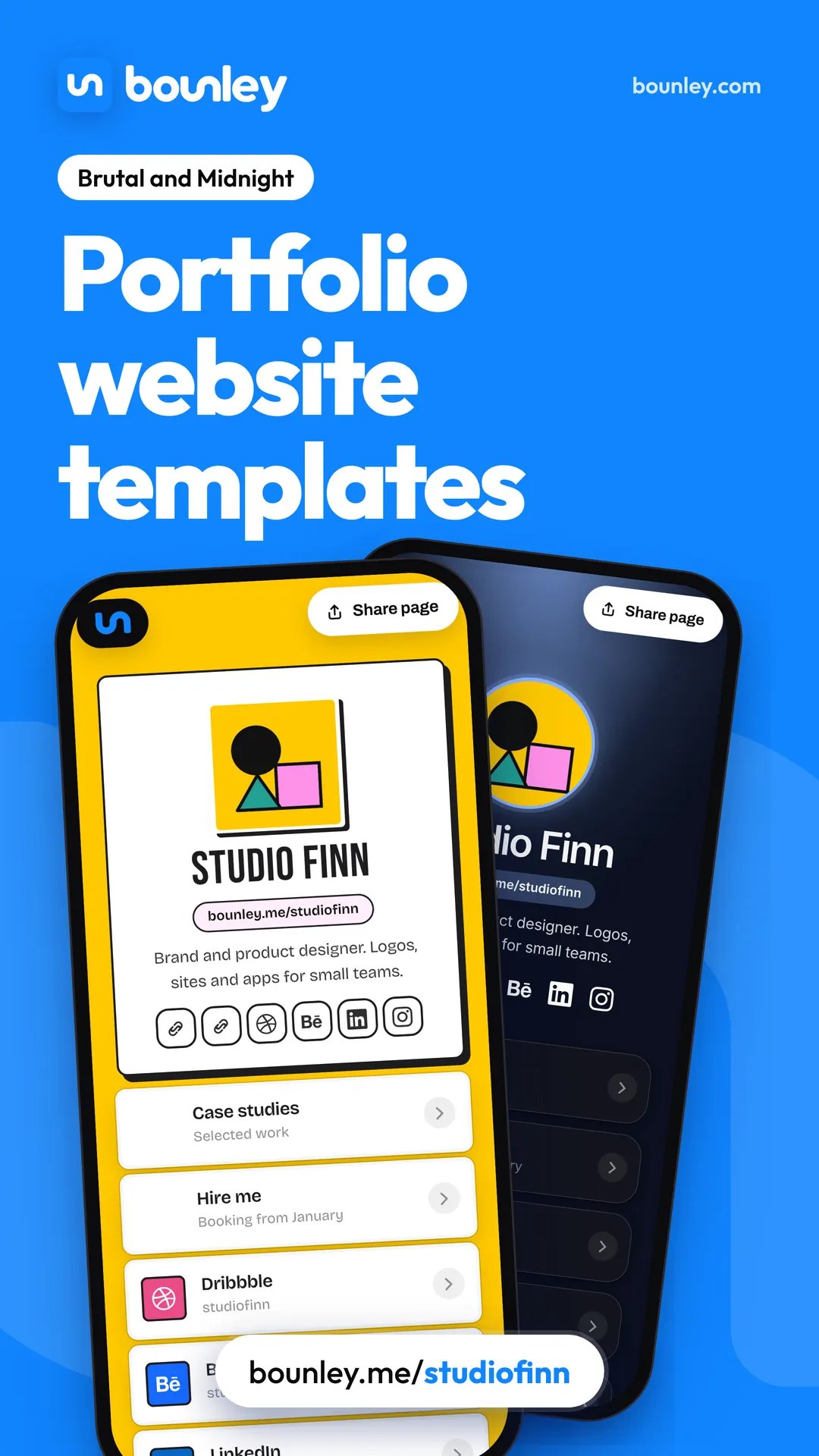
Two portfolio website templates from Bounley, Brutal and Midnight, on phones: designer Studio Finn's page in each, with case studies, Hire me, Dribbble and Behance.
Portfolio website templates. Made with Bounley.
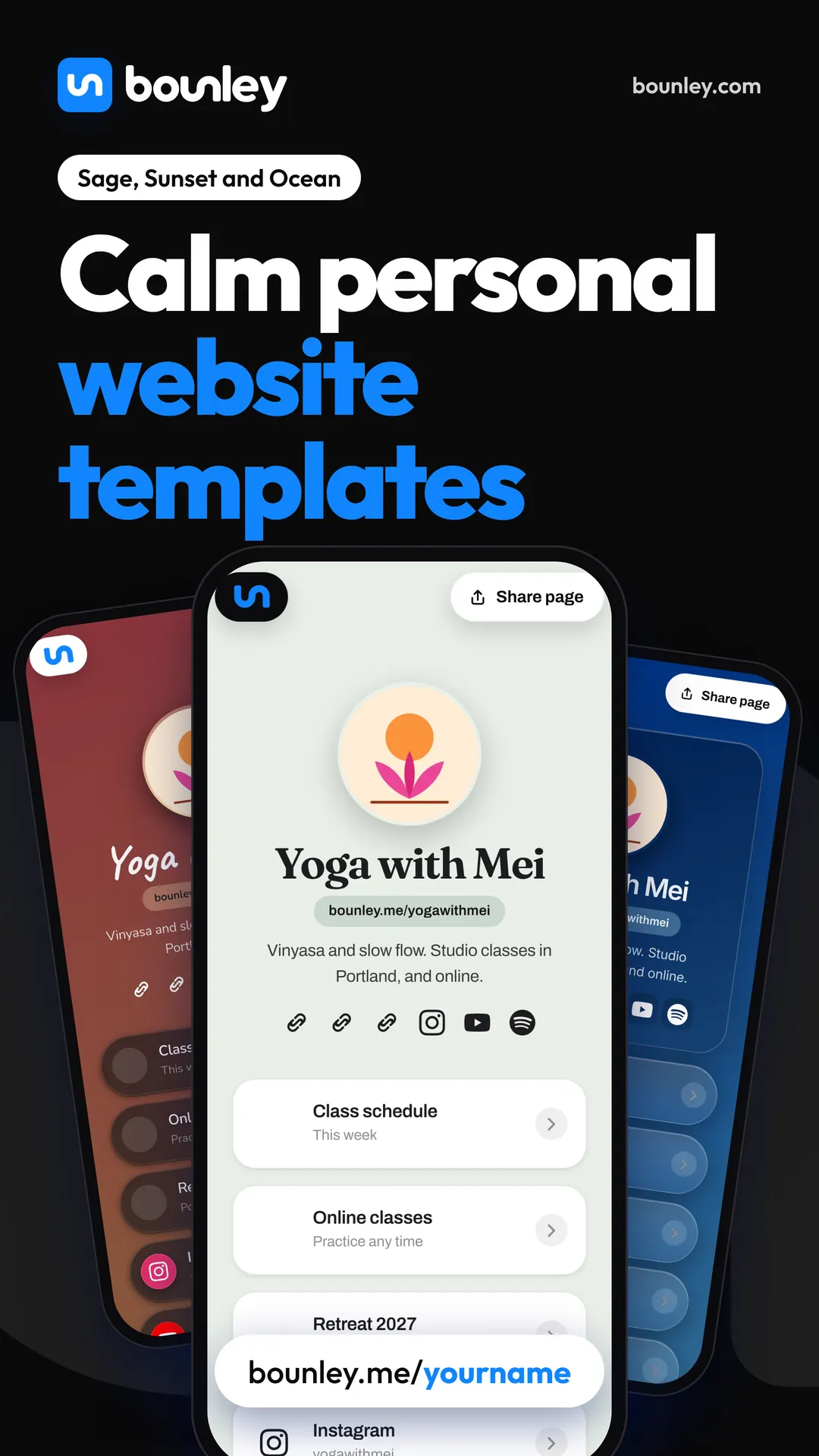
Three calm personal website templates from Bounley, Sage, Sunset and Ocean, on phones: yoga teacher Yoga with Mei's page in each, with a class schedule, online classes and a retreat.
Calm personal website templates. Made with Bounley.
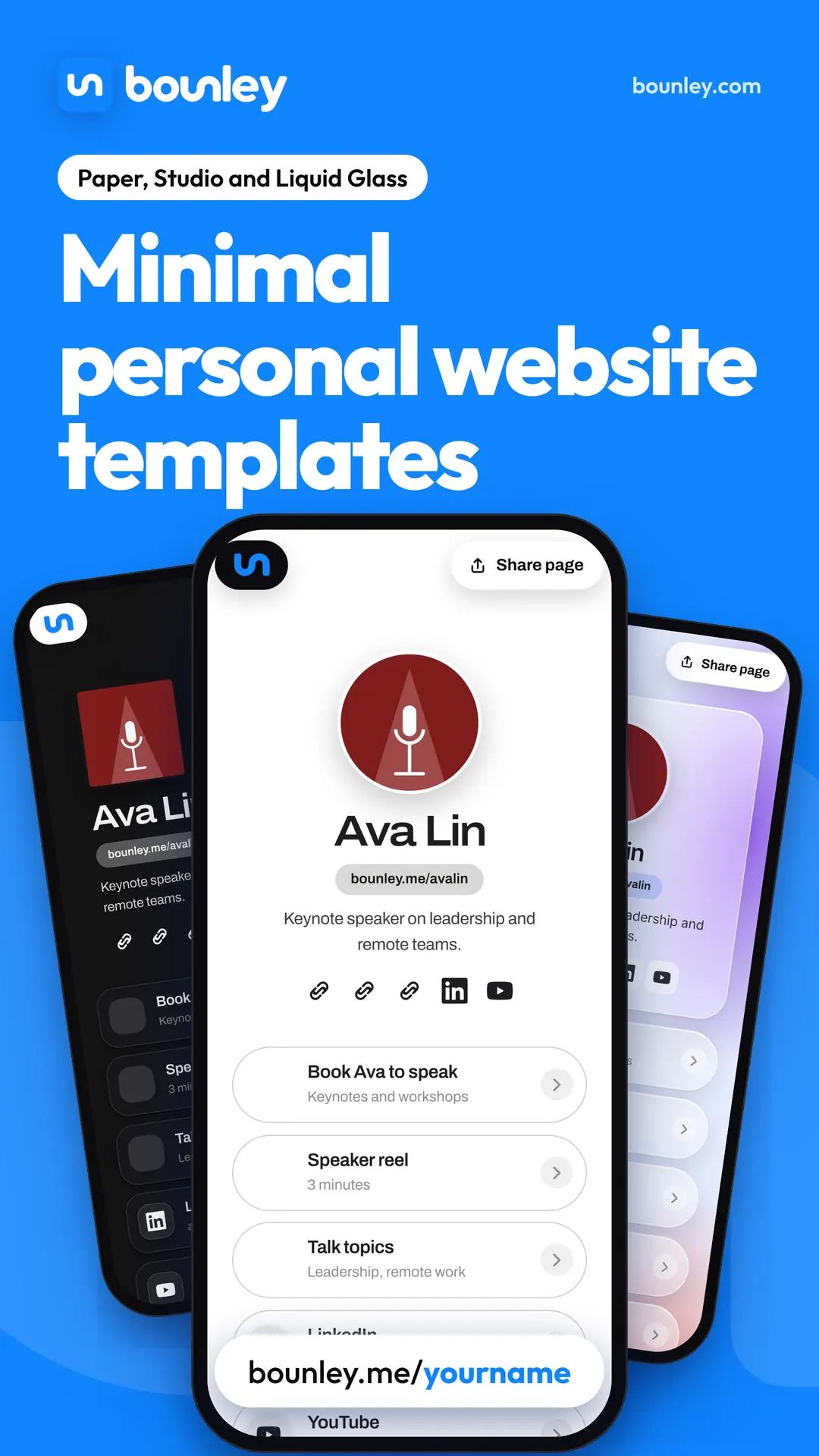
Three minimal personal website templates from Bounley, Paper, Studio and Liquid Glass, on phones: speaker Ava Lin's page in each, with Book Ava to speak, a speaker reel and talk topics.
Minimal personal website templates. Made with Bounley.

Three changes that make a template yours

  1. Colours from your photo. The fastest way to stop a template looking like a template is to take its colours from the picture of you at the top. Then the photo and the page look made for each other.
  2. Your photo, not a placeholder. A clear picture of your face or your work. How to take one.
  3. Your order. Put first the thing you most want done: the booking button for a coach, the new single for a musician, the case studies for a designer.

What a good template has

  • It’s designed for a phone first. That’s where your bio link is opened.
  • Text you can read on its background, in light and dark.
  • Room for a line about what you do above the first button.
  • It loads fast: no video background, no three typefaces.
  • You can change look later without retyping anything.

What to avoid

  • A template built for a company (“Our services”, “Our team”) when you are one person.
  • A look chosen because it’s striking, on which your photo doesn’t fit.
  • Stock photos of people who aren’t you.
  • Five colours. Two and a neutral is enough. Personal brand identity.

With Bounley

Bounley builds your page from your accounts in about two minutes and offers 21 looks, each recoloured from your own photo, so no two pages come out the same. Switch between them at any time; nothing is retyped. It’s free at bounley.me/yourname during the beta. Premium puts the same site on yourname.com with an email address at it: join the waitlist.

Questions

Are personal website templates free?

Many are. Bounley’s looks are all included with the free site during the beta. Elsewhere, check whether the template is free only on a paid plan.

Won’t my site look like everyone else’s?

Only if you leave the colours, photo and order as they came. Change those three and the structure underneath stops being noticeable.

Can I change template later?

On Bounley, yes, at any time, and your words and links stay as they are. On other builders it varies; some make you rebuild.

Do I need to know how to code?

No. A template is chosen and filled in, not built.

Keep reading