What a signature needs
- Your name, as you want to be called.
- What you do, in a few words a stranger understands.
- One other way to reach you: a phone number, or a booking link.
- One link: your website. One link gets tapped; six get ignored.
Optional: a small photo or logo, your city if you work locally, and a licence or registration number where your profession requires one.
Examples by kind of work
Freelancer
Jess Moreno
Brand designer for food and drink companies
jessmoreno.com · +1 512 555 0142
Creator
Rico Vega
Streetwear and sneakers · 210k on TikTok
Partnerships: partnerships@ricovega.com
ricovega.com
Coach
Dani Okoye
Strength coach for busy people
Book a free consult: coachdani.com
Consultant
Owen Clarke
Marketing consultant for software companies
owenclarke.com · Book an intro call
Photographer
Maya Brooks
Portrait and wedding photographer, Austin
Booking 2027 dates · mayabrooks.com
Job seeker
Alex Kim
Data analyst · SQL, Python, dashboards
alexkim.com · linkedin.com/in/alexkim
Musician or DJ
DJ Solace
House and disco · Chicago
Bookings: bookings@djsolace.com · djsolace.com
Real estate agent
Sam Ortiz
Realtor, Austin · Licence #0000000
homeswithsam.com · +1 512 555 0188
The people and addresses are made-up examples.
What to leave out
- Your email address, unless it’s a different one for a different purpose. They already have it.
- Quotes and mottos.
- A row of six social icons. Link your site, which holds them all.
- A signature that is one image. Many mail apps block images, and then there’s nothing there. It also can’t be copied or searched.
- A legal disclaimer nobody asked for, unless your employer or regulator requires one.
- The default “Sent from my iPhone” line.
Design that survives every inbox
- One typeface, the mail app’s own, in one or two sizes.
- One colour besides black, taken from your site.
- A photo or logo no wider than about 80 pixels, with alt text.
- Check it in dark mode: a logo with a white background becomes a white box.
- Check it on a phone: nothing wider than the screen.
Make it match the address
A signature that says jessmoreno.com under an email from jessm_2003@gmail.com asks the reader to connect the two. The same name on the address, the signature and the site is what looks like a business. Gmail or your own domain.
Adding it to Gmail, Apple Mail and Outlook
- Gmail: Settings, See all settings, General, Signature. Paste it in and choose it for new emails and replies.
- Apple Mail: on a Mac, Mail, Settings, Signatures. On an iPhone, Settings, Mail, Signature.
- Outlook: Settings, Mail, Compose and reply (or Signatures).
Menus move; if a name here doesn’t match, search the app’s settings for “signature”.
Make one free
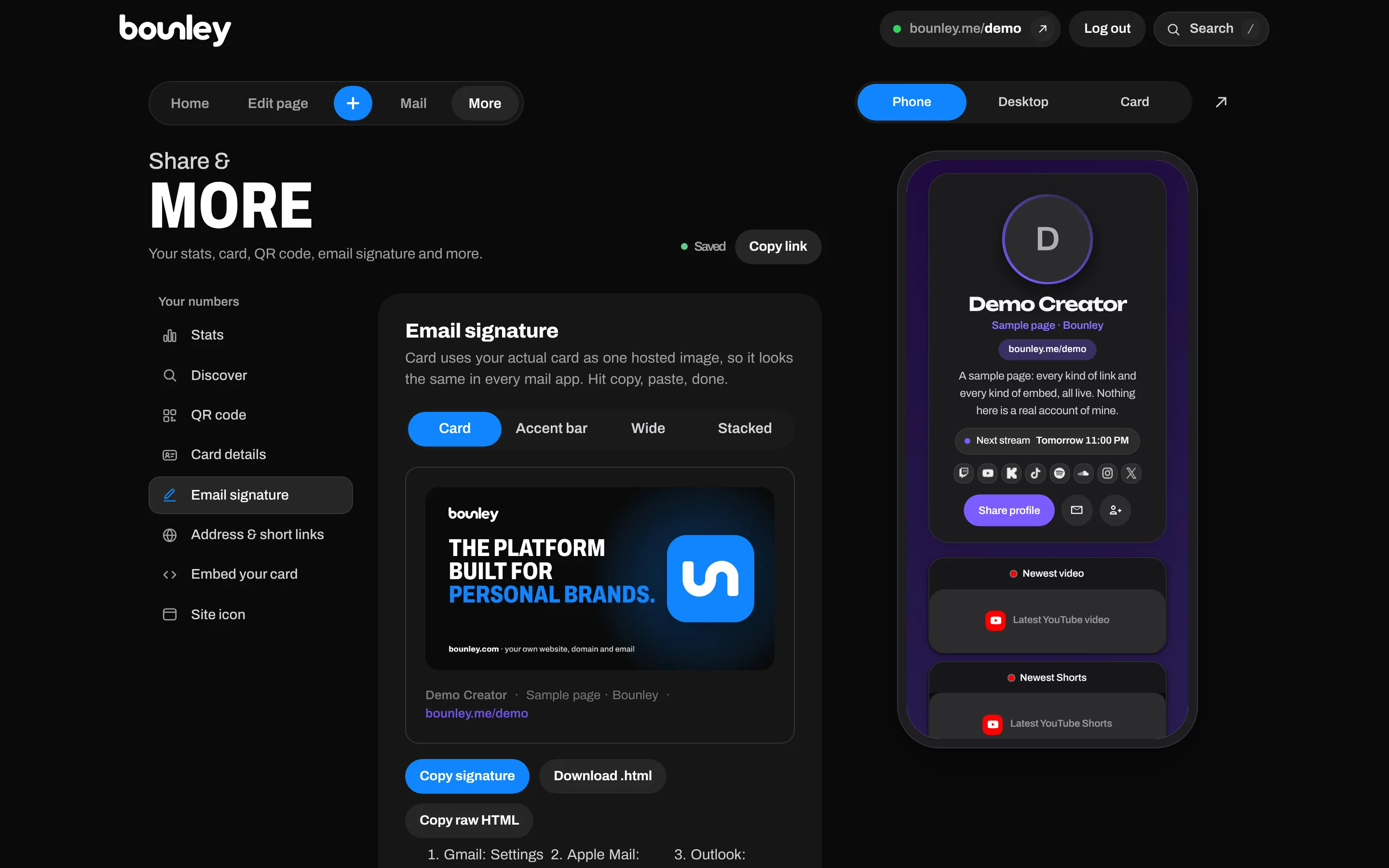
Bounley’s email signature maker builds yours from your site: your photo, name, what you do and your links, in four styles, ready to paste into Gmail, Apple Mail or Outlook. It’s free during the beta. With Premium, the email goes out from your own domain with that signature already under it: join the waitlist.
Questions
How long should an email signature be?
Three or four lines. Anything longer is skipped, and on a phone it can be longer than the email.
Should I put a photo in my signature?
If people hire you personally, a small photo helps them remember you. Keep it small, and make sure the signature still makes sense when images are blocked.
Should replies have the full signature?
Use the full one on the first email and a short one (your name and link) on replies, so a long thread isn’t mostly signatures.
Can I include pronouns or credentials?
Yes. Put them on the name line: “Alex Kim (they/them)” or “Nora Hayes, RD”.