What it does that a PDF can’t
- It’s there when you’re searched. A PDF only exists once someone has it. A site with your name on it can be the first result for that name.
- It shows work. A dashboard, a design, an article, a talk: things a résumé can only list.
- It’s always current. One address, and the latest version is whatever’s there.
- It’s one link for an application form’s “website” box, which most people leave empty.
What to put on it
- Your name and a one-line summary: the role you do and what you’re good at. “Data analyst who turns messy operations data into dashboards people use.”
- What you’re looking for, if you are: the role, the location or remote, when you can start.
- Experience, briefly: role, employer, dates and one result each. The full detail stays in the PDF.
- Two to four pieces of work, each with what the problem was, what you did and what changed. How to present them.
- Skills, grouped, without bars or percentages.
- Education and certificates, in a line or two.
- Download résumé: a button to the PDF.
- Contact: a professional email address and LinkedIn. Which address to use.
What to leave off
- Your home address and date of birth. A city is enough.
- References’ names and contact details.
- Confidential work from a current or past employer. Describe the kind of project and the result instead.
- Every job since school, if the early ones don’t help the case.
- Skill bars. “Python 80%” means nothing to anyone.
- A phone number, if you’d rather not have it public: email first is normal.
Isn’t LinkedIn enough?
LinkedIn is where recruiters search, so keep it complete. A site does what a profile can’t: it’s laid out your way, shows work in full, has no competitors’ profiles suggested beside yours, and stays yours whatever a platform changes. Use both, and link each to the other. Building a personal brand on LinkedIn.
By field
| Field | Lead with |
|---|---|
| Software | Two projects with a live link or a repository, and what each one does |
| Design | Case studies: the brief, the process in a few pictures, the outcome |
| Marketing | Campaigns with numbers: what you ran and what moved |
| Data | A dashboard or analysis, with the decision it led to |
| Writing | Three published pieces, linked |
| Students and graduates | Projects, internships and anything you built or ran |
More for developers, designers and students.
The address
yourname.com is the best address a résumé can carry: it’s short enough to type from a printed page, it’s obviously yours, and the email address beside it can match. If your name is taken, add a middle initial or your field. A free address on a site builder works to start with. How to get yourname.com.
Where to use it
- In your résumé’s header, as a link.
- In LinkedIn’s Contact info and Featured section.
- In your email signature.
- In the “website” or “portfolio” box on application forms.
- As a QR code on a printed résumé or a name badge at a careers fair.
Make one with Bounley
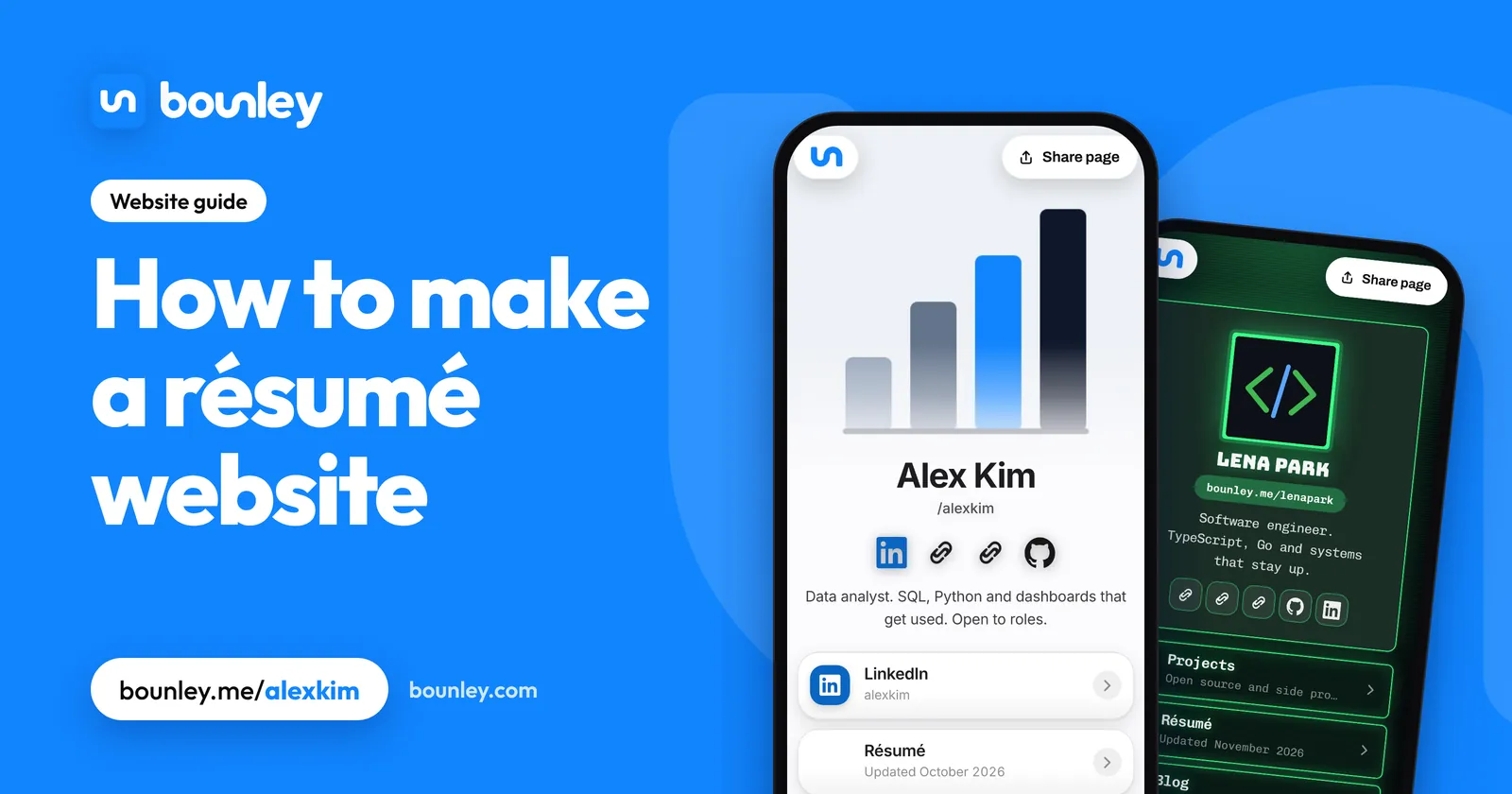
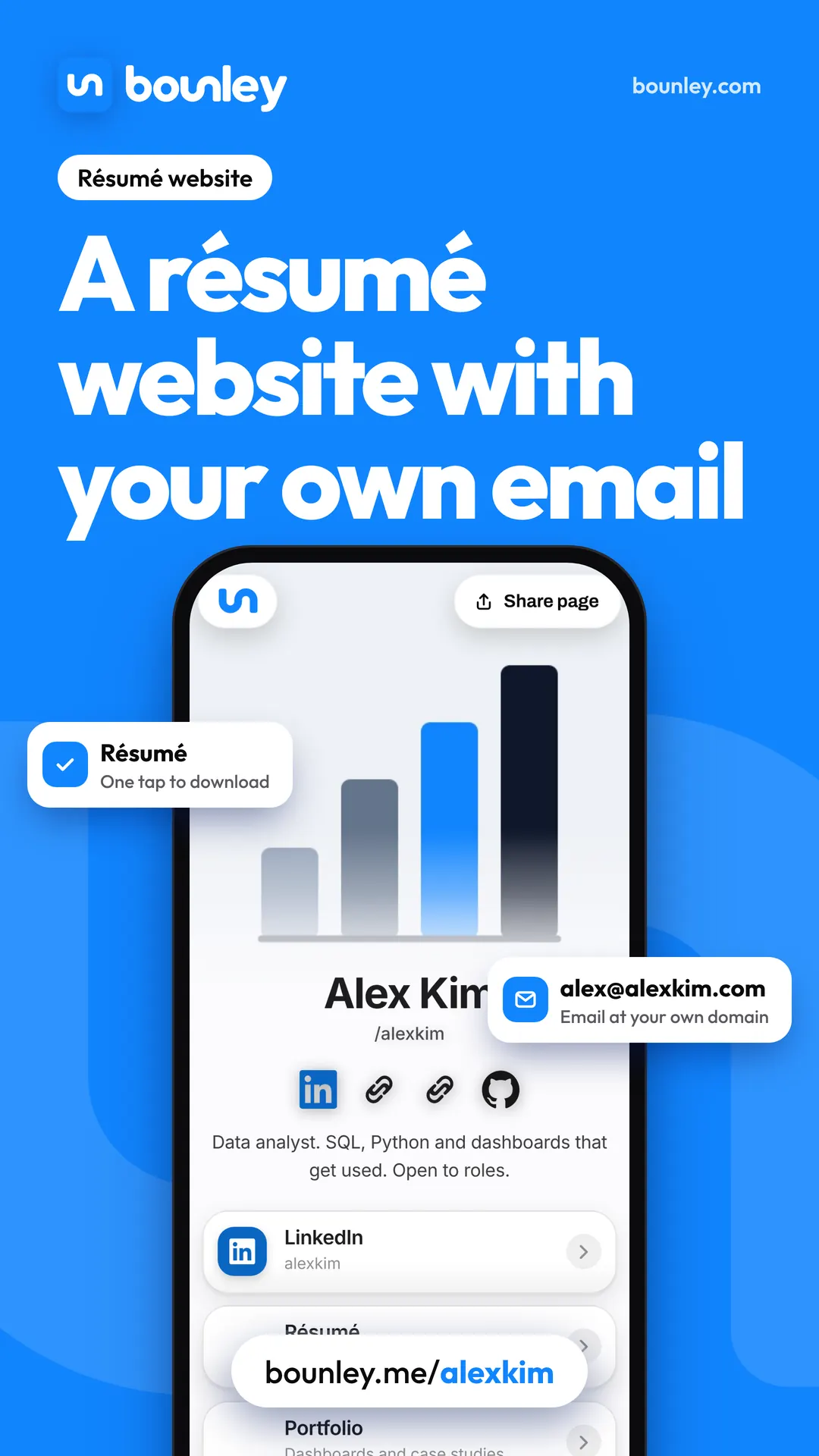
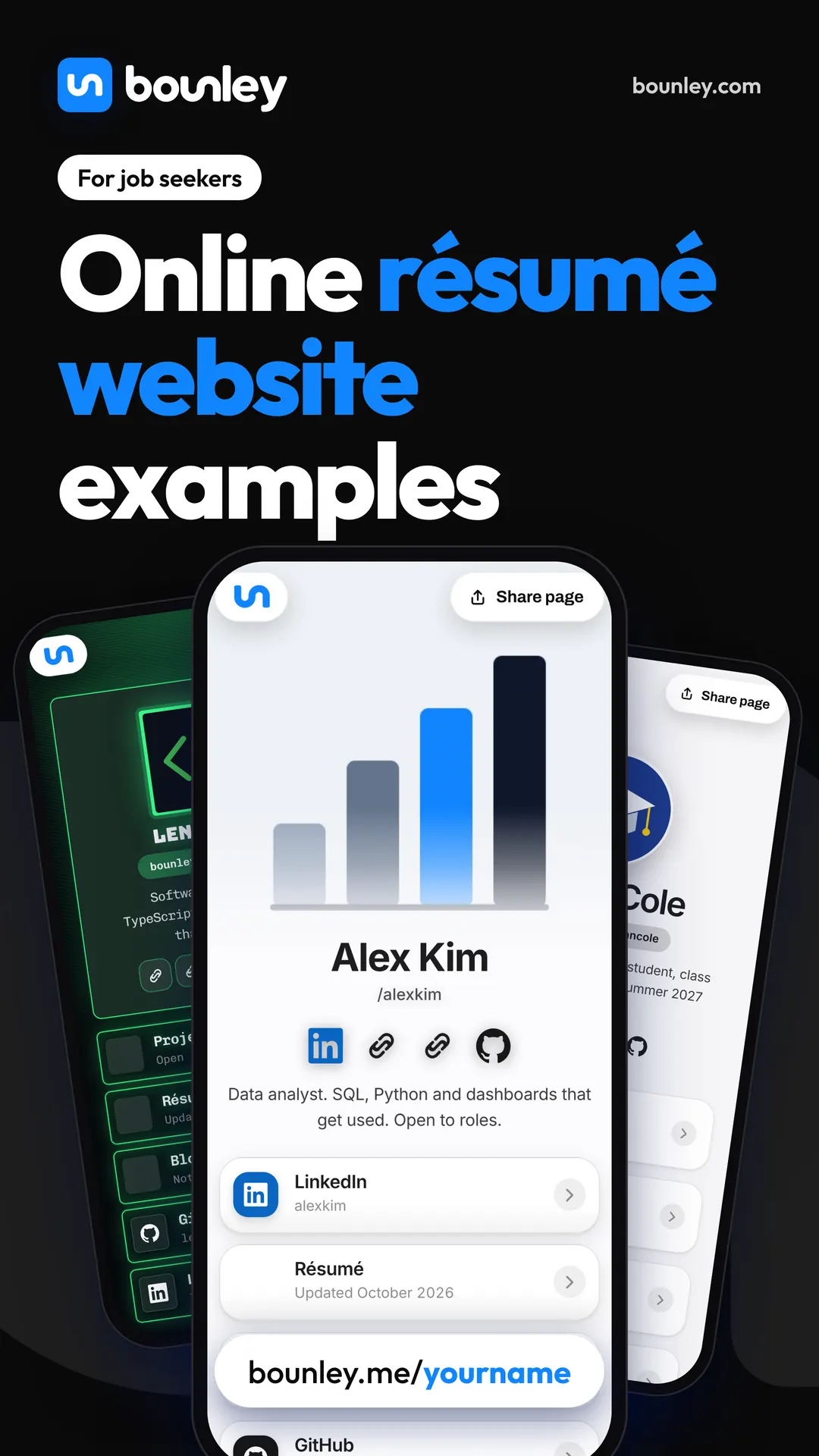
Bounley builds a personal site from your accounts in about two minutes, free at bounley.me/yourname during the beta: your summary, buttons for your résumé, projects and LinkedIn, and a QR code and email signature made from it. Premium puts it on yourname.com with an email address at the same name. It’s invitation-only during the beta: join the waitlist.
Questions
Does a résumé website replace a résumé?
No. Application systems and recruiters still want a PDF. The site supports it and gives people who search your name something to find.
Will my current employer see it?
It’s public, so they can. A site that presents your work is normal; leave “open to work” off it if your search is private, and say so only in applications.
What if I have nothing to show?
Show what you did in the jobs you’ve had: a process you improved, a number that moved. Students can use coursework and projects. Two honest examples beat an empty portfolio section.
Should I keep it once I have the job?
Yes. Update the summary and keep it live. It’s where the next opportunity finds you, and it’s much easier to maintain than to rebuild.