Why it matters for streamers
Sponsors don’t pay for a channel; they pay a person, by contract, and they need somewhere to check that person out and an address to send the paperwork. Viewers, for their part, are spread across Twitch, YouTube, TikTok and Discord, and none of those shows them the others. A site of your own is the one page that holds all of it and doesn’t disappear with a ban or a platform move.
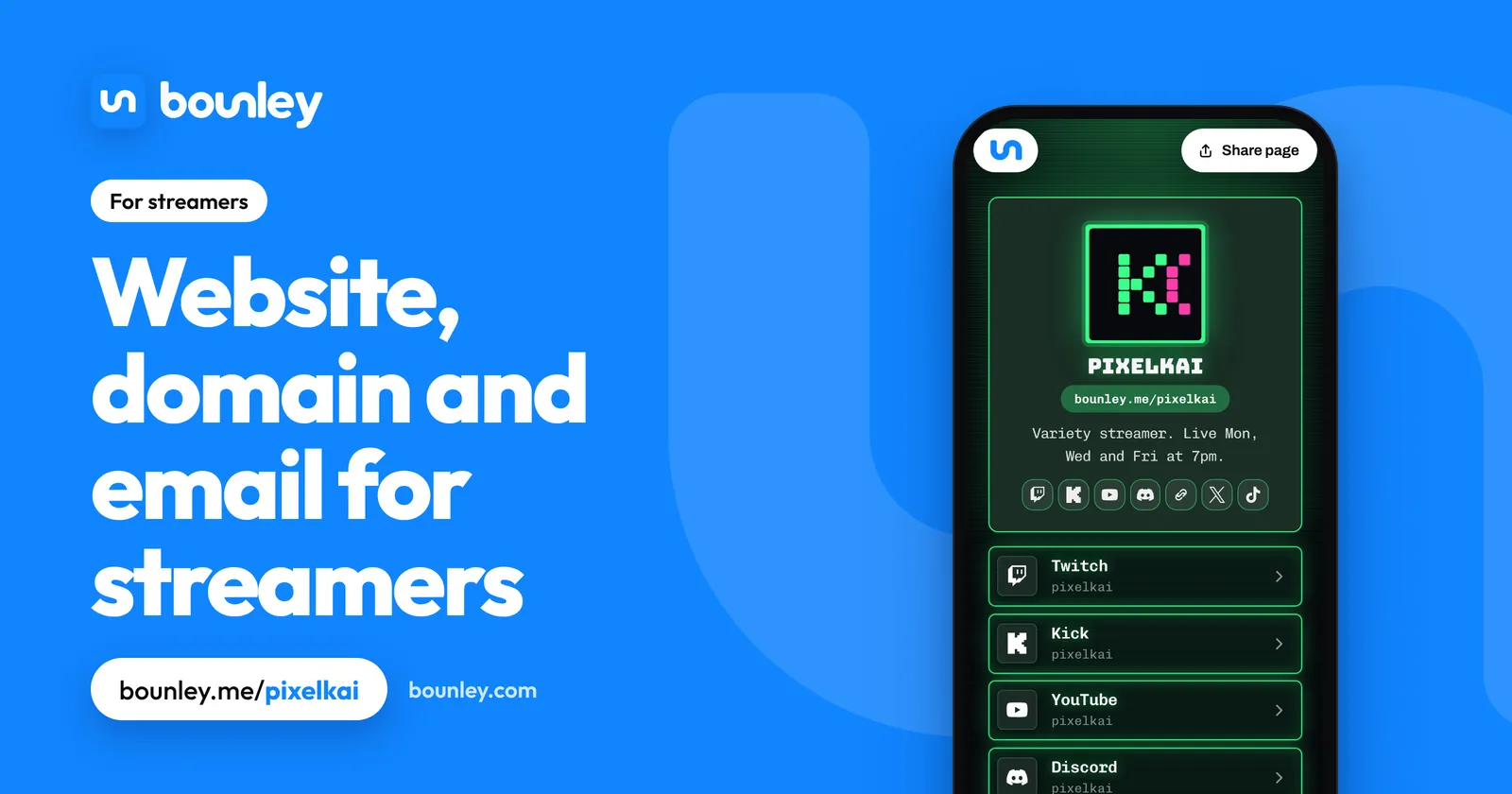
What a streamer’s site needs
- The stream, playing on the page when you’re live, and when you’re next on when you’re not.
- Your schedule, in the viewer’s time zone if you can.
- Every platform: Twitch, Kick, YouTube, TikTok, Discord, X.
- Best clips and your newest video.
- Sponsors, with their codes and links.
- Merch, and how to support the channel.
- For brands: a media kit and a business email.
Bio examples for streamers
- “Variety streamer. Live Mon, Wed and Fri at 7pm ET.”
- “Competitive FPS, ranked and tournament play. Partnered on Twitch.”
- “Cosy games, five nights a week. Business: partnerships@yourname.com”
What sponsors want to see
Average concurrent viewers matter more than followers, so put them first in your media kit, with hours streamed a month, the games or categories you cover, where your audience is, and what past sponsors got. Screenshots from your platform’s own analytics are more convincing than typed numbers. Mark sponsored streams as sponsored, as advertising rules and the platforms themselves require. How to make a media kit.
Your domain and email
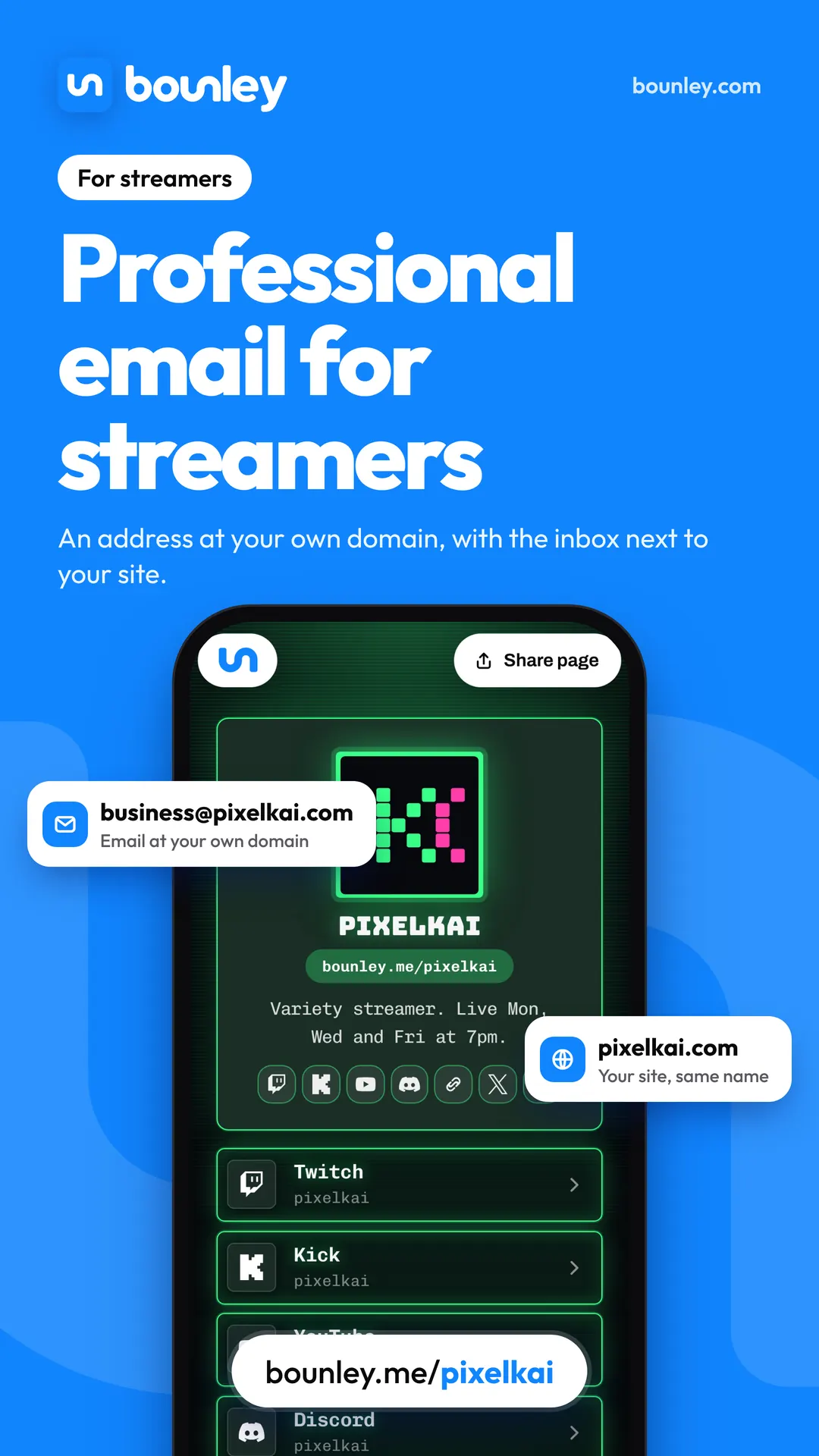
Agencies run campaigns across dozens of streamers and the ones with business@yourname.com are the ones that look ready. Your handle is your domain. Keep the business address separate from the one your accounts are registered to, so a leaked address never puts your channel at risk. Which address to use.
What to put first
- Your name, and the stream or the next start time.
- Every platform, as buttons.
- Schedule.
- Clips and newest video.
- Sponsors, merch, and the business contact.
What loses the deal
- A “business enquiries” line with a personal address in a panel image.
- No numbers anywhere a brand can find them.
- A schedule from two months ago.
- One platform only, and no way to reach the audience if it goes.
How Bounley fits
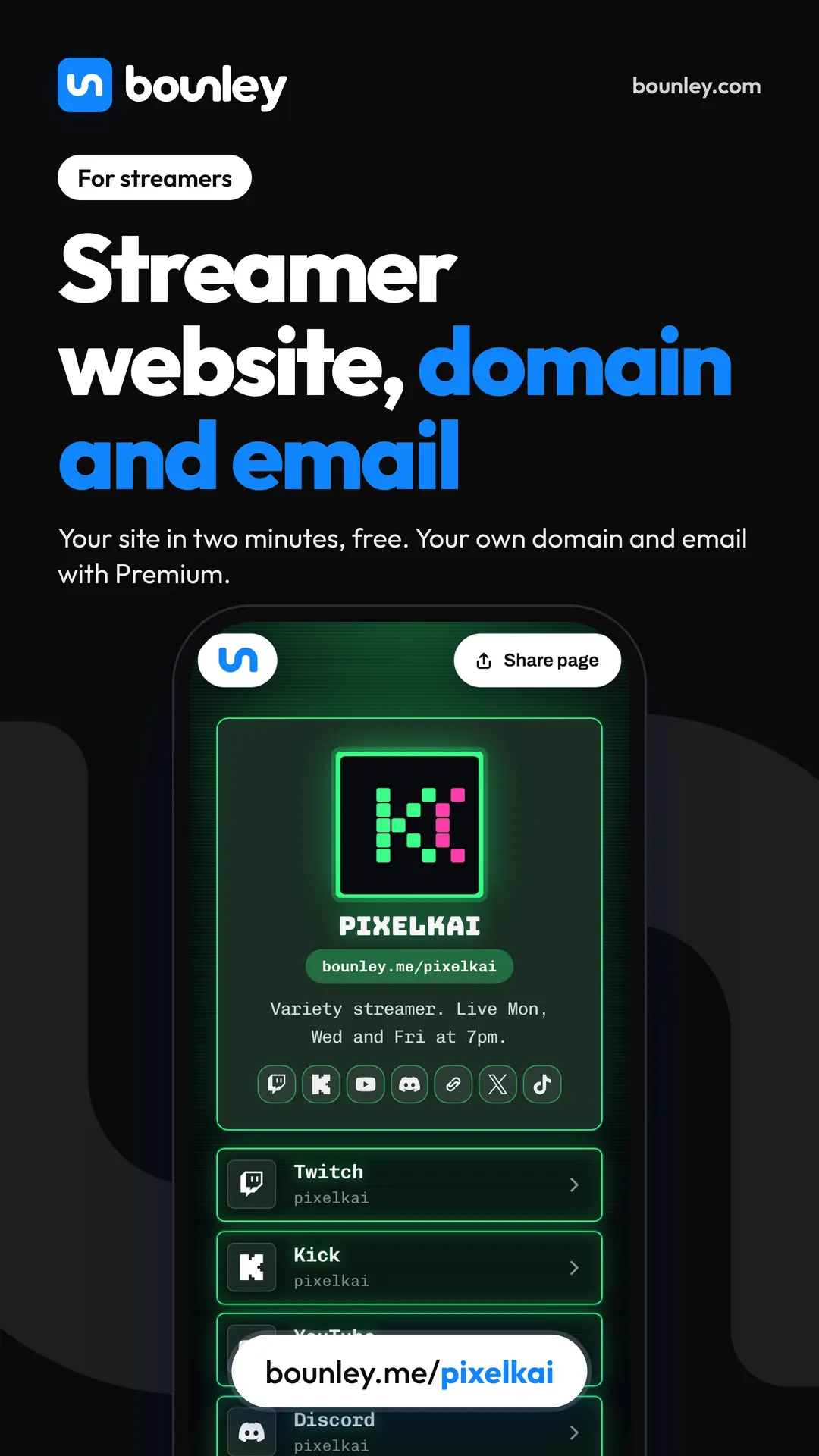
Type one username and Bounley finds your other accounts and builds the page in about two minutes. Your Twitch, Kick or YouTube stream plays in place when you’re live, your newest video shows by itself, and sponsors, merch and Discord are buttons. With Premium it runs on your own domain, with a business email in the same place. More on the bio link itself: link in bio for streamers.
Questions
I average ten viewers. Is this for me?
The free page, yes: one link for every platform and a schedule helps at any size. The domain and business email matter from the first time a brand or a studio emails you.
Aren’t Twitch panels enough?
Panels are seen only by people already on your channel, on one platform. Your site is for everyone else, including the brand manager who has never opened Twitch.
Should I use my real name?
No need. Your handle is your brand. Keep your legal name for contracts, and keep your address out of public records.
I stream on two platforms. Which does the page show?
Both as buttons, and the one that’s live plays on the page.
Related: a personal brand for creators and for podcasters, and how to email brands for sponsorships.