What a personal website has to do
Before comparing tools, be clear about the job. A personal website, whether you’re a creator, a freelancer, a coach or looking for work, has four things to do:
- Say who you are in one screen. Your name, your photo and one line about what you do, readable on a phone without scrolling.
- Show the proof. Your best work, your accounts, your videos or writing, results or the people you’ve worked with.
- Give one clear way to reach you. An email address, a booking link or a form. Not five.
- Live at an address that’s yours. yourname.com, so the link in every bio, on your card and in your email never has to change.
Most personal sites are one page, or a home page and two or three more. That matters when you choose: you don’t need the tool that can build a 200-page shop. You need the one you’ll actually keep up to date.
The five kinds of builder
| Kind | Good at | Watch for |
|---|---|---|
| Drag-and-drop website builders | Any layout you can imagine, many pages, shops | Hours of setup; email at your domain is usually a separate product from another company |
| One-page site makers | A simple, cheap single page | You start from a blank template; no email |
| Portfolio builders | Galleries for photographers, designers and artists | Built around pictures, less around video, music or links to your accounts |
| Link pages | Fast, made for a bio | The address belongs to the tool (tool.com/yourname), and there’s no email |
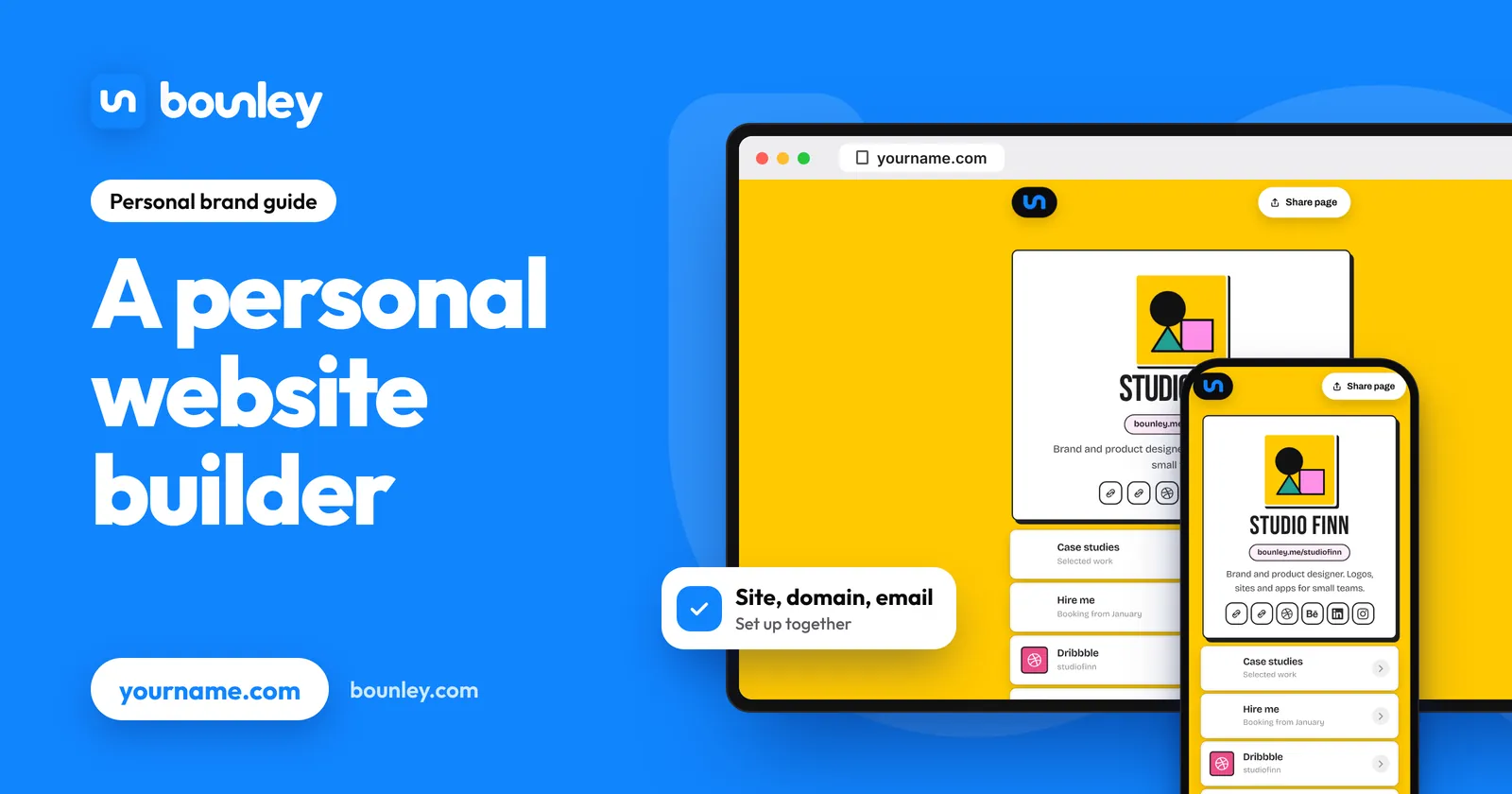
| Personal brand platforms | The site, your own domain and email at it, set up together | Not meant for large multi-page sites or shops |
The named builders, with what each costs and includes, are compared in the best website builders for personal brands.
A checklist for any builder
Whichever you look at, ask these seven questions. They’re the ones that decide whether you’re still happy in a year.
- Can it use my own domain? And on which plan. A site on the builder’s address is a site you can’t take with you (custom domain or free subdomain).
- Is email at my domain included, or extra? you@yourname.com is half the reason to own the domain. With many builders it’s a second subscription, charged per address each month.
- Who sets up DNS? A site and email need records (A or CNAME, MX, SPF, DKIM, DMARC). Find out whether the builder puts them in or hands you a list.
- How does it look on a phone? Most visitors arrive from a bio or a message, on a phone. Check the phone view first, not last.
- How long does a change take? If adding a new video takes ten minutes, the site goes stale. It should take one.
- Do videos and music play on the page? If your work is something people watch or listen to, it should play there, not send them away.
- Can I leave? A domain registered in your name, and a way to download your content, mean you’re never locked in.
Why the domain and email belong in the decision
People usually choose a website builder first and think about the rest later. Then they find out that the domain is one bill, the builder is a second, and a professional email address is a third, with records to copy between them by hand. That works, and plenty of people do it; Bounley or doing it yourself lays out both routes.
It’s simpler to decide all three at once, because they share one name. The address in your bio (yourname.com), the address people email (you@yourname.com) and the signature under your emails should match. If they do, you look like a business. If one of them is a free address or a link on someone else’s domain, that’s the part people notice.
Where Bounley fits
Bounley is the platform built for personal brands, so it’s the fifth kind in the table. What it does:
- Builds the site from your accounts. Type one username and Bounley finds your other accounts, photos included. The site is live in about two minutes at bounley.me/yourname, free while Bounley is in beta.
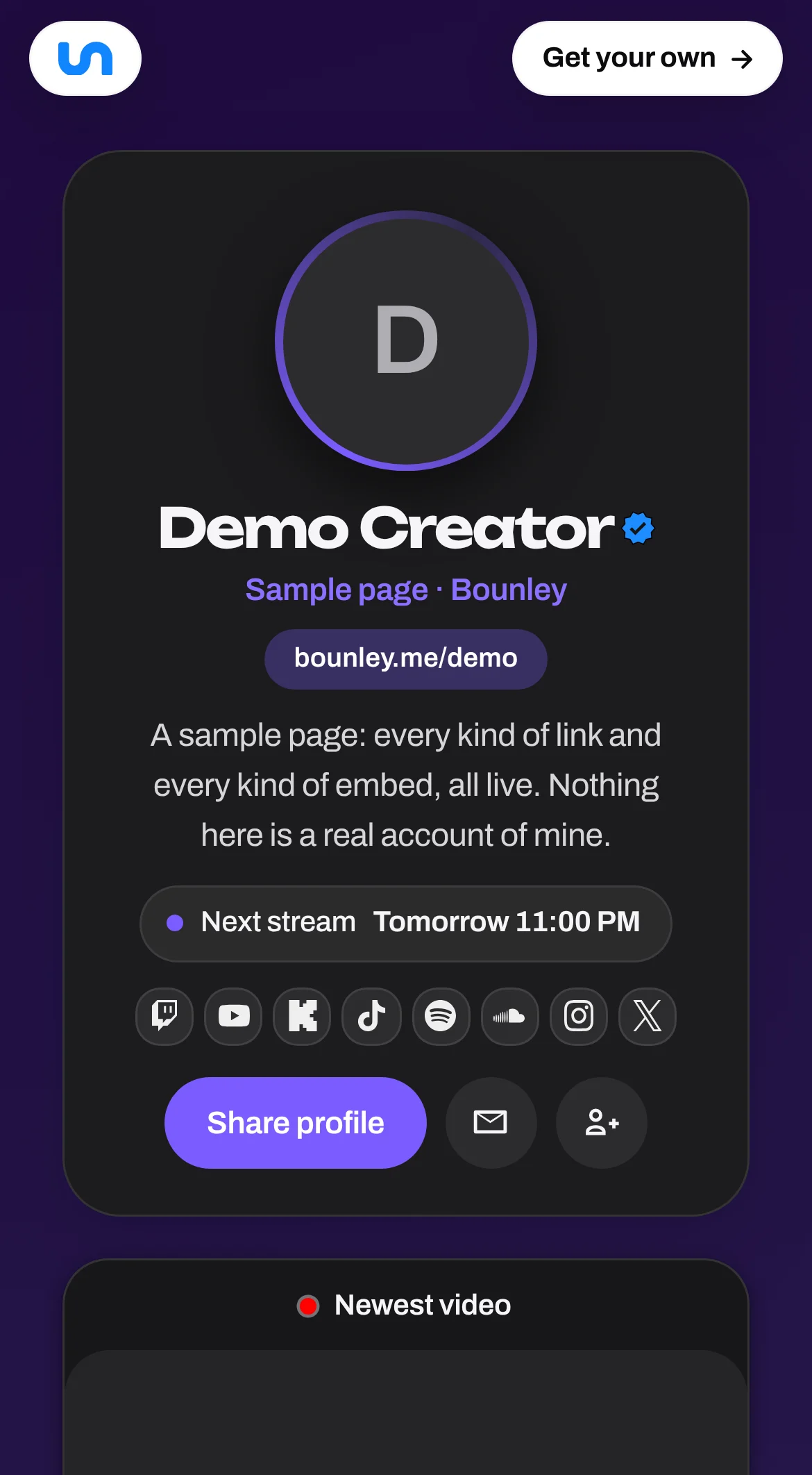
- Plays your work on the page. YouTube and TikTok videos, Spotify and Apple Music, Twitch streams, podcasts and posts play right there, and your newest can update itself.
- Puts it on your own domain (Premium): yourname.com, bought through Bounley with every record put in for you, or one you already own.
- Gives you email at that domain (Premium): contact@yourname.com or any address you like, with the inbox inside Bounley and your signature on every email.
- Makes the matching pieces. A digital business card, a QR code and an email signature, made from the site and updated when it changes.
Who it isn’t for: if you need a shop with a checkout, dozens of pages, or pixel-level control of every layout, a drag-and-drop builder is the better tool, and you can still point your domain’s email wherever you like.
Premium is invitation-only during the beta. Join the waitlist and we’ll email you the day it opens; the free site doesn’t have to wait.
How to decide in ten minutes
- Check your name. See whether yourname.com is free with the domain name ideas tool. It decides what your address will be on any builder.
- List what goes on the site. Your accounts, three pieces of work, one way to reach you. If the list fits on one page, you don’t need a multi-page builder.
- Run the checklist above on two options, on your phone.
- Put something live today. A simple site that exists beats a perfect one that doesn’t. You can change tools later if your domain is yours.
Questions
What is the best website builder for a personal website?
The one that gives you a site on your own domain, an email address at it, a good phone view and quick updates. For a one-page personal site with your accounts and work on it, a personal brand platform such as Bounley is the shortest route; for a large site or a shop, a drag-and-drop builder.
Is there a free personal website builder?
Yes. Many builders have a free plan on their own address, and Bounley’s site at bounley.me/yourname is free while it’s in beta. Your own domain is where a cost starts, with any of them: the domain itself is typically around $10 to $20 a year for a .com.
Do I need to know how to code?
No. None of the five kinds needs code. Bounley builds the site from your accounts; other builders start from a template you fill in.
Can I use my own domain with a personal website builder?
With most, on a paid plan. With Bounley it’s part of Premium: connect a domain you own or get one through Bounley, and your email at it is set up at the same time.
Is a one-page website enough?
For most personal brands, yes. One page that says who you are, shows your work and gives one way to reach you is easier to keep current, and quicker to read on a phone, than a site with a menu nobody opens.