The short version
| Thing | In plain words | Who you pay | How often |
|---|---|---|---|
| Domain | Your address: yourname.com | A registrar | Yearly |
| Hosting | The computer your site’s pages sit on | A host, or your website builder (usually included) | Monthly or yearly |
| The mailbox behind you@yourname.com | An email service | Monthly, per mailbox | |
| DNS | The signposts that connect the three | Usually free with the domain | Set once |
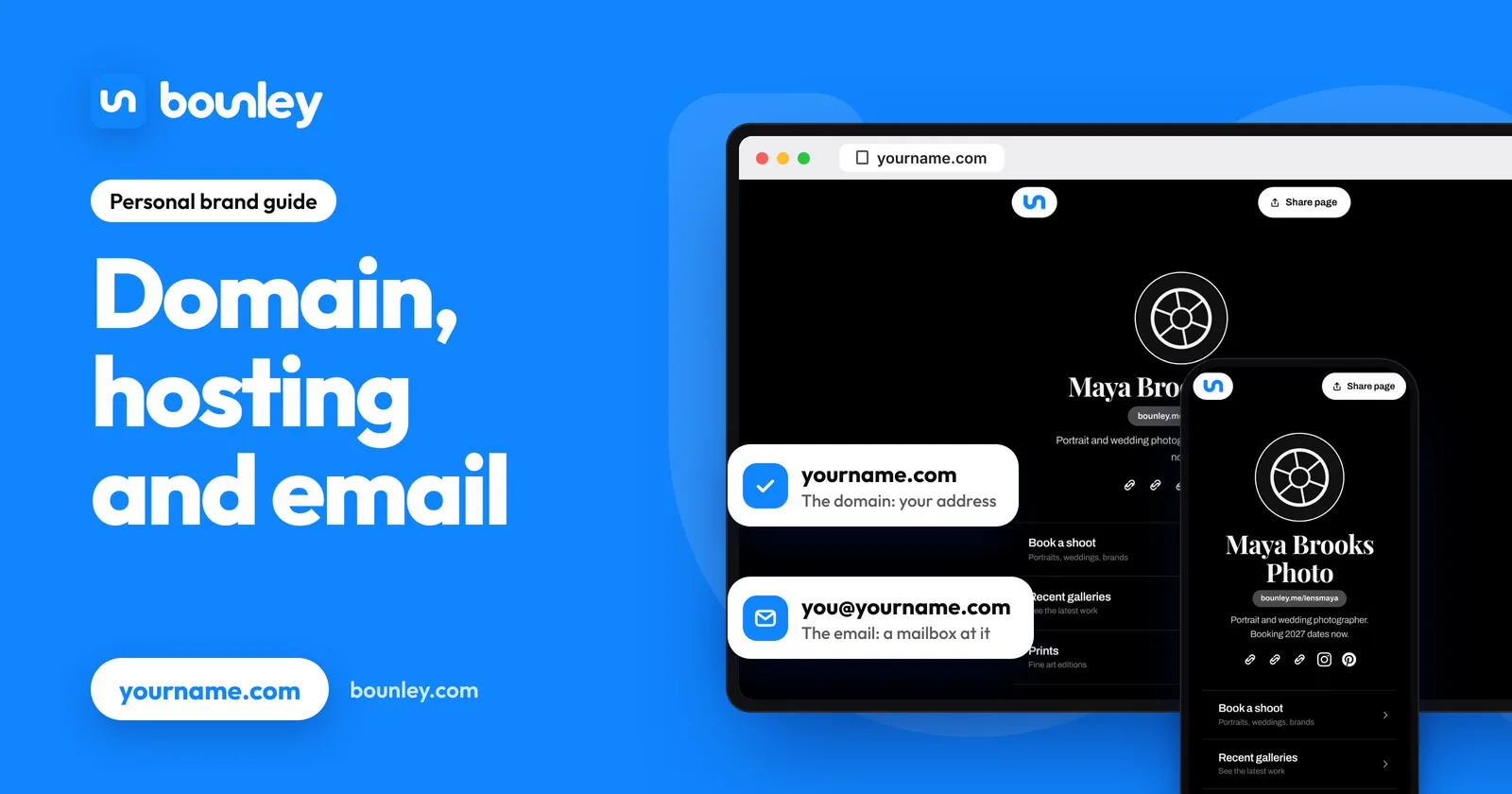
The domain: your address
A domain is a name you rent, a year at a time, from a company called a registrar. While you keep paying, nobody else can use it. It isn’t a website and it isn’t an inbox; on its own it does nothing. It’s the address you’ll point at both.
- It’s registered in your name, and you can move it to another registrar.
- If it lapses, someone else can register it, so turn on auto-renew.
- The ending (.com, .me, .co) is part of the name; each is a separate domain.
How to get yourname.com and how to choose one.
Hosting: where the site lives
A website is a set of files, and they have to sit on a computer that’s always on. That’s hosting. You’ll meet it in one of two ways:
- Included. A website builder or a personal brand platform hosts what you make with it. You never see the word “hosting”; it’s part of the plan.
- Separate. You rent space from a host and install or upload a site yourself. More control, more upkeep: updates, backups and security are yours.
For one page about you, included hosting is the sensible choice. How to choose a personal website builder.
Email: a separate service
This is where most people are caught out. Owning yourname.com doesn’t give you you@yourname.com, and neither does a website plan in most cases. An address needs a mailbox, and a mailbox is a service of its own. There are two kinds:
- Forwarding. Mail to you@yourname.com is passed on to an address you already have. Often free. Replies come from your old address unless you set up sending too, which is where it gets fiddly.
- A mailbox. A real inbox at your domain that receives and sends as you@yourname.com. Usually paid, per mailbox.
How to get a professional email address compares the ways, and what free options give you.
DNS: the signposts
DNS is a short list of records kept at your domain. Each one answers a question other computers ask.
| Record | The question it answers |
|---|---|
| A or CNAME | Where is the website for this name? |
| MX | Where should mail for this name be delivered? |
| SPF | Which services are allowed to send mail as this name? |
| DKIM | Is this message really from this name, and unchanged? |
| DMARC | What should happen to mail that fails those checks? |
The website records are forgiving: get them wrong and the site doesn’t load until you fix them. The email records are not: a missing one can send your mail to spam without any error. How to connect a domain to a website and why emails go to spam.
How a visit and an email use them
- Someone types yourname.com. Their browser asks DNS where the site is, gets the host’s address, and the host sends the page.
- Someone emails you@yourname.com. Their mail service asks DNS for the MX record, and delivers to your email service.
- You reply. Their mail service checks SPF, DKIM and DMARC at your domain to decide whether the reply is really from you, and whether it goes to the inbox.
What you actually need
| You want | You need |
|---|---|
| A page about you, today, free | A free site at a tool’s own address. No domain, hosting or DNS. |
| That page at yourname.com | A domain, a tool that hosts the site, and two website records. |
| you@yourname.com as well | All of that, plus a mailbox and the four email records. |
| A large site you run yourself | A domain, separate hosting, a mailbox, and time. |
What each piece typically costs.
Buying them separately, or together
Bought separately, you choose the best of each and connect them yourself: three accounts, three bills, and the DNS in between. Bought together, one company sets up the records and there’s one place to look when something breaks; the trade-off is less choice in each part. Website, domain and email in one place goes through the kinds of service that sell them together, and Bounley or doing it yourself compares the two routes step by step.
Bounley, the platform built for personal brands, is the together route: the site is free while in beta, and Premium adds your own domain and an email address at it, with the records put in for you on a domain you get through Bounley. Premium is invitation-only during the beta; the waitlist is emailed the day it opens.
Questions
Is a domain the same as a website?
No. The domain is the address; the website is what’s at it. You can own a domain with no site, and have a site at someone else’s address with no domain.
Do I need to buy hosting?
Not if you use a website builder or a platform that hosts what you make. You need separate hosting only if you’re installing or uploading a site yourself.
Does a domain come with email?
Not by itself. Some registrars include forwarding, and some plans include a mailbox for a time. Check whether it’s a real inbox, and what it costs after any trial.
Can I move my domain later?
Yes. A domain registered in your name can be pointed at a different site or email service by changing its DNS records, and moved to a different registrar.
Which should I buy first?
The domain, because it’s the only part someone else can take. The site and the mailbox can be added whenever you’re ready.