The four, side by side
| Receives mail | Stores mail | Sends as your domain | Usual cost | |
|---|---|---|---|---|
| Mailbox | Yes | Yes | Yes | Paid, per mailbox |
| Forwarding | Yes, then passes it on | No | Not by itself | Often free with a domain |
| Alias | Yes, into an existing mailbox | In that mailbox | Usually, from that mailbox | Usually free with a mailbox |
| Catch-all | Yes, for any address at the domain | In one mailbox | Depends on the service | Usually free with a mailbox |
A mailbox: the real thing
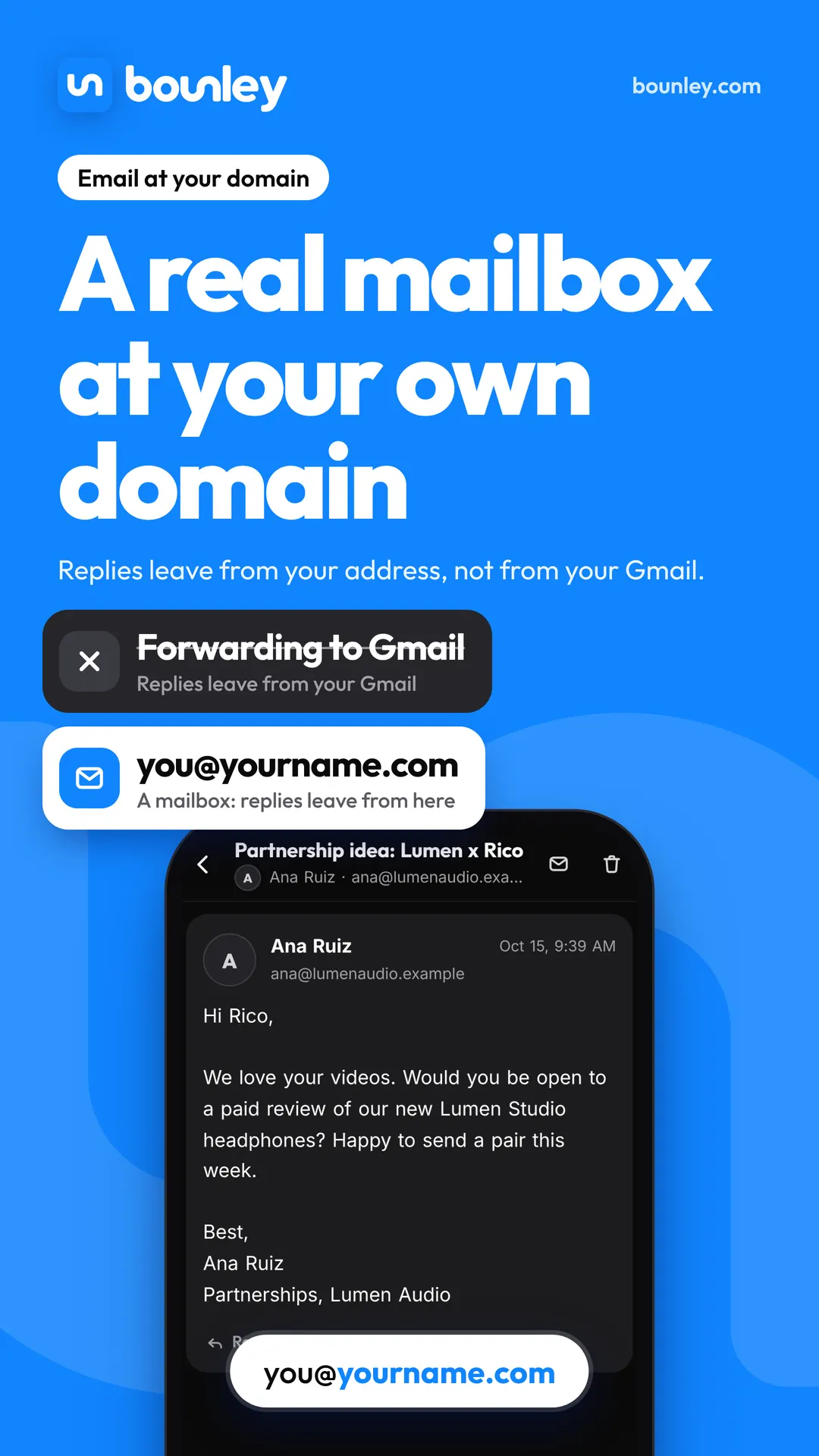
A mailbox is an inbox that belongs to your address. Mail to you@yourname.com arrives there, stays there, and your replies leave from you@yourname.com, signed by your domain. It is what people mean by “email at your own domain”, and it is the only one of the four that does the whole job without help.
Email hosts generally charge per mailbox each month. One is enough for one person: you don’t need a second mailbox to have a second address.
Forwarding: cheap, and where it goes wrong
Forwarding takes mail sent to you@yourname.com and passes it to an inbox you already have, such as a Gmail account. Many domain registrars include it free, which is why it’s the first thing most people try.
- Your replies give you away. You read the message in Gmail, so your reply leaves from yourname2003@gmail.com. The brand that wrote to your professional address gets an answer from your personal one.
- “Send as” is the usual patch, and it’s being withdrawn. Gmail lets you send as another address through that address’s own server. Google’s help pages say this ends in January 2027 for addresses Google doesn’t host. What works with Gmail in 2026 and 2027.
- Forwarded mail is filtered more. When a message is passed on, the checks that prove where it came from (SPF in particular) can fail at the second inbox, so some forwarded mail lands in spam or is refused.
- Nothing is stored at your domain. If the Gmail account is lost, so is the mail.
Forwarding is fine for an address you only receive on: a receipts@ or a domains@ you never reply from.
An alias: a second name for the same inbox
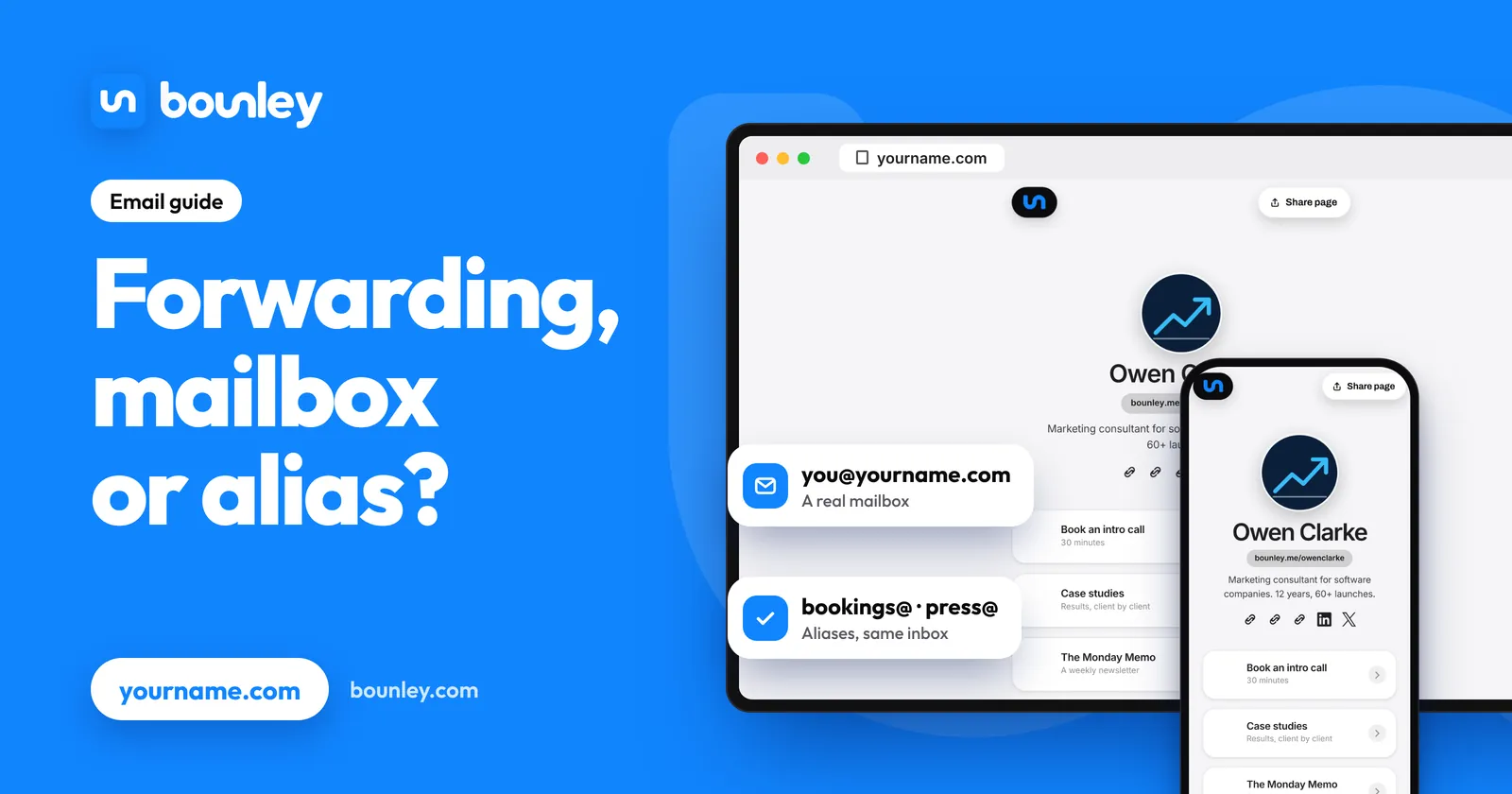
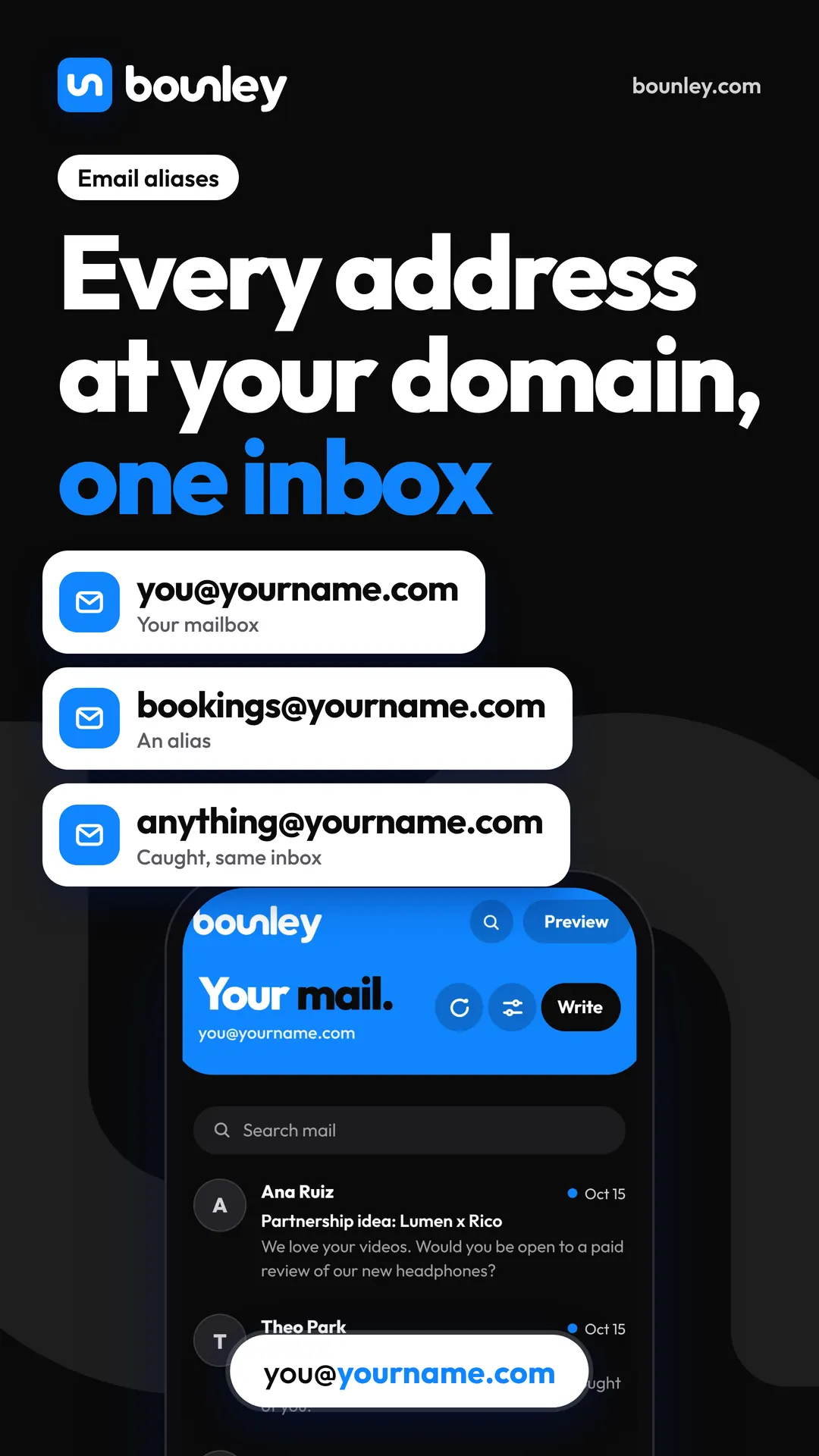
An alias is another address that delivers into a mailbox you already have. bookings@yourname.com and press@yourname.com can both be aliases of you@yourname.com: three addresses, one inbox, one bill.
Use aliases to sort mail by what it’s about, not to look bigger than you are. contact@, hello@ or info@ covers which ones a personal brand needs.
A catch-all: every address works
A catch-all delivers mail for any address at your domain, including ones you never set up, into one inbox. If a venue writes to booking@ when your address is bookings@, it still arrives.
- For: no missed mail from a mistyped or guessed address, and you can give a different address to each sign-up (shop@, newsletter@) to see who passes it on.
- Against: spam sent to made-up addresses at your domain arrives too, so the inbox needs a decent filter.
Which a one-person brand needs
- One real mailbox, at the address you’ll put in your bios and signature.
- A catch-all, or two or three aliases, so bookings@ and press@ reach the same inbox.
- Replies that leave from the address the person wrote to.
- No forwarding into a personal account for anything you answer.
How Bounley does it
Bounley Premium gives your domain one inbox, inside Bounley next to your site. You start as contact@yourname.com and can change it. Mail to every address at your domain lands in that inbox, and a reply goes out from the address the message was sent to, with your signature under it. There’s nothing to forward and no “send as” to set up. Premium is invitation-only during the beta: join the waitlist and we’ll email you the day it opens.
Questions
Is email forwarding enough for a business?
Only for addresses you never reply from. The moment you answer, the reply leaves from the inbox the mail was forwarded to, which is usually a personal address.
What is the difference between an alias and forwarding?
An alias delivers into a mailbox at the same email service, so you can usually send as it too. Forwarding hands the message to a different service, which can’t send as your domain without extra set-up.
Does a catch-all get more spam?
It can, because mail to addresses that don’t exist is accepted instead of bounced. A good spam filter deals with most of it, and you can turn the catch-all off and keep named aliases if it becomes a nuisance.
How many mailboxes does one person need?
One. Extra addresses should be aliases of it, so you read everything in one place and pay for one mailbox.